 Knowledge Library
Decision in brief
Start with scoped tasks, a short project instruction file, and a command that proves the change worked. Use Plan mode for changes with ambiguous boundaries, then review the diff and run the acceptance check yourself. Adopt skills only for workflows that repeat and are hard to describe cleanly in one prompt.
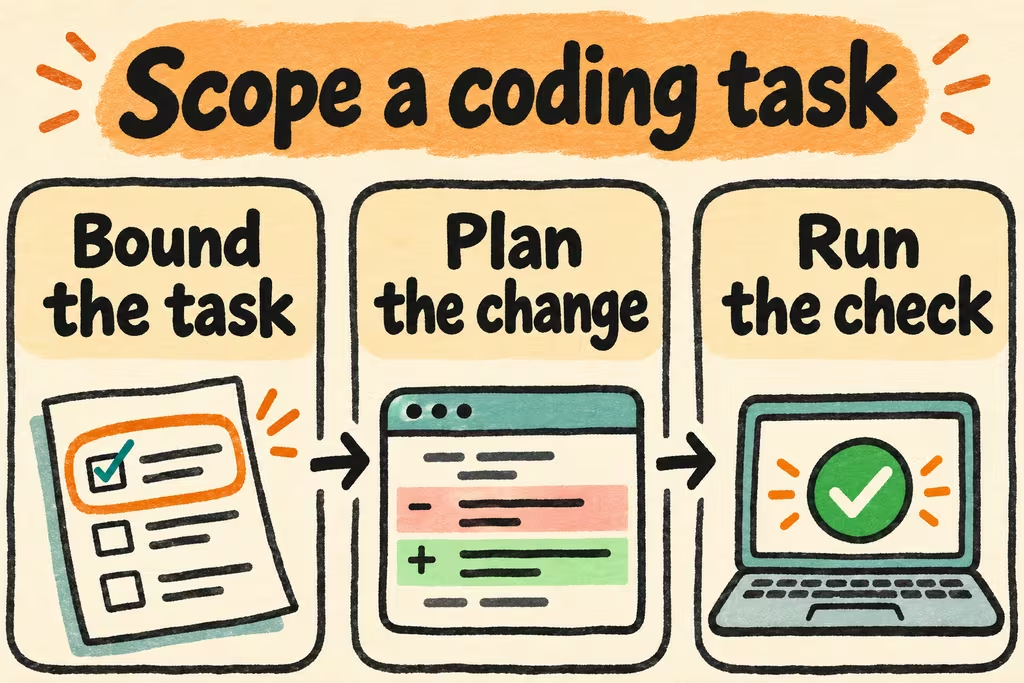
Put each rule where it can be enforced
Keep the repo’s checked-in CLAUDE.md short: how to start, one known-good test command, which paths are generated, and a few costly traps. Put checkable rules in CI and long procedures in a skill. In a GitHub repository used with several assistants, choose one canonical source for shared instructions. If CLAUDE.md imports it, verify both the resolved instruction text and its scope with /memory.
For an ambiguous change ask Claude Code to identify current behavior, test coverage, and expected files before editing. Plan mode helps with that step; it does not replace effective permissions or an isolated checkout. For changes to a few files, test in small intervals so you can attribute a failure to a specific edit.
| Problem you see | Change to make | Signal it helped |
|---|---|---|
| Wrong test command or unnecessary root build | Put the exact package-level command and expected working directory in CLAUDE.md. | A clean session can run the right test on its first attempt. |
| Edits in generated or unrelated paths | Name the generated paths in project instructions and scope the prompt. Check git diff --name-only yourself. | The patch contains the agreed source and test files, with no unrelated formatting. |
| Wrong abstraction or undocumented assumptions | Ask for a plan naming callers, invariants, and files before you allow edits. | A maintainer can reject a mistaken dependency or assumption before it reaches the diff. |
| Repeated multi-step maintenance | Wrap the procedure in a skill; leave the pass/fail gate in CI. | Different contributors get similar output and can reproduce results without the chat transcript. |
What HN experience can and cannot transfer
When developers were discussing how to keep instructions in sync across AI editors, simonw described a CLAUDE.md import that points to a shared file instead of maintaining copies. The useful part is the single edit point. Confirm in a fresh session that a new teammate’s checkout sees it; this comment does not prove that every assistant loads the same file or follows instructions the same way.
In another thread, dazamarquez described using AI for specific unit tests that were tedious to write but easy to verify, and skipping broader legacy changes where validation took longer than manual work. The dividing line is the cost of verification. A small patch that changes undocumented contracts can be worse suited than a larger set of straightforward fixture tests.
Try the same issue before and after adding instructions
Use a branch with a simple fixture bug: an import should preserve quoted commas and skip empty rows. Write acceptance tests first or have a peer hold them separately so both runs face the same standard.
- From the same commit, run the tests yourself and prepare two clean worktrees with the same Python or Node version and model settings. Start a fresh session in each.
- In the first worktree, ask Claude Code to fix the import behavior. In the second, add a concise CLAUDE.md with the code owner’s paths, test command, and an instruction to avoid generated files. Use the same issue description, then confirm the new instructions with /memory.
- Run acceptance and neighboring tests yourself and inspect git diff --stat and git diff --name-only. Count unwanted changes, clarification turns, verification minutes, and any manual rewrite.
- Keep instructions that saved time or avoided an actual mistake. Remove generic advice that never changed a decision. Try Plan mode separately on a task that spans modules so its effect is visible.