 Knowledge Library
Decision in brief
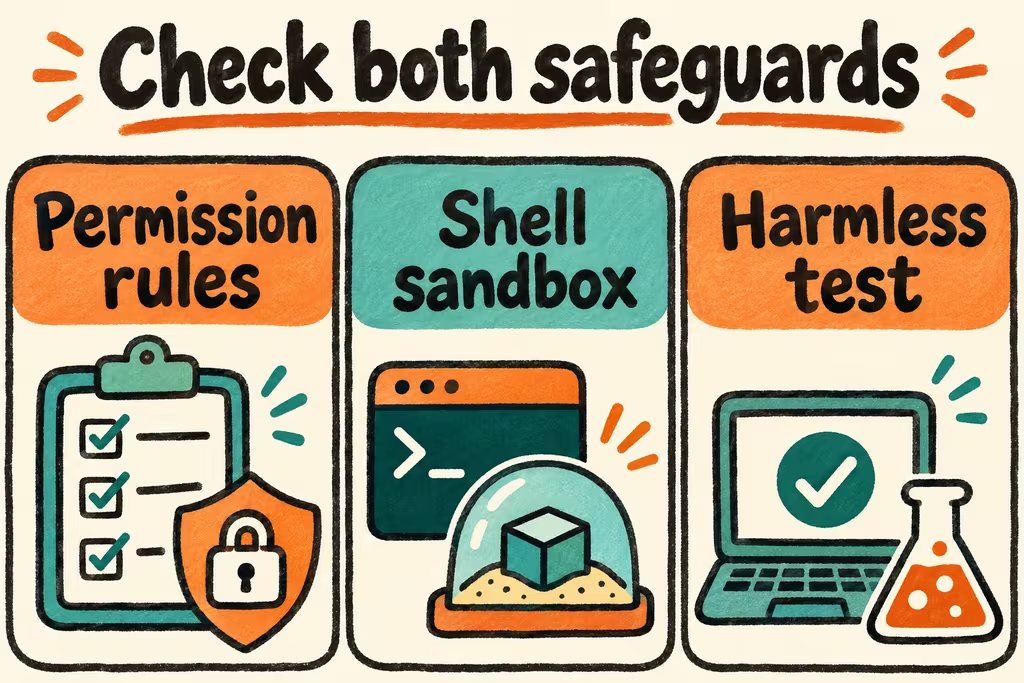
Use Claude Code permissions to control which actions get allowed, denied, or routed to a person for approval. Enable shell sandboxing to enforce filesystem and network restrictions on agent-run commands. For sensitive development work, use a clean environment and verify both layers with harmless fixtures.
Claude Code sandbox vs permission rules
As documented on November 16, 2026, shell sandboxing applies to agent-run shell commands and child processes within its supported scope. Built-in file and web tools follow Claude Code’s permission rules. Hooks, local MCP servers, and other processes started by Claude Code can require separate isolation. If you need one boundary around the entire local process, use an approved outer environment with restricted credentials and egress.
| Layer | Use it to control | How to check |
|---|---|---|
| Tool permissions | Approval, allow, or deny outcomes for supported tool actions | Review effective rules and exercise each tool against approved and forbidden dummy paths. |
| Shell sandbox | Filesystem and network reach of commands inside its scope | Check /sandbox in the actual project and verify that blocked operations fail without a retry outside the boundary. |
| Environment isolation | Availability of secrets, hosts, or services to the entire session | Use dummy credentials and verify reachability using a disposable development environment. |
| Code review | Correctness and scope of edits before merge | Review diffs, run required tests, and require a separate approval before release. |
Set up a defensive baseline
Anthropic documents Seatbelt on macOS and dependencies including bubblewrap and socat on Linux and WSL2. Use /sandbox to inspect dependencies and resolved settings. Teams that require shell sandboxing can set sandbox.failIfUnavailable to true and disable unsandboxed retries using sandbox.allowUnsandboxedCommands. Check the official version and platform guidance before rolling those controls out.
- Start in a disposable checkout without real tokens, customer data, production credentials, or other sensitive directories mounted.
- Allow the minimum repository operations needed for the task. Require a person to approve changes to sensitive paths and external systems.
- Create harmless fixture files inside and outside the intended workspace. Test approved reads and writes and confirm that forbidden operations are blocked in the appropriate surface.
- Recheck hooks, plugins, and MCP servers independently. Move sensitive workflows into an approved outer environment if their processes need access beyond the shell sandbox.
- Keep a review gate for deploys and protected branch changes. Record the client version, effective policy, and the actual behavior observed in the pilot.
What developers report on HN
HN user weitendorf described building a browser-based remote container for coding agents. Their account illustrates why a separate runtime can appeal to teams that want to reduce exposure of the work machine. Review the actual boundary and mounted credentials before treating any container as a complete solution.
HN user prmph preferred a terminal workflow that allowed them to approve edits closely. HN user SwellJoe described concern about installing and authenticating coding tools on operational devices. For that kind of environment, keep credentials on an approved workstation and use your team’s existing authorization and device access policy.