 Knowledge Library
Decision in brief
Use Claude Code when the deliverable is a repository diff that should pass your tests and go through code review. Use Claude Cowork when the deliverable is an organized set of files, a research brief, a workbook, or a presentation. Claude Desktop is an app that gives access to these workflows. Confirm the account’s current rollout and usage settings before choosing a plan, especially if both workflows will draw on the same subscription.
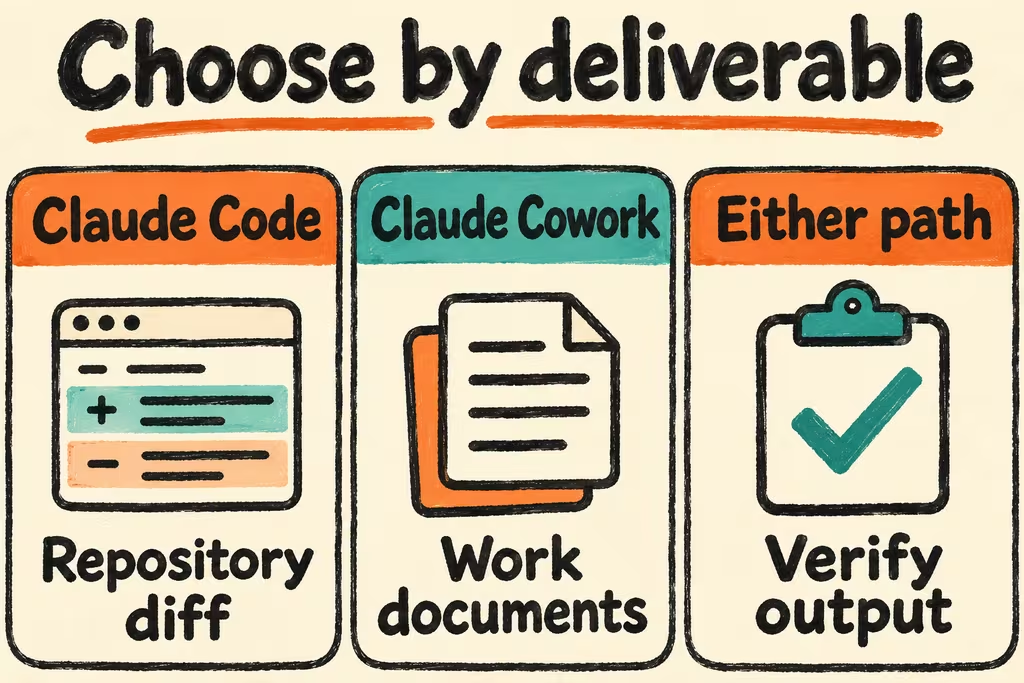
Choose by deliverable and where work runs
Claude Code offers a terminal interface and other surfaces for repository work. Begin with the target repository and let Git and tests define the handoff. Anthropic describes Cowork as a task-driven workflow whose cloud sessions can continue when you step away. Access to files on your computer depends on the supported desktop setup being connected. Decide which files, accounts, and tools the task requires before you grant access.
Anthropic is rolling out a unified Claude chat and Cowork experience. Some accounts still show an explicit Cowork option while others start both through the same conversation surface. For team rollout, confirm the availability, organization settings, and supported platforms in the official guide for your seat.
| Deliverable | Start with | Verify before handoff |
|---|---|---|
| Code patch or test repair | Claude Code in the repository | Required tests pass, the diff is scoped, and branch review works. |
| Spreadsheet or presentation from source files | Cowork | Formulas recalculate, references match source records, and original files remain intact. |
| Research brief from a controlled set of documents | Cowork | Each recommendation can be traced to the material and the audience can open the artifact. |
| Explain a change for colleagues outside engineering | Claude Code for the patch and Cowork for the brief | Export a sanitized change summary and check the resulting brief against it. |
Claude Code vs Claude Cowork cost
Anthropic lists Cowork on paid plans and documents shared subscription usage across Claude surfaces, including Claude Code. Plan access and execution settings vary. Verify the exact plan in Anthropic’s pricing and help pages and check usage before and after a representative week. For Claude Code runs authenticated to the API, record API billing separately from subscription usage.
Compare cost per accepted deliverable, counting usage, reviewer effort, and rework. For Claude Code, record quota interruptions and manual fixes. For Cowork, record the time needed to verify source citations or formulas. A cheaper task is only useful if it passes the same acceptance gate.
What Hacker News users did with each surface
Under the original Cowork announcement, tacoooooooo said they already used Claude Code for personal and non-development workflows and saw a simpler interface as a way to make those tasks more accessible. In a later rollout discussion, Claude team member felixrieseberg described local files and apps as available while at the computer and background work as able to continue on a cloud machine.
In a separate Show HN case, bgnm2000 said they and a colleague had Claude Code sessions with different local context discuss a frontend and backend plan while the humans supervised. That case is a custom workflow. Its practical lesson is to write down which inputs each participant can see and keep a reviewable handoff as the output.
Run one code task and one document task
Use a throwaway repo and a separate test folder rather than live customer files. Define a single deliverable with a pass/fail check for each workflow and observe where teammates need help reviewing it.
- In Code, fix a known CSV rounding regression and add a unit test on a clean branch. Keep the patch local until a human checks the diff and test results.
- In Cowork, turn three synthetic weekly reports into a one-page brief and categorized workbook. Supply a dedicated input folder and a separate output folder. Verify the workbook totals independently and open every cited file reference.
- Record hands-on time, task runtime, corrections, usage displayed for the session, and any permission prompt you needed to resolve. If both tasks recur, compare the weekly combined usage with the selected plan’s documented limits and review the handoff between the two workflows.