 Knowledge Library
Decision in brief
Start with Claude Code if your team already relies on Claude Code project instructions, skills, or GitHub workflows and wants to keep that setup. Start with OpenCode if swapping providers or models is an explicit requirement and someone can own configuration and permissions. Benchmark both against the same authorized provider and model first when they support it, then test the actual defaults you would deploy.
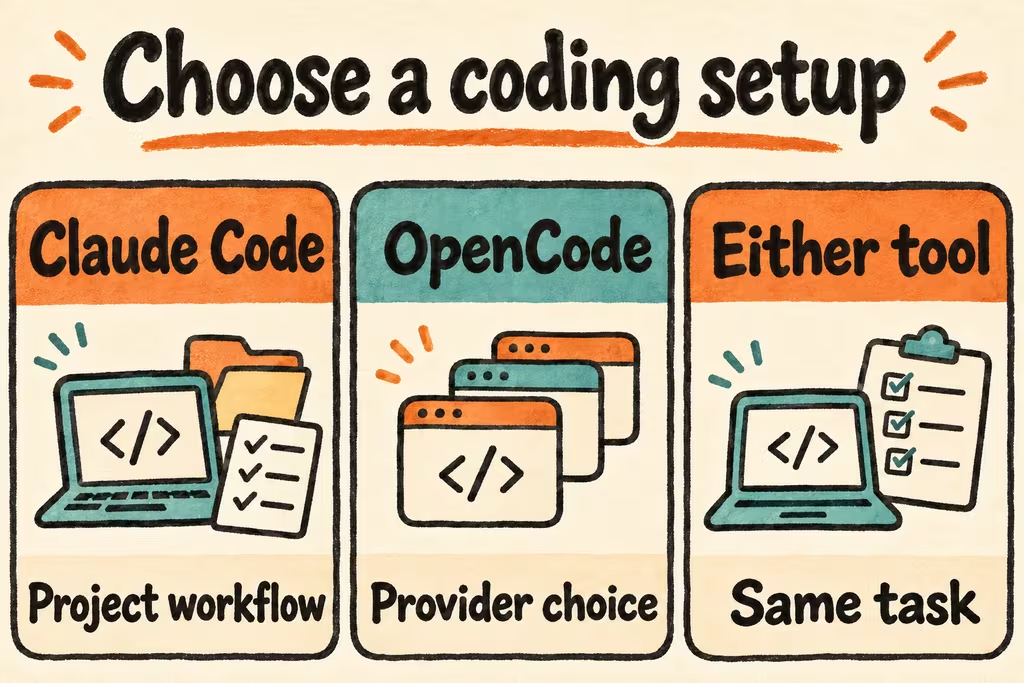
Separate the agent harness from the model and billing path
Claude Code and OpenCode are the tools around the model: they assemble context, choose tools, and apply permissions. OpenCode documents multiple providers and a configurable provider/model pair; provider eligibility and allowed credentials need their own check. The same model name can still produce different results when the provider, effort level, visible files, or tool calls change.
Compare token usage as input, cached input where reported, and output. A fresh session and a resumed session are different test conditions. Record tool calls and failed retries as well as tokens; metering can include cache behavior or a proxy’s additional context. If one product bills by plan usage instead, keep that measurement separate and compare total cost per accepted patch under your own billing terms.
| Decision | Claude Code pilot | OpenCode pilot | What settles it |
|---|---|---|---|
| Repo conventions | Verify CLAUDE.md, skills and your tests in a clean checkout. | Install the needed project instructions and inspect what the session can see. | Which setup yields a patch that follows conventions with the fewest prompts or fixes? |
| Long sessions and token use | Record usage separately for fresh and resumed runs. | Record the same fields with the exact provider and model ID pinned. | Which produces equivalent accepted output with lower billed usage and fewer restarts? |
| Provider choice | Check the supported connection path your organization allows. | Validate each candidate provider and credential option in the actual environment. | Can the owner switch between approved providers without losing the test or permission workflow? |
| File and command permissions | Use plan or restricted permissions and inspect the active rules. | Check the selected agent and explicit permissions for file writes, shell, and optional tools. | A harmless trial confirms the expected controls and no access to paths outside the fixture. |
What an HN token comparison can miss
In a thread comparing Claude Code and OpenCode startup context, MallocVoidstar called out a local gateway and the model choice in the experiment. A gateway can add its own input, and an old model or uneven settings can limit the relevance of a result. Treat the headline as a prompt to reproduce the measurement with your own versions.
In a separate project announcement, plawlost showed a tool that reconstructs a handoff from session and Git history when switching among Claude Code, Codex, and OpenCode. This is the builder’s report of a workflow, not a security or reliability assessment of that utility. If switching is the goal, verify that a different assistant can continue from a short issue note, a diff, and the test command; don’t assume saved sessions are interchangeable.
Run matched cold and warm comparisons on one fixture
Use a routine task with easily verified output, such as changing a log formatter to include an optional field without changing old messages. Both runs must pass the same tests; no secrets or networking are needed in the checkout.
- Create two clean worktrees from the same commit. Record tool versions, exact model IDs, connection path, context settings, and active permissions. Disable optional integrations. If you cannot use the same model and approved provider, label the test as a product comparison.
- Start a clean session in each client with the same prompt, allowed files, test command, and time box. Record first response and accepted patch times. Check git diff and run the tests independently.
- In both existing sessions, ask for the same small follow-up and re-run acceptance. Repeat with fresh sessions when measuring startup behavior. Log input, cache hits, output, failed calls, or account usage only where reported.
- Evaluate a short cross-tool handoff separately if provider flexibility matters. Choose based on passing changes and total human handling plus billed usage; skip a cheaper run if it produces a patch you cannot accept.