 Knowledge Library
Decision in brief
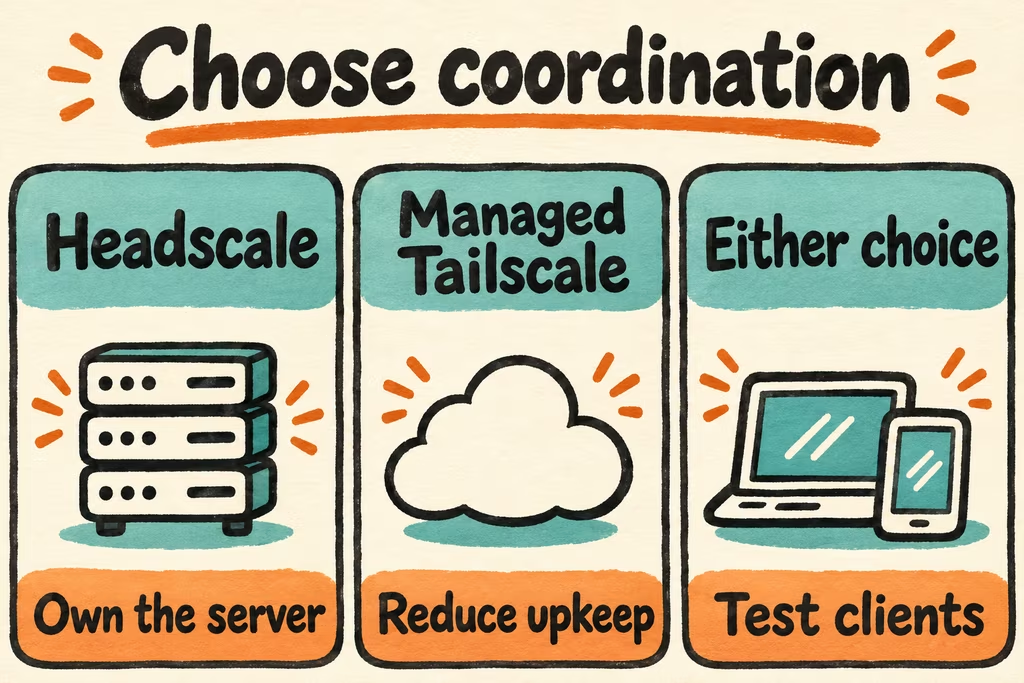
Choose Headscale when you need to operate coordination yourself, a single tailnet suffices, and you can own TLS, upgrades and recovery. Keep the managed Tailscale control plane if a required client or workflow fails the pilot, or if there is no clear operator for the new control server.
Start with the control plane and check each client
Headscale implements an alternative control server for Tailscale clients. Enroll clients against your own server URL and check features by client version. Put your pilot on a dedicated hostname with valid HTTPS reachable by the devices that need to enroll or reconnect. Test Android through the app's alternate server flow and follow the Apple-specific setup guide for iOS or macOS.
Decide how peers will connect when they cannot establish a direct path. Headscale documents optional embedded DERP and the use of external relay maps. Hosting coordination changes who operates registration and policies. A requirement to run your own relays needs a separate test of the relay configuration and availability.
| Requirement | Pilot design | Decision evidence |
|---|---|---|
| Laptop and mobile clients | One Linux peer and one actual iOS or Android device | Enroll each on the custom server, reach a private test service and verify reconnection. |
| Identity and revocation | Personal test accounts or the intended OIDC provider | Remove a disposable device and confirm that its access ends as expected. |
| Independent relay operation | Document the selected DERP map and keep fallback access during the pilot | Check the reported connection path and usability from the two networks the devices normally use. |
| Work devices with required managed features | List each required workflow and verify on the exact device version | Keep the current network for any workflow the test cannot reproduce. |
Two HN accounts to add to your checklist
fidelramos posted a walkthrough covering both Headscale and its clients. Treat client configuration as a separate deliverable. Record the app version and the onboarding path for every operating system your users will bring.
hwdsl2 described packaging a Headscale instance that generates configuration and a pre-auth key on first run. An installer can shorten the first connection. Your continuing responsibilities include expiring enrollment credentials, refreshing TLS and restoring service state.
Stage two peers before moving a real device
- Install a pinned release on a disposable host. Document the test hostname, registration method, chosen relay policy, configuration and data paths. Keep the existing network available.
- Enroll two owned devices, connect to a harmless test service from an approved peer and verify that a test identity outside the allowed group cannot reach it. Repeat after changing the mobile device from Wi-Fi to cellular.
- Revoke one disposable peer. Recover the instance from backups in a separate environment, then repeat registration and the policy check on that restore.
- Proceed if all required clients enroll, the allowed and denied checks pass, and recovery fits your target. Try 60 minutes for a small pilot. Stop if an essential device needs an unsupported feature or a revoked peer retains access.