 Knowledge Library
Decision in brief
Start with Cursor if most changes begin in an editor selection and you want to inspect edits in context. Start with Claude Code if the team already works from a terminal or wants to keep VS Code and use Anthropic’s extension. Both support multi-file agent work. The practical choice is where you prefer to inspect the plan, approve actions, and accept the diff.
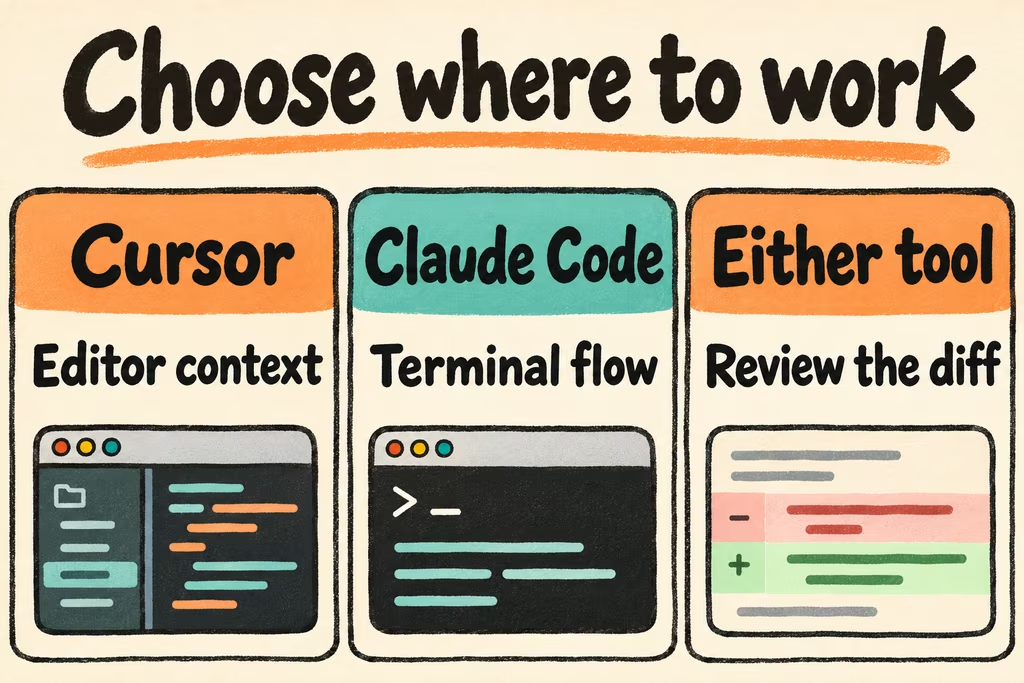
Cursor vs Claude Code in VS Code
For a team already standardized on VS Code, compare the official Claude Code extension against installing Cursor as a separate editor. Check keyboard shortcuts, language server behavior, debugging, terminal profiles, remote development, and extensions. Test one fully representative workstation before rolling out across operating systems.
Cursor’s Agent view shows changes as work proceeds and lets you reject hunks. Its Ask mode supports read-only exploration, and Plan mode lets you review an approach before execution. Claude Code provides a VS Code integration, so you can evaluate its review flow without replacing the rest of your editor setup.
| Situation | First trial | Acceptance check |
|---|---|---|
| Rapid UI or application edits | Cursor Agent and a file selection | Can you review the affected hunks and run the right checks without leaving your normal workflow? |
| Existing VS Code setup | Claude Code VS Code extension | Do team extensions and debugging continue to work while the agent proposes changes? |
| Terminal-centered or remote workflow | Claude Code CLI with your existing shell tooling | Can you reproduce the checks from a clean checkout with approved dependencies? |
| Multi-file design change | Review a proposed plan before edits in each tool | Can a reviewer identify omitted constraints and scope creep early? |
Compare the product and the model separately
Record the model and tool settings alongside the result. If the same model is available in both tools on your account, a matched-model test can help isolate editor and agent workflow differences. A second run with each team’s preferred model can answer which package is practical in daily use.
Cursor vs Claude Code vs Antigravity is a separate three-way trial. Add the third tool only after you have the baseline prompts and acceptance rubric. Otherwise differences in model defaults, editor setup, and repository access can dominate the result.
What HN users found when planning and reviewing
HN user ghshephard reported using Cursor as a daily work tool and spending time reviewing the plan before allowing execution. Their employer gave them access to several tools, so the report is a workflow example. It provides little evidence about what an individual subscription can sustain.
HN user prmph described a terminal-first Claude Code workflow and said they approve nearly every edit. That makes review interruptions part of the relevant comparison. HN user owendarko, who disclosed working at Kilo, emphasized testing different models against the same application stack. Their disclosure and differing task mix matter when interpreting the result.
Pick the tool after ten working sessions
Run a small issue in both tools and then use each across five actual work sessions. Use your real lint and test commands and write down the decision criteria before collecting results.
- Create baseline worktrees. Try a narrow editor-driven change and a broad issue where the assistant needs to locate the right files.
- Measure time to first reviewable diff, changed files outside scope, time to verify the patch, and interruptions caused by permissions or usage limits.
- Check your account’s price, included models, and treatment of metered usage. These can depend on plan and model.
- Keep the workflow that reliably leaves a smaller review burden while passing the same tests. If each tool wins a different task class, check whether the total task volume justifies paying for both.