 Knowledge Library
Decision in brief
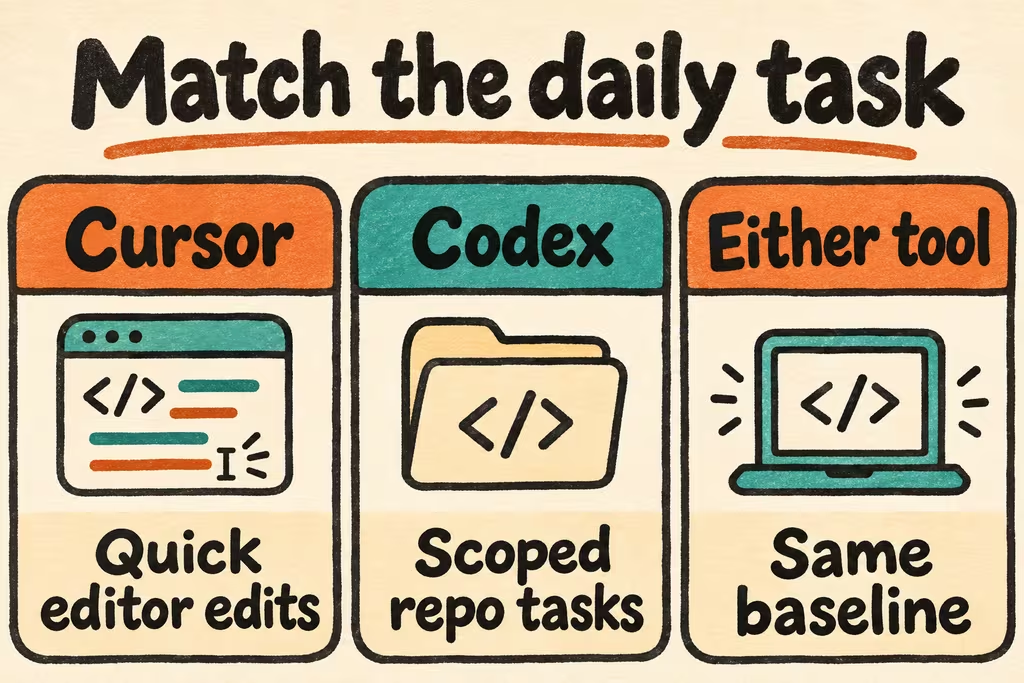
Start with Cursor’s native workflow if inline completion and quick edits dominate your day. Start with Codex if you want to evaluate OpenAI’s agent on scoped repository tasks while keeping your existing editor. If you already use Cursor, install the Codex extension in it and compare the two workflows on the same worktree baseline.
Compare the actual workflow: native Cursor Agent or OpenAI Codex
Cursor is an editor with native assistance, including Cursor Agent. OpenAI Codex is a separate coding agent with an IDE extension that officially supports Cursor. A model you can select in Cursor is only part of the system: the tool’s instructions, context gathering, approval policy, and file-editing behavior can change the outcome. A local editor also does not establish that all model processing is local.
Check the plans you can actually buy before testing. Codex’s pricing guide distinguishes ChatGPT plan usage from API-key billing. Cursor’s pricing guide separately lists access to third-party models and when those models incur usage charges. Record the product, model, sign-in method, and actual charge for each accepted patch.
| What you need most | Prefer in the pilot | What to measure |
|---|---|---|
| Short edits with many human turns | Cursor native features in the current editor. | Time from typing or prompting to accepting the right edit; interruptions to the existing workflow. |
| One explicit repository issue | Codex extension and Cursor Agent side by side in Cursor. | Acceptance tests passed, unintended paths changed, approval prompts, and time to a diff a colleague can review. |
| Unattended work | Evaluate each product’s hosted flow separately from its local editor workflow. | Can an approved environment load the repo and dependencies, run the same tests, and return a patch you can reproduce? |
| Use of both tools | Assign each its own issue and branch, or use one as a read-only reviewer of a finished diff. | Check duplicate effort and context handoff; compare the second tool’s verified value with its monthly cost. |
What developers on HN keep each tool for
muzani reported favoring Codex for some tasks and returning to Cursor for its autocomplete. That is one developer’s account, but it highlights an easy mistake: evaluating inline completion and issue-to-patch work as one job, then choosing by a single average.
In a separate Show HN, alexechoi said that agents working in parallel without shared task context duplicated work and made conflicting changes. The author was introducing a coordination tool, so this is a report of the problem that prompted the project, not independent validation of the solution. Give tasks explicit owners and branches before adding more agents.
Run a two-task comparison in Cursor
Use the Cursor editor for both runs so that the assistant is the main workflow difference. Use two small, disposable tasks from your own work: an edit around a currently open function and a cross-file change such as adding an optional CSV column while preserving existing exports.
- Prepare a clean copy of the same commit for each tool and write independent tests for the expected behavior before the trial. Start with fresh chat state and leave optional integrations off.
- For the small edit, compare the interaction you would actually use in each product. For the cross-file task, give each agent the same requirements, time box, and editable paths. Record product version, model and approval settings.
- Run the same tests and inspect the diff. Record setup and steering minutes, time to an accepted patch, changed paths and whether you can resume work from the resulting branch without the conversation.
- Choose the tool that delivers a passing, reviewable change with lower total handling time in your frequent task. Keep a second tool only when it wins a distinct workflow worth the added friction.