 Knowledge Library
Decision in brief
Start with Uptime Kuma if you need a visible service health check, Syncthing if you need to keep a known folder aligned between devices, or Navidrome if you already own an organized music library. Consider Immich once you can restore both its database and media and have space for imports. Host one app at a time until there is a measurable benefit and a repeatable recovery path.
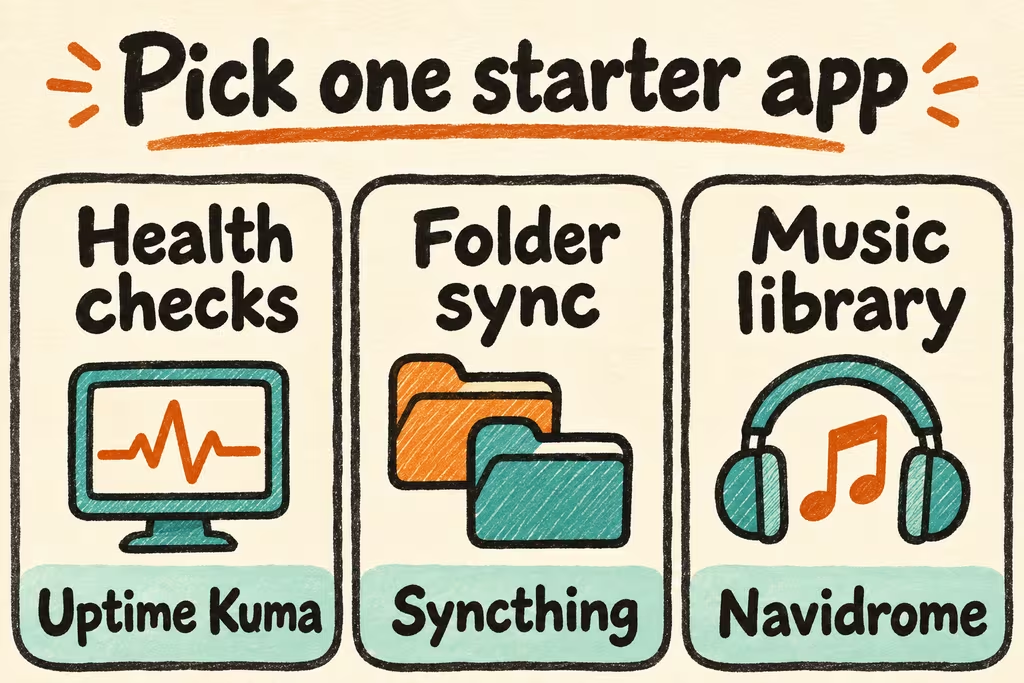
A practical shortlist by maintenance and data
Assign each candidate one job and one measurable benefit. The same app can be a low-risk trial with disposable records and a high-risk system after it holds your only copies. Estimate disk and backup growth using a small import and include dependencies and test time in total cost.
A sync tool moves changes between devices. Keep an independent backup and verify restoration. For an availability alert, place a check outside the failure boundary when a host or network outage should trigger it.
| App and job | Small first trial | Costs and recovery gate |
|---|---|---|
| Uptime Kuma for monitoring | Watch one service from an independent host or network | Save configuration and verify an outage and a recovery notification |
| Syncthing for folder replication | Sync a disposable folder across two approved devices | Measure conflict handling and recover a deletion from an independent copy |
| Navidrome for owned music | Import a small library and try your actual mobile client | Allow media and backup space and verify playlists and settings survive restore |
| Immich for a photo collection | Import a duplicate sample of photos and videos | Budget for media, generated data and backup and restore the database plus media together |
HN examples of stacking apps and keeping them running
In the Ask HN about self-hosting in 2026, sandreas described running private Git, notes, audio, photo and sync services on one host. They reported using external backup mechanisms and said it still took more maintenance than hosted services. It is a case for adding the maintenance work to the app scorecard from the first trial.
In the I Don’t Maintain My Homelab discussion, exiguus described combining monitoring tools including Uptime Kuma with a watchdog and running critical services on separate servers. Test whether an alert will reach you if the application host goes down. A local watchdog and a reachable status check solve different failure cases.
Pick one app to keep after a week
Give each app zero to two points on task benefit, export or recovery, predictable resource costs, and available maintenance time. Use two for tested, one for plausible and zero for missing or failed. A zero on recovery blocks moving important data.
- Choose the highest-scoring app and define a weekly outcome such as alerts delivered, files available on both devices, or music available on the device you actually use.
- Set up a private instance and use a copy of a small dataset. Record the import time, free-space change and each problem that needed administrator time.
- Reboot the service, trigger a benign failure and restore from a separate copy. Run the same user task and compare before and after results.
- Keep it if the weekly outcome improves, recovery passes and the maintenance hours fit your cap. Remove it or keep it experimental if the existing tool handles the task with lower ongoing work.