 Knowledge Library
Decision in brief
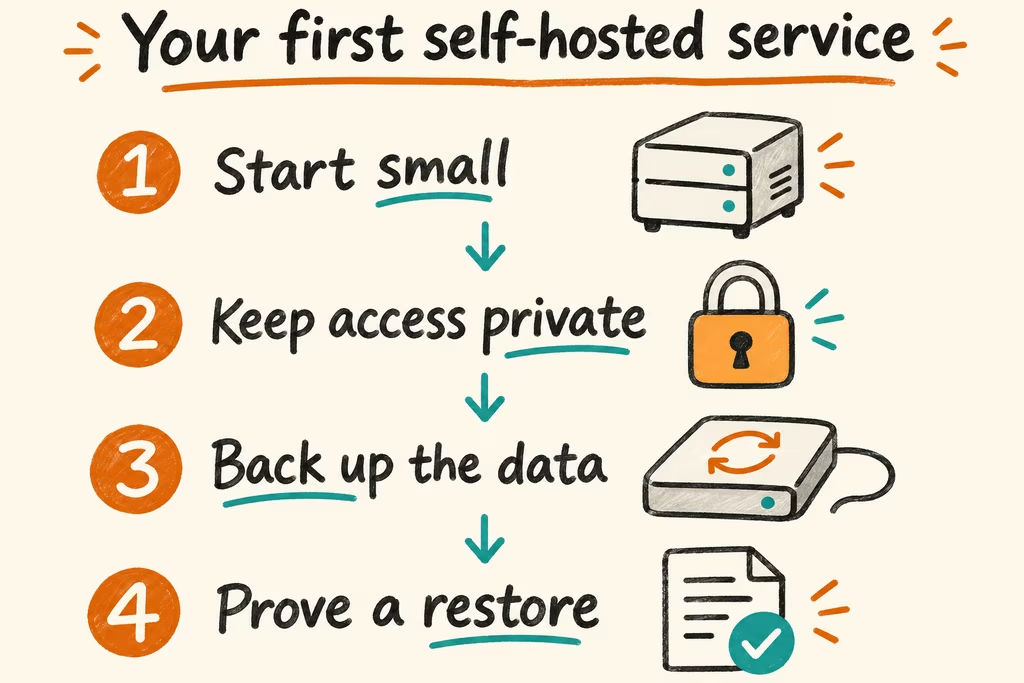
Self hosting means operating the application and its data on infrastructure you control, whether that is a server at home or a rented virtual machine. Start with one private, low-impact service whose data you can export. Move essential workloads only once someone else could restore them from your notes and backup.
Choose where the application should live
Choose the host after identifying the service’s users, access pattern and cost of downtime. A home server can use storage you already own and serve the local network during an internet outage. A VPS shifts hardware ownership but still leaves the application, operating system, accounts and backups with you.
Keep a record of where configuration, credentials and app state live. An app defined in Docker Compose can be redeployed, while its data volumes and external dependencies require their own recovery procedure.
| Option | Makes sense when | Budget for |
|---|---|---|
| Existing home computer or NAS | Users are primarily on the local network and the service can tolerate downtime | Disk replacement, power, backup space and periodic reboots |
| Private VPS | Remote reachability or an independent network location matters | Recurring instance and backup costs, patching and administrative access |
| Managed service | Recovery ownership or support matters more than host control | Subscription, export limits, cancellation and documented recovery |
| Easy-to-export service as a rehearsal | You want to learn how to operate a service before taking on critical data | One modest host and a fixed maintenance budget |
Two HN accounts illustrate the operating cost
In the Cloud in a Bottle discussion, jasongi described moving away from NAS plugins that could break during operating system upgrades. They came to separate application hosting and storage, and to prefer maintained images. The transferable check is whether your backups and recovery instructions survive the loss or replacement of the application host.
In a FreeBSD self-hosting thread, tombert said they kept a large Jellyfin library locally but shifted other services to hosted platforms because keeping them available consumed too much time. Evaluate each workload on its own storage, uptime and attention cost.
Give one disposable service a full operating cycle
Use a service with a useful but replaceable fixture. Set a downtime tolerance, a target restore time and a monthly spending and maintenance cap before starting.
- Deploy the service privately on a pinned release. Store its deployment settings in one documented place and record how to locate persistent data and export it without exposing secrets.
- Create sample data, schedule a backup to a separate destination, and set up an alert from outside the service for the failure you care about. Check that both run after a reboot.
- Restore onto a fresh host or clean environment using the notes. Verify login and access, compare representative records, and time how long it takes the service to become usable.
- Apply one upgrade with a verified pre-upgrade backup and repeat the smoke test. Continue only if recovery and ongoing effort fit the agreed limits. Retain managed service if nobody else can recover the workload.