 Knowledge Library
Decision in brief
Start with Navidrome if music is the main workload and a compatible mobile client passes your playback test. Start with Jellyfin if you already operate it and want one server for music and video. Keep an internet music service alongside either one if catalog access or new-music discovery still matters.
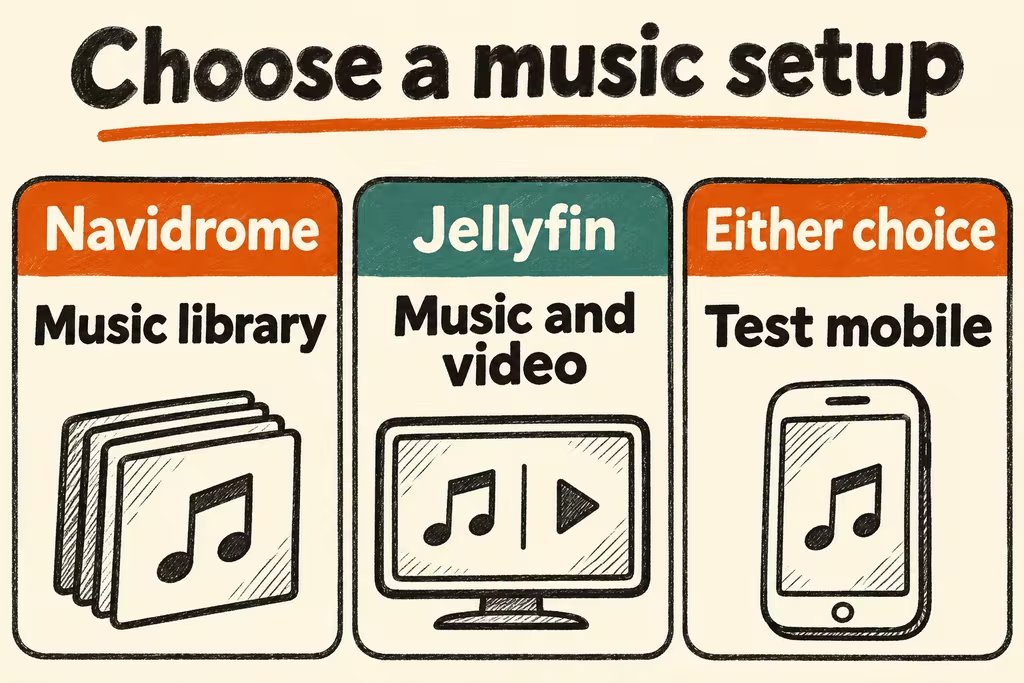
Choose server and player together
Navidrome serves an existing library through a web player and compatible OpenSubsonic clients. It can transcode and offers server-side smart playlists, which its documentation labels beta. Mobile app pricing, offline downloads and background playback can differ across clients.
Music recommendations can mean two different things. A smart playlist filters tracks you own. Discovery of new releases or external catalogs requires content or signals beyond your local files. Define which result makes the project worthwhile before setting up a recommender.
| Need | Try first | What should decide |
|---|---|---|
| Dedicated, album-focused music library | Navidrome and one compatible client on each target device | Tag accuracy, sorting, seek, gapless if required and cache behavior |
| Music alongside a video collection | Jellyfin with a separate music library | Client availability and whether its music UI behaves as expected |
| Only local playback on a computer or TV | A local library player such as Kodi | Whether remote access or sharing would add meaningful value |
| Discovery within an owned collection | Smart playlists by tags followed by an optional local analysis plugin | Does a short listening test produce variety without excessive scans or setup? |
Where two self-hosted listening setups fell short
eckelhesten introduced Kumanote on HN after using Navidrome for years and finding existing mobile apps weak at either track playback or album listening. Pick the client based on actual listening routines rather than the server’s feature list.
In the How Spotify Made Me Self Host thread, Frotag reported trying Navidrome, Plex and Jellyfin and missing streaming-radio and weekly discovery features. Their experiments with local similarity did not reproduce that experience. Test whether you want to rediscover owned tracks or find music you do not already have.
Pilot with fifty owned tracks before importing everything
Use a copy of a small, legally accessible library containing different codecs, album formats and tags. Keep original audio files separate from app data.
- Import the copy, verify album grouping, artwork and multi-disc order, and compare the server index against a sample list.
- Listen on the actual phone or computer over Wi-Fi and cellular where appropriate. Check startup, skipping, seeking and offline playback if you rely on offline downloads. Record mobile data and server CPU under transcoding.
- Create one test playlist or rule and rate the resulting listening session. Then back up the app’s state, restore to a clean instance, and check playlists, user settings, and access to the original files.
- Proceed if metadata, playback and recovery all pass for required devices and maintenance fits the budget. Keep the current playback workflow if a core client feature or ownership requirement fails.