 Knowledge Library
Decision in brief
Use official Nextcloud All-in-One when you want its bundled stack and are willing to follow the AIO install and upgrade workflow. Use a manual install when your team already owns the database, proxy and backup infrastructure and needs those components under separate management. A managed Nextcloud service fits when file sharing and desktop sync matter but host operation does not.
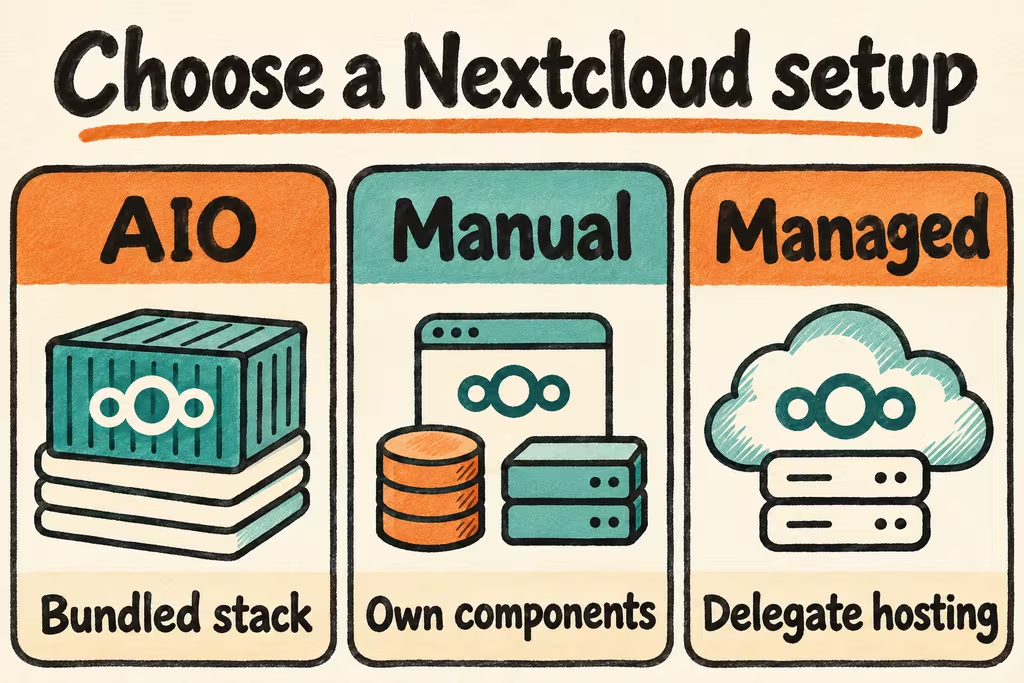
Choose an AIO or manual deployment and model the data path
Nextcloud AIO manages a Docker-based set of services that includes PostgreSQL and caching, with optional services such as Office and Borg-based backup. Use its own reverse-proxy instructions when another service terminates TLS. On macOS, decide separately whether you intend to run the AIO server or simply run the desktop sync client against a Linux server. Put long-lived server storage on a host with suitable restart and recovery behavior.
Avoid treating the sync folder as the whole backup. Nextcloud’s manual backup guidance covers configuration, app and data files, themes and the database. Identify external storage and independently check any path excluded from the backup. Test a clean restore with clients initially paused so a stale snapshot cannot immediately direct clients to remove or replace newer files.
| Deployment | Fits | What to validate |
|---|---|---|
| AIO on a dedicated host | Small team using a bundled database, sync and selected add-ons | The AIO backup includes needed data locations and restores with its stored encryption password. |
| AIO behind an existing proxy | Existing TLS management and a hostname for Nextcloud | Correct HTTPS URL and upload size or timeout behavior through that proxy. |
| Manually managed services | Team operating its own web stack, database and backups | A single documented recovery point covers the database, file data, configuration and extensions. |
What Nextcloud users report on sync and operational load
esperent reported using Nextcloud on phones and laptops with several people at a small business, with infrequent maintenance in their own setup. Treat this as a reason to test your actual mix of devices and users. A browser upload does not measure what happens when a laptop edits offline or a mobile client reconnects.
Gigachad described a simpler homelab that included Nextcloud and copied backups nightly to a local disk and encrypted cloud storage. Their account describes a backup schedule. You still need a separate test proving a matching database and file set can be recovered and connected to a clean client.
Pilot sync, shares, and a restored instance
Use a fresh tenant and fabricated files. Pick a large upload that represents your team’s work, two supported clients and one external invite test account. Confirm storage headroom for the data plus snapshots and recovery staging.
- Run the official install for your topology, configure HTTPS, and enable only the required apps. Set separate identities for a maintainer, a collaborator, and an external viewer.
- Upload twenty test files and one representative large file via the web and desktop clients. Compare checksums, try a concurrent edit with one device offline, and record the conflict behavior and recovery steps.
- Create one read-only share and one expiring link. Confirm both allowed accesses, expiry and revocation, including a fresh browser session that cannot inherit your administrator permissions.
- Restore a consistent backup on another host with original clients paused. Compare all known files, shares and versions at the backup time, then connect a clean client. Proceed only if all samples match and the restore meets your recovery deadline. Delay migration for unresolved conflict or permission behavior.