 Knowledge Library
Decision in brief
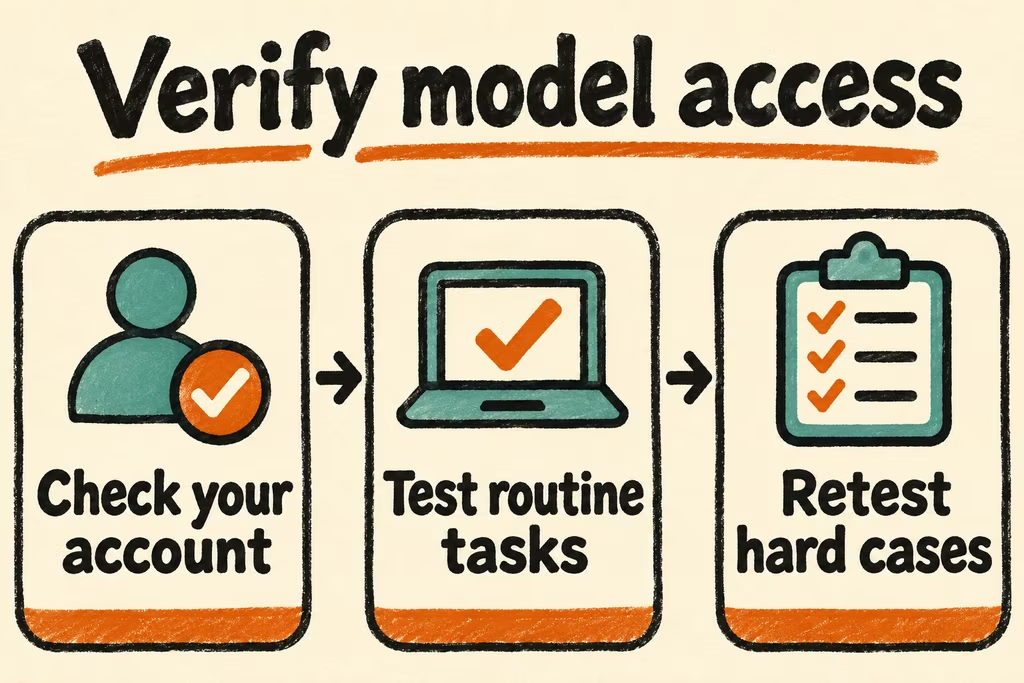
Try Gemini 4 Hydrogen for routine work and escalate a defined class of difficult failures to Argon or Carbon where your account offers them. Compare exact model IDs for API integrations. For interactive use, verify the model picker and the task mode on the specific account before planning around that model.
Choose the version and the product entry point
Google's developer catalog on November 17, 2026 lists gemini-4-hydrogen, gemini-4-argon, and gemini-4-carbon. Hydrogen is a starting candidate for high-volume everyday work. Argon and Carbon are candidates for tasks that need deeper reasoning or longer workflows. Gemini 3.8 Flash remains listed as a stable prior-generation option and can be a useful baseline if you already deploy it.
The Gemini app publishes a plan-by-plan table for chats and tasks. Google lists Argon in the app for Pro and Ultra, while paid Gemini API access to Argon is billed separately. AI Studio offers an interactive developer surface for trying models, while production API clients should record the actual developer project, explicit model ID, and billing configuration. On Vertex AI, check the publisher model, project, and region in the relevant catalog.
| Entry point | What to record | Go or no-go check |
|---|---|---|
| Gemini app | Account plan, chat or task, selected model, and remaining usage | The account can repeat the task without depending on a model or mode it cannot select. |
| Google AI Studio and Gemini API | Developer project, exact model ID, quota and pricing tier | A controlled API call returns the expected schema and usage is visible in the intended project. |
| Vertex AI | Project, location, publisher model and approved data policy | The model is available for the deployment location and the approved access path works. |
| Coding CLI or IDE | Client, sign-in method and managed entitlement | The documented client can open a disposable repo and complete a harmless task with review. |
Verify what a release announcement lets you use
In the Argon introduction thread, bobkb described difficulty locating the right model across several Google products. In a different API-key discussion, plaidfuji highlighted the change from AI Studio to Google Cloud Console while setting up billing. Gather an explicit model ID and a billing owner for the actual deployment. A screenshot of a model in another UI does not establish API access.
Google ended individual Google sign-in access to Gemini CLI and the affected Code Assist IDE extensions on June 18, 2026, and points those users to Antigravity. The notice says access under Gemini Code Assist Standard or Enterprise is unchanged. Check your entitlement before testing a coding client.
Run a model selection test in the intended surface
- Choose a representative approved request, an expected answer and a maximum cost and response time. Pick a routine candidate, then record which failures could justify comparing a stronger model.
- Open the exact surface and account planned for use. Note the model ID or displayed label, mode, plan, project and location as applicable. Use a harmless test input and keep credentials out of screenshots and notes.
- Run repeated prompts with consistent inputs. Record observed correctness, delay, errors, review time and billed usage. Verify the pricing and quota for that account before extrapolating from the sample.
- Adopt a candidate only when it passes the quality and access checks on the intended entry point. Stop if the model is missing, billing cannot be attributed or the workflow requires moving data outside approved policy. Keep the previous approved model as the fallback.