 Knowledge Library
Decision in brief
As of November 16, 2026, the old consumer Google login for Gemini CLI is no longer an option. Compare Claude Code with Antigravity CLI for a new consumer setup. Compare existing Gemini CLI workflows with Claude Code if your team still uses Gemini Code Assist Standard or Enterprise, or has a paid Google API key that supports Gemini CLI.
Which account can use which CLI?
Google removed consumer Gemini Code Assist access to Gemini CLI on June 18, 2026, including Google AI Pro and Ultra. Google says Standard and Enterprise access continues, as does Gemini CLI access through supported paid Google API keys. Check with your administrator before migrating a working managed setup.
Antigravity CLI is Google’s successor for affected consumer users. Google’s migration documentation covers extension conversion and other workspace changes. Review imports one at a time. For example, Google documents that legacy project skills may need to move from .gemini/skills/ to .agents/skills/. Confirm each connector and rule in a scratch repository before migrating live work.
| Starting situation | What to compare | Check that decides |
|---|---|---|
| Old individual Gemini CLI Google login | Antigravity CLI vs Claude Code | Run the same approved repo task on the plans actually available to you. |
| Existing Code Assist Standard or Enterprise | Current Gemini CLI vs Claude Code | Verify policy and service continuity before weighing migration cost. |
| Gemini CLI scripts on a supported paid API key | Retain Gemini CLI or test an approved replacement | Check credential scope, per-run charges, plugin support and output format. |
| Existing Claude Code workflow | Claude Code vs the eligible Google CLI | Test required repository instructions, tool approvals and controlled handoff. |
Free access, account pricing and limits
Google lists an individual Antigravity plan at US$0 with basic weekly agent rate limits, plus Google AI Pro and Ultra tiers. Check CLI access and current rate limits on that plan before depending on it. This entitlement is separate from paid Gemini API usage. Check Anthropic’s plan page for Claude Code eligibility and avoid mixing Claude subscription usage with separately billed model access.
What historical Hacker News cases tell you to recheck
In the Gemini CLI tips thread, albert_e asked whether Google document access came through Model Context Protocol instead of a native integration. That question remains useful in a migration. Inventory which features depend on your actual connectors, then check the replacement with test data.
In the separate account transition discussion, jonnyasmar wanted to retain Gemini’s complementary workflow but questioned the legacy client. This is a preference expressed during the transition. It does not settle current plan eligibility or establish quality on your repository.
Pilot the migration without touching live accounts
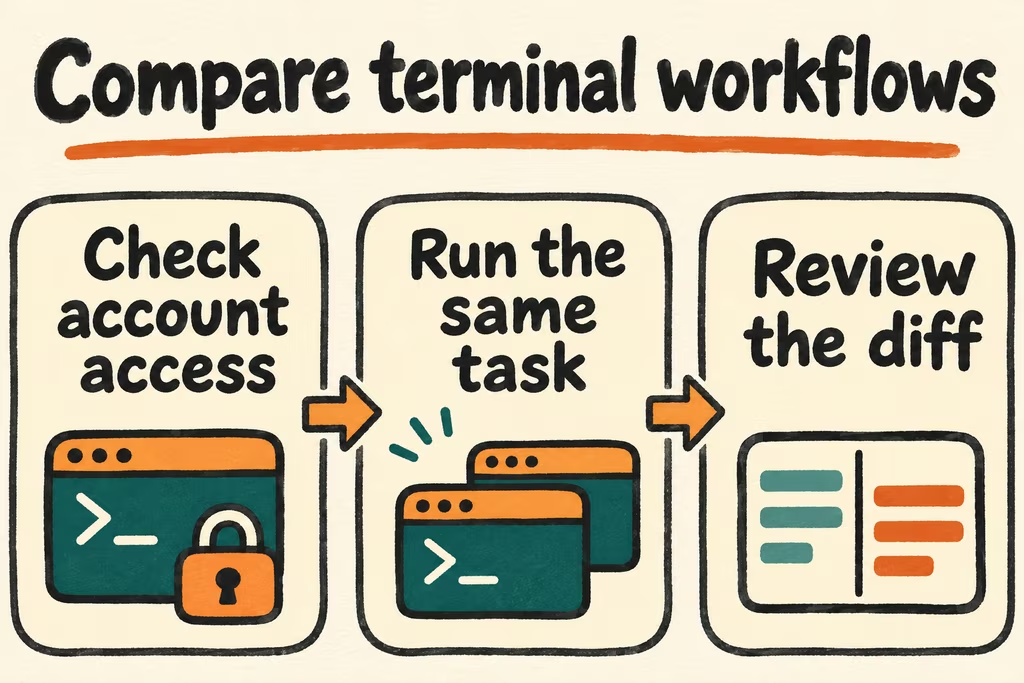
Test only the two products that you can actually provision. Use an approved disposable repository with synthetic inputs, no production credentials and a small usage limit.
- List the commands, repository instructions, extensions and trusted connectors you rely on. Confirm each candidate can authenticate and that the configured account is the one intended for the test.
- Try a scoped code explanation and a failing-unit-test repair in fresh checkouts. Capture the logged-in plan, model, version, prompted approvals, accepted diff and charge or limit consumed.
- If migrating existing Gemini CLI workflows, re-enable each approved integration separately and compare behavior against the legacy baseline. Avoid transferring old tokens or enabling unneeded integrations.
- Adopt a replacement only if both tasks meet their acceptance checks and required commands and approvals still work. Stop if the necessary entitlement or repository scope cannot be verified.