 Knowledge Library
Decision in brief
Choose a connected setup when you need the TV’s built-in apps and the available privacy controls meet your needs. Use the panel offline with an external source when its HDMI functions meet your requirements. Review the external source’s own privacy settings and keep a supported plan for firmware updates.
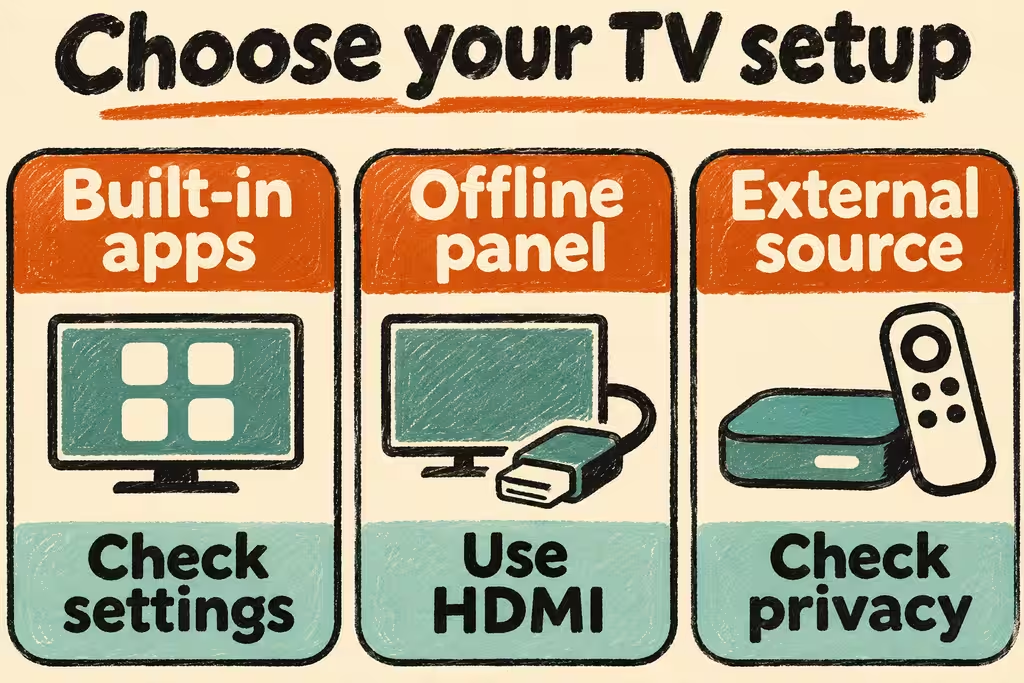
Separate viewing recognition, ads, and the app connection
Automatic content recognition (ACR) is a viewing-identification feature. An opt-out for targeted ads can be a different setting from ACR or voice interaction. LG’s US explanation, for example, describes separate choices for viewing information and interest-based cross-device advertising, with possible effects on some voice functions. Locate the current vendor help for your actual model, country and firmware.
An HDMI player adds its own vendor, account and network choices. The panel’s own settings still matter while it is connected. The US FTC’s Vizio case documents what it alleged about a particular historical deployment. Its scope does not establish another model’s behavior today.
| What you need | Configuration to trial | Check before keeping it |
|---|---|---|
| TV apps and casting | Keep connectivity and review optional viewing, advertising and voice choices separately | Required apps, casting, updates and accessibility work after restart |
| HDMI display for a console or player | Trial the panel with Wi-Fi disconnected and Ethernet unplugged | Cold start, input switching, image, sound and remote behavior still work |
| Connected streaming on an external device | Review privacy and accounts on both the panel and external device | Each device’s network access matches the role you assigned it |
| Firmware maintenance | Use the manufacturer’s supported update process | The model stays supported and optional privacy choices persist afterward |
Two household setups described on Hacker News
ajaimk described using an LG OLED on a single HDMI input with an Apple TV, while keeping Wi-Fi on the panel for updates. Treat that as two connected devices with separate controls. This setup motivates checking which features actually need network access on the panel.
In a different HN thread, qubex described an older Toshiba that had never been connected to the internet and was used with a separate streaming device. This is a useful display-only baseline. Its age and features limit what it tells us about setup requirements for a new TV.
Run a four-step check on a TV you own
- Record model, firmware, connected devices and required features. Save the names and settings of viewing recognition, personalized ads and voice features before changing anything.
- Change only the supported privacy controls you want to test. Restart and check that the choices persist, then try a required app, HDMI input and any accessibility feature.
- If you want a display-only setup, disconnect the panel from your network and repeat the same cold-start tests. Check the external streamer separately and document how you will apply vendor updates.
- Keep the setup if all required features and the update plan pass. Stop and restore the saved settings if you lose a required accessibility or update path. A setting check or absence of observed network activity in a short test cannot verify the contents of traffic.