 Knowledge Library
Decision in brief
Start with Jellyfin when you can operate the server and its supported clients on your devices play your sample reliably. Trial Plex if your existing TV setup or household workflows depend on it, and verify the official requirements for remote personal video for the accounts you use. Use a simple local player and file share when a single screen can play your files and you do not need a shared library or watch history.
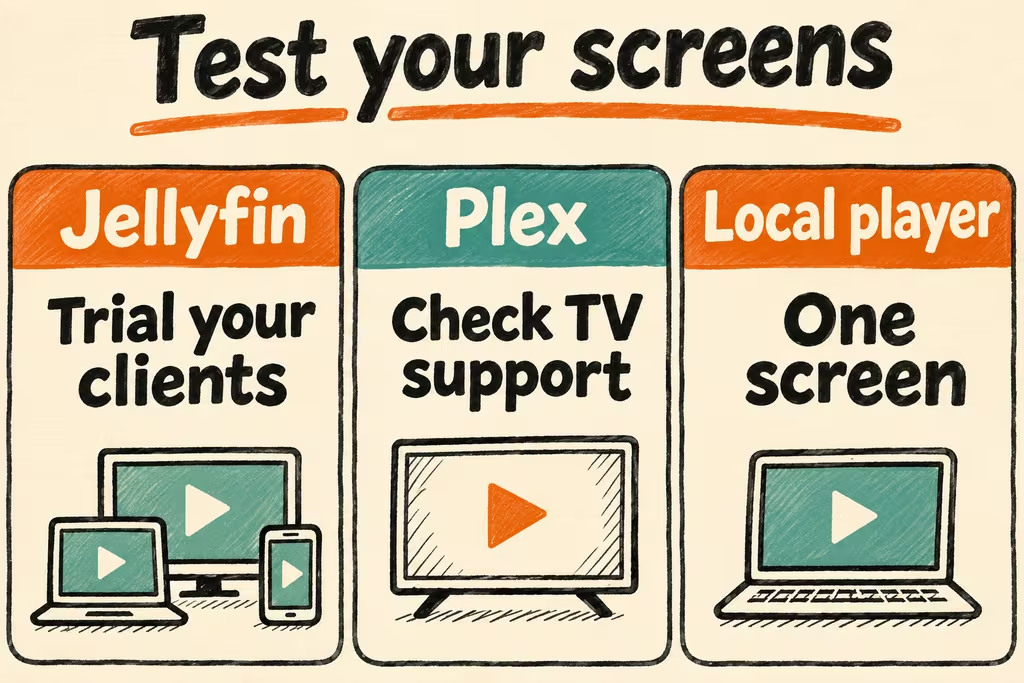
Size the player and connection before the server
Jellyfin calls playback without media conversion Direct Play. A client can also need repackaging into a different container or video transcoding, depending on the codec, bitrate, audio track, and subtitles. Picture-based or styled subtitles can change what the server has to do. Start with the devices and files you own before choosing faster hardware.
Keep separate copies of personal video and of the server's application data for libraries and users. Test playback on your LAN first. For use away from home, measure a real authorized client on a slower connection. Plex documents that remote playback of personal video can depend on the server owner's Plex Pass or the viewing account's eligible pass. Check the current official rules before choosing a paid plan.
| Setup | Candidate | Critical check |
|---|---|---|
| One screen and compatible files | Local player on a file share | Verify playback, audio and subtitles while retaining a straightforward folder backup. |
| Several home devices and shared playback state | Jellyfin | Run the same representative files on every important TV and phone and check the play method. |
| Mixed TV clients, existing household Plex accounts | Plex | Validate the exact clients and any account requirements, including remote access where needed. |
| Remote viewing on limited upstream bandwidth | Test server and player together | Measure bandwidth and transcode load with two simultaneous authorized streams before upgrading hardware. |
How two HN households differed
In the State of the Fin discussion, epistasis reported running Jellyfin on Arch and reaching a personal video collection from media devices over Tailscale. This is one example of keeping a private access path. Verify reachability on your own TV and phone before assuming the same setup fits.
In the Jellyfin 12.0 discussion, noisy_boy described repeated subtitle playback problems on an Android-to-Chromecast path. Add that exact device path and several subtitle formats to a trial if casting matters. Good results in a desktop browser leave the TV path unproven.
Run a playback matrix and a restore drill
Use six clips you are authorized to stream. Include a simple H.264 file, an HEVC file, different audio layouts, a text subtitle, and a picture subtitle if your collection uses one.
- Mount the test media read-only and log the client version, resolution, playback mode, start time, subtitle display and any buffering for each device and clip.
- Run two simultaneous streams, including on a constrained connection if remote use matters. Record CPU, GPU and outgoing bandwidth during the expected worst case.
- Back up application state and recover it to a fresh test instance. Remount the library and check permissions, playback resume, and library indexing with a separate non-admin account.
- Adopt the server when every household-critical device plays its required format with audio and subtitles, load stays within your hardware and network budget, and the restore meets your time target. Pause a migration or hardware purchase if the same clip fails only on a required client or any account gets access to a library it should not see.