 Knowledge Library
Decision in brief
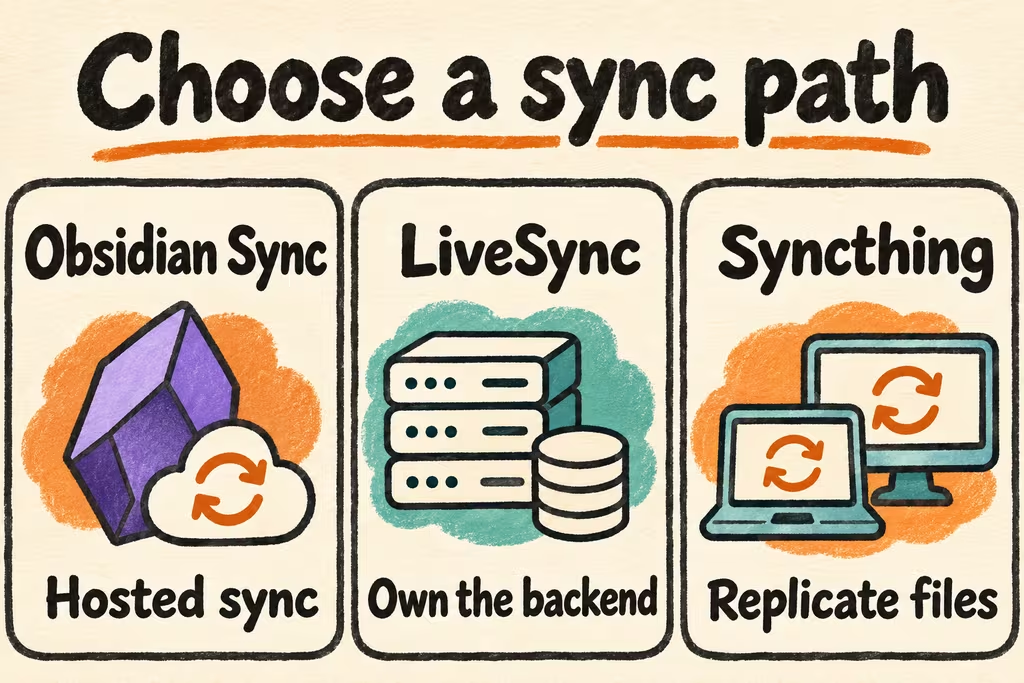
Use Obsidian Sync when you want first-party sync across devices and can use its hosted service. Use Self-hosted LiveSync when you need to operate your own backend and can test its community plugin on every device. Use a compatible Syncthing client for an Obsidian setup built around file replication. Decide after testing Android background behavior or iOS client access, offline conflict handling, and recovery from a versioned backup.
Self-hosted Obsidian Sync options
Obsidian stores your vault as a local folder. The official Obsidian Sync uses a hosted remote vault. Its headless client can run on your server, while still connecting to the official subscription-backed service. Self-hosted LiveSync is a separate community plugin with CouchDB and object-storage options documented by the maintainer. Check the plugin version and backend configuration against your intended devices.
File replication is a separate choice. Syncthing depends on compatible clients and reachable peers. On your actual Android phone verify the client can access the vault directory and resumes after a period in the background. On iOS check that the intended client and Obsidian can reliably access and update the same vault folder. Use a single sync method per vault during the trial.
| Sync approach | Best fit | First check |
|---|---|---|
| Obsidian Sync | First-party support and consistent cross-platform setup | Current plan and official storage limits, end-to-end encryption setup, and which settings should sync. |
| Self-hosted LiveSync | Control of the sync backend across supported client devices | Backend and TLS setup, plugin options, device enrollment and recovery of any required encryption material. |
| Syncthing or compatible client | File-based sync across devices that can use the same vault folder | Folder permissions, peer availability, operating system background limits and the behavior of conflict copies. |
What HN users saw with CouchDB and mobile sync
In the discussion of Obsidian's headless client, Vaslo reported using CouchDB and an Obsidian plugin with several Obsidian installs. Decide whether your requirement is a backend you own or simply a command-line client that can pull an official remote vault. They lead to different maintenance and recovery tasks.
In the Files.md Show HN discussion, jekbao reported that laptop-to-phone sync across offline and online use was their main pain point and described inconsistent results with iCloud. Add a trial that starts offline on the phone, edits a note and reconnects while the phone is locked.
Pilot sync on an isolated vault and restore a file
Use a standalone test vault with representative Markdown, nested folders, filenames, attachments and settings. Keep a separate versioned backup because file sync propagates edits and can propagate deletions.
- Copy a test vault to a safe location. Pick one sync method and set up one desktop and one phone. Review whether to sync plugin configuration and exclude device-specific workspace files where appropriate.
- Check initial sync, a rename and a new attachment in both directions. Lock the phone and check how it catches up after an offline interval, a reconnection and a reboot.
- Edit the same note independently on two offline devices. Reconnect them and inspect the merged note, conflict copies or version history. Confirm that you can recover both edits.
- Delete a disposable note, then restore from the independent backup to a separate directory. Only migrate your main vault after you can recover files and re-enroll a fresh device with documented steps.