 Knowledge Library
Decision in brief
Start with Nextcloud if you need a self-hosted browser drive with accounts and sharing. Choose Syncthing if the primary job is keeping files synchronized across specific devices. Use a managed LAN file share if users mainly work from desktops on the same network. For a Google Drive replacement, test external sharing, live collaboration, and recovery explicitly before moving anyone’s existing files.
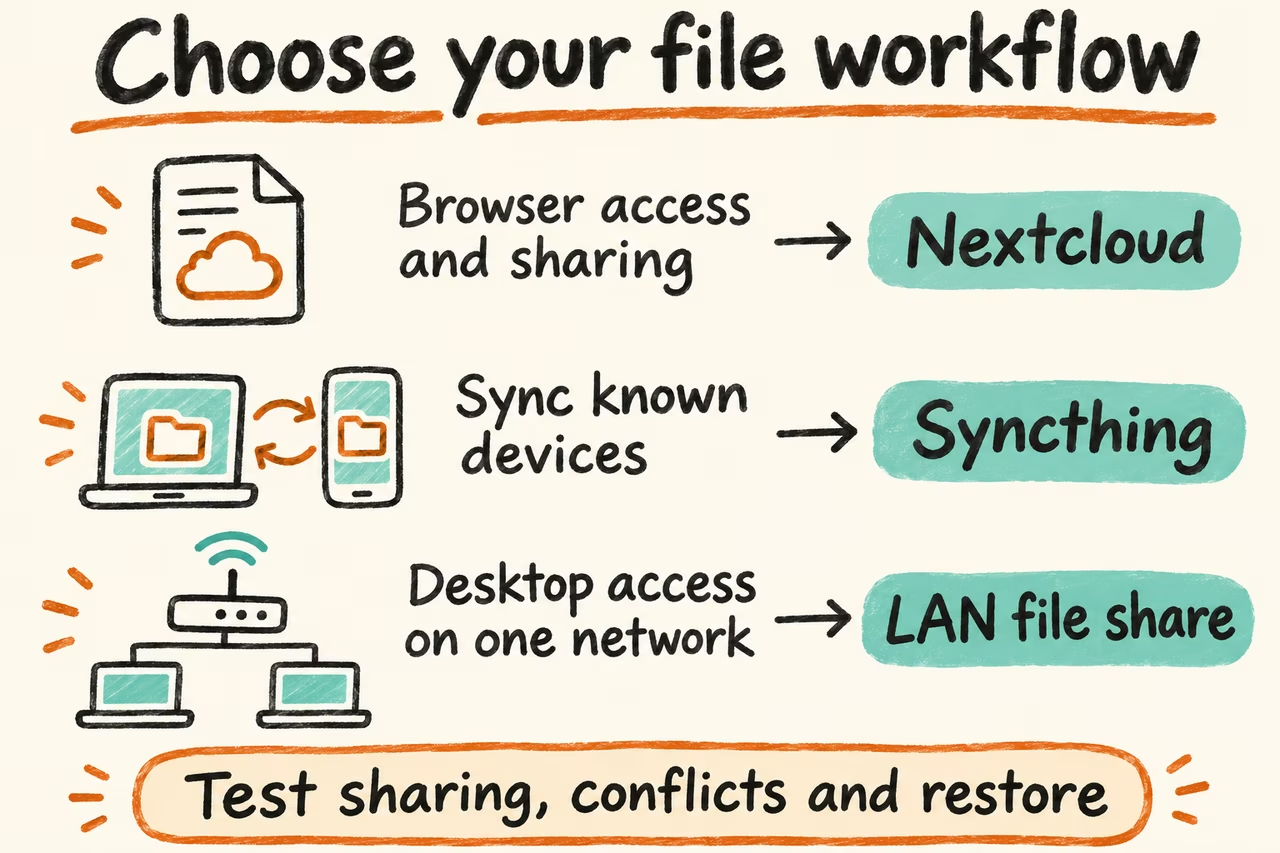
Choose self-hosted file sharing by the workflow
List the jobs people use Google Drive for. Downloading a file link and editing a spreadsheet simultaneously have different dependencies. Check browser access, mobile photo handling, upload sizes, office editing, account onboarding, version history, and how long a revoked link remains usable in the environments you support.
Budget for redundant storage and an independent backup. Synchronization can propagate deletions and edits. Syncthing versioning is configured per folder per device and applies to documented classes of remote changes. An independent backup protects files outside the live synchronization chain.
| Option | Good fit | Migration gate |
|---|---|---|
| Nextcloud | Browser-based file access and account or link sharing | Test invited and external users, mobile access, large uploads, and the specific editor integration. |
| Syncthing | Private replication among known devices with local files | Test offline edits, conflict copies, deletion behavior, and a restore from independent backup. |
| LAN file share | Desktop access on the local network with managed accounts and permissions | Verify user and group permissions, file locking for your apps, and the restore procedure. |
| Keep collaboration in existing service | Shared editors or external sharing are still required | Move an archive or other independent folder first and test the actual collaboration workflow before further migration. |
HN cases about personal storage and smaller file shares
In a Nextcloud performance discussion, aeldidi said they had used it for years to give family private access to photos and described frustrations around large files and some features. Add a real photo import and your largest representative transfer to the trial, even if opening a small document feels fast.
In the FolderHost Show HN thread, mertjsx described a lightweight local file sharing product and updated the thread with optional services and background tasks. The case illustrates how a local share can start with a narrow scope. Define exactly which features earn a place in the critical file path before adding them.
Pilot migration and restore with disposable files
Keep the existing drive authoritative during the trial. Use disposable copies of typical files, a large folder or video, a document you can edit with a second user, and a folder with nested permissions. Write down the maximum restore time, permitted data loss, and sharing requirements before copying files.
- Invite a test user and an external recipient. Send a staging link, revoke it, and verify from a fresh unauthenticated session. Check bulk upload and viewing on the slowest normal connection and verify edits from two clients if simultaneous editing is required.
- Disconnect one client and change or remove a disposable file elsewhere. Reconnect and document which versions survive. If users keep live application databases inside sync folders, move them outside this file sync trial and use their application-specific backup method.
- Restore to an isolated instance using a real backup format. For Nextcloud, follow its documented restore process for the database, configuration, files, and any relevant custom apps or themes. Check file counts, spot-check checksums, and verify permissions and expected sharing behavior.
- Move one low-risk folder first if recovery met the target and the sharing tests passed. If the collaboration workflow fails, keep it on the existing platform and proceed only with folders that passed.