 Knowledge Library
Decision in brief
Choose GitLab Self-Managed when you need control over repository data and integration with private networks and can staff upgrades, monitoring, backups, and restore drills. If only builds need private access, compare a managed forge with dedicated runners. Start with one representative project and decide from measured recovery and CI behavior.
Choose what to operate and document the GitHub migration scope
The Linux package and the official Docker image are separate installation methods. For a small deployment, pick the one your team can patch and restore using its existing tooling. Before choosing an edition, map needed features like SSO, audit export, and review policy to current Self-Managed entitlements. Include storage for repositories, packages and artifacts, separate runner compute, and coverage for maintenance.
A Git clone alone omits issues, pull or merge requests, repository policy, secrets, CI history and package artifacts. Decide which must move, which can be re-created, and which can stay in a read-only original. Keep code hosting and runner privileges separate. Authorize only the networks and credentials each job needs.
| Choice | Use it when | Confirm first |
|---|---|---|
| Linux package | Your team maintains supported Linux systems directly | A pinned version, configuration backup and suitable host monitoring. |
| Official Docker deployment | Your team manages Compose and persistent volumes | Separate lifetime for config, logs and data. The runner has its own capacity and access policy. |
| Managed forge with dedicated runners | Only CI needs private network access | Where repositories, logs and artifacts live. Validate runner scope before enabling real jobs. |
Decide what a consistent GitLab backup means for your team
GitLab requires the exact source version and CE or EE type for its standard restore. Retain a way to install that build. Back up secrets and configuration separately and capture buckets independently when your install method omits object storage. When planning an upgrade, follow the required version stops and wait for background migrations to finish.
In an HN discussion about switching to GitLab, Volundr said their old organization could run built-in backups without downtime, but noted the risk of assuming that a running copy represents one instant across services. Separately, tempest_ described a self-managed instance with modest maintenance needs for repository and CI use. Their scope gives you a useful baseline against a broader installation with registries and external dependencies.
Rehearse a project cutover with a runner and a separate recovery host
Use a synthetic copy or a sanitized sandbox project. Keep staging credentials separate from the production forge and route notifications only to the test team.
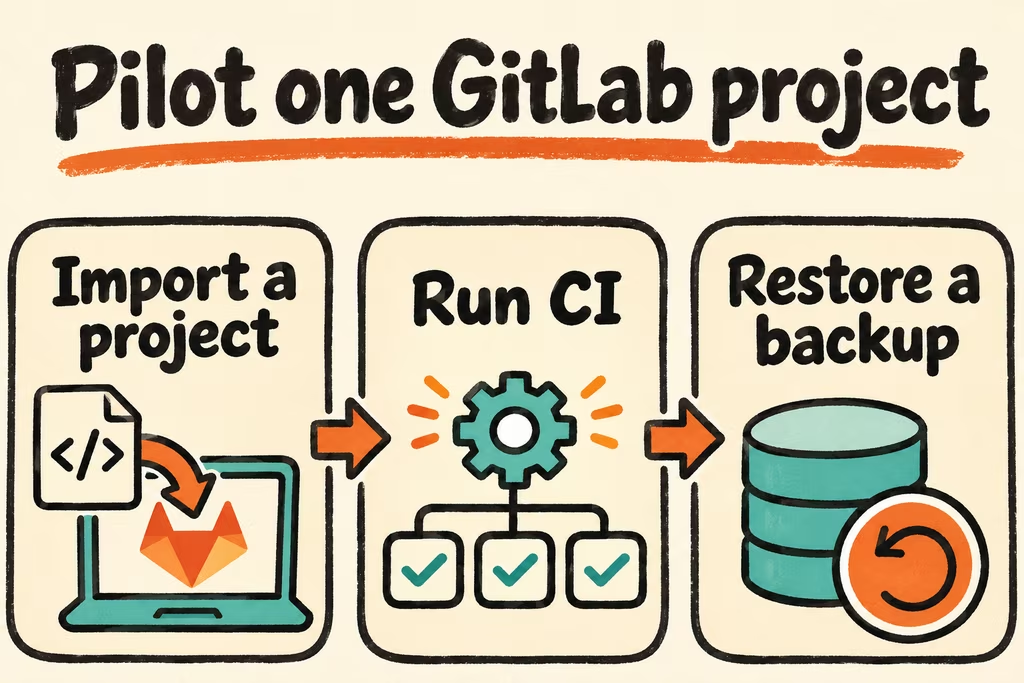
- Inventory one repository with its default branch, protected branches, merge permissions, one CI matrix job, and one artifact or package. Define what success looks like for access, migrated records, and p95 CI queue time.
- Import the project, compare ref and required issue counts, and exercise commit, review, merge, runner isolation, and artifact download. Verify that a test user outside the project cannot read the repository or its artifacts.
- Generate the deployment-specific backup plus configuration, keys and any external data. Restore an exact-version instance on a clean host, record the latest recoverable commit, and run the tests again.
- Rehearse the supported upgrade path on a disposable copy. Approve only if all required controls pass and the restored app meets agreed recovery time and data-loss targets. Keep the original write authority if recovery misses either target.