 Knowledge Library
Decision in brief
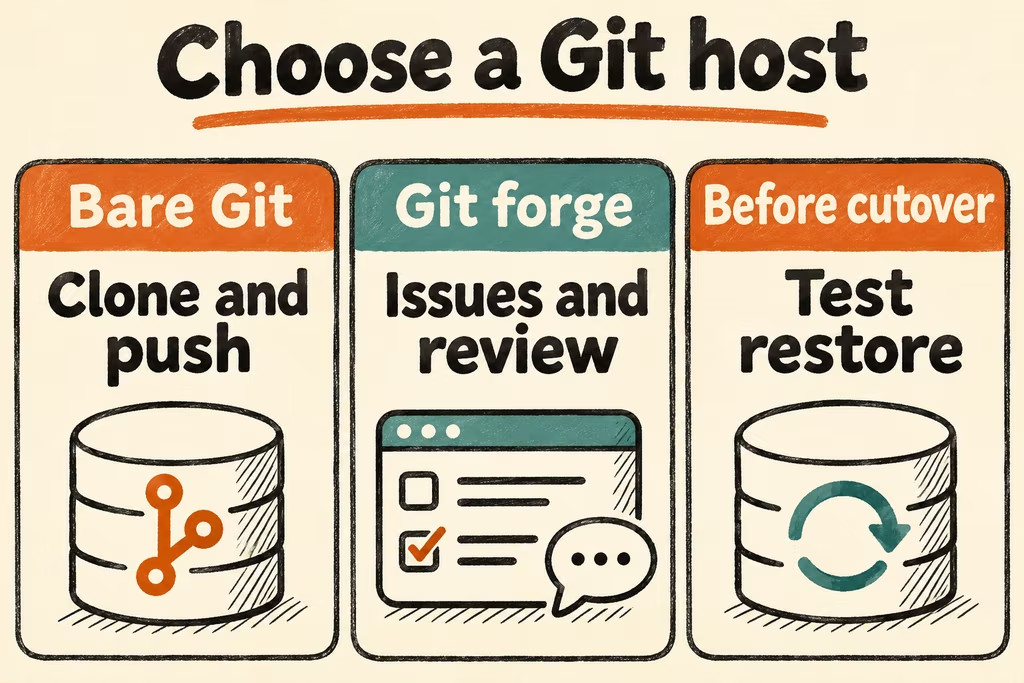
Start with bare Git over SSH for a small trusted group that only needs clone and push. Trial Forgejo or Gitea when the team needs issues, review and permissions alongside code. Cut over only after you can check linked records, CI and release assets and restore the new service into a clean environment.
Choose what the team needs to carry over
A Git mirror covers refs and the objects they reference. The application around Git manages issues, pull requests, user and team permissions, CI records, attachments, LFS, packages, releases and integration credentials. Importer coverage varies by source and target version. Keep an explicit mapping for old URLs, issue numbers and critical links, and rehearse a redirect or read-only archive that respects access boundaries.
Read the pinned version’s backup instructions before transferring real work. Account for the database, config, files, LFS and object storage, and copy application state using the documented procedure. Recreate secrets through approved storage rather than assuming an importer captures them. For CI, recheck every external action, trust policy, environment and artifact you need.
| Requirement | Starting option | Acceptance check |
|---|---|---|
| One maintainer or a trusted group | Bare repositories over SSH | Expected collaborators can clone and push. Revoked users lose access. |
| Review and issue history | Forgejo or Gitea, pinned to the target version | Resolve a sample of internal and external issue and review links with the right access policy |
| Existing CI, packages or releases | Migrate one representative project alongside the existing service | Run a benign workflow and compare release and build artifacts by expected contents and checksum |
| Off-site backup and recovery | Mirror Git and separately back up required forge data | Restore on a new host and verify refs, LFS, attachments and role controls |
Two Hacker News cases on provisioning and mirrors
wkoszek described testing a fast Forgejo installation on a VM after finding the original Git and CI setup took longer than expected. A quick start can establish a working service. Measure separately how long it takes a second operator to register a runner, restore metadata and validate the target.
ig0r0 shared a repository-backup workflow using self-hosted Gitea. This is a case for using mirrors when your goal is an off-site copy of commits. If you need to continue work on a replacement forge, independently test access policy, link destinations, review history and CI output.
A four-stage repository migration gate
- Inventory a synthetic project’s refs, LFS object, issue attachment, PR review, release assets, workflow and ten links. Include paths used by documentation and automation. Record the expected target for each link and which roles may open it.
- Run the import into a pinned test forge with private visibility. Compare refs and object checksums, then exercise the links and permissions as owner, collaborator and unauthorized test user. Count failed links and missing objects.
- Run a benign workflow on a disposable worker with synthetic credentials. Download its artifact and check expected contents. Restore the forge database, backing stores and config to a clean host and repeat a representative link, issue, review and artifact check.
- Proceed if required refs and metadata, all critical links and CI artifacts are accessible only to the intended roles, and both cutover and rollback fit the agreed windows. Stop if a missing metadata class, exposed private link or unportable artifact has no approved alternative.