 Knowledge Library
Decision in brief
Choose a passkey for regular sign-in when it works on the devices you use and you have a tested way to get back in. Prefer separately enrolled security keys when losing a device or a passkey provider must not lock you out of an important account. Use a unique password with the strongest second factor the service supports where passkeys are unavailable.
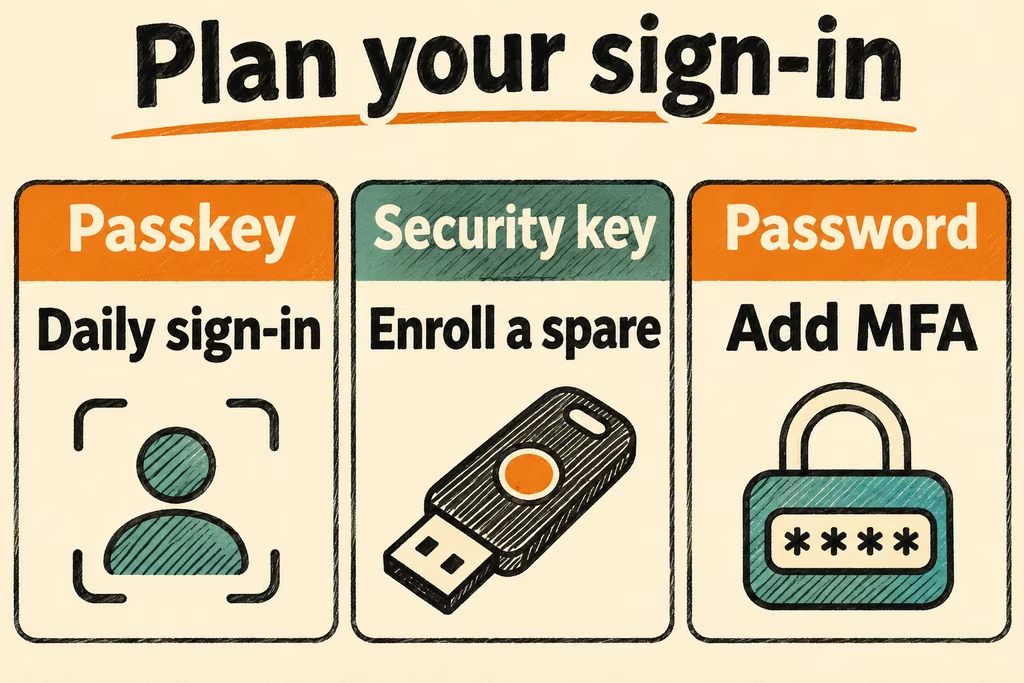
Passkey vs password and 2FA by sign-in and recovery
A passkey uses a public key registered with a site. The credential provider signs the site's challenge with the corresponding private key, and a PIN or biometric check can authorize use locally. WebAuthn ties the sign-in to the service's identity. A password plus a typed one-time code adds a second barrier, and the code still lacks the site binding required for phishing resistance.
Password plus 2FA covers several different designs. When a service supports a WebAuthn security key as a second factor, the key can provide phishing-resistant authentication even though the account still uses a password. Review alternate sign-in and recovery separately. A service can accept a passkey for everyday use and still keep password or code-based access enabled.
| Sign-in method | Good fit | Failure to test |
|---|---|---|
| Synced passkey | Personal sign-in across compatible devices with the same credential provider | Sign in from a replacement device after restoring provider access and check how the service handles recovery. |
| Device-bound passkey | An important account that supports independently enrolled hardware keys | Use the spare key when the primary is unavailable and check that the browser and connectors you need support it. |
| Unique password plus WebAuthn security key | A service that accepts a key as a second factor but keeps the password flow | Confirm the key is required in a clean session and review any available alternate sign-in paths. |
| Unique password plus authenticator app code | A service without a supported WebAuthn path | Recover with the service's documented backup method and confirm the code generator can be restored separately. |
| Unique password alone | A legacy service that offers no second factor | Confirm account recovery and decide whether to keep sensitive data or privileges on that account. |
What two HN sign-in setups reveal
In a discussion about passkey usability, micromacrofoot described losing track of whether a passkey was saved in the operating system or a separate password manager. Their existing unique passwords and app-based codes felt easier to back up. This is a reason to verify where the credential lives and how staff or family members will find it.
In a separate thread, lokar described using multiple hardware keys for important accounts, including a stored spare. That setup depends on registering each key with the service and being able to use it when the primary is missing. Check both conditions in a clean session before moving an important account.
Compare everyday sign-in and recovery on accounts you own
- Create a low-stakes account or use an authorized test tenant. Record the current sign-in methods, supported browsers and devices, the official recovery route, and the longest lockout you can tolerate. Keep at least one known-good login available.
- Enable one candidate using the service's security settings. In fresh sessions, complete three ordinary sign-ins on the primary device and one on another device you normally use. Record time, prompts, and any fallback required.
- Set the primary device or key aside and try the enrolled spare, synced credential, or documented recovery option. Time the recovery and confirm you can identify and revoke a separately enrolled test credential from the recovered session.
- Keep the candidate as your default only if the everyday devices work, recovery finishes within your target, and any alternate authentication meets your security requirements. Stop the migration if a platform account or device is required for both your main and backup paths and you cannot recover it independently.
HN mentions of passwords span unrelated problems and rarely identify the second factor. The decision table compares explicit sign-in and recovery setups.