 Knowledge Library
Decision in brief
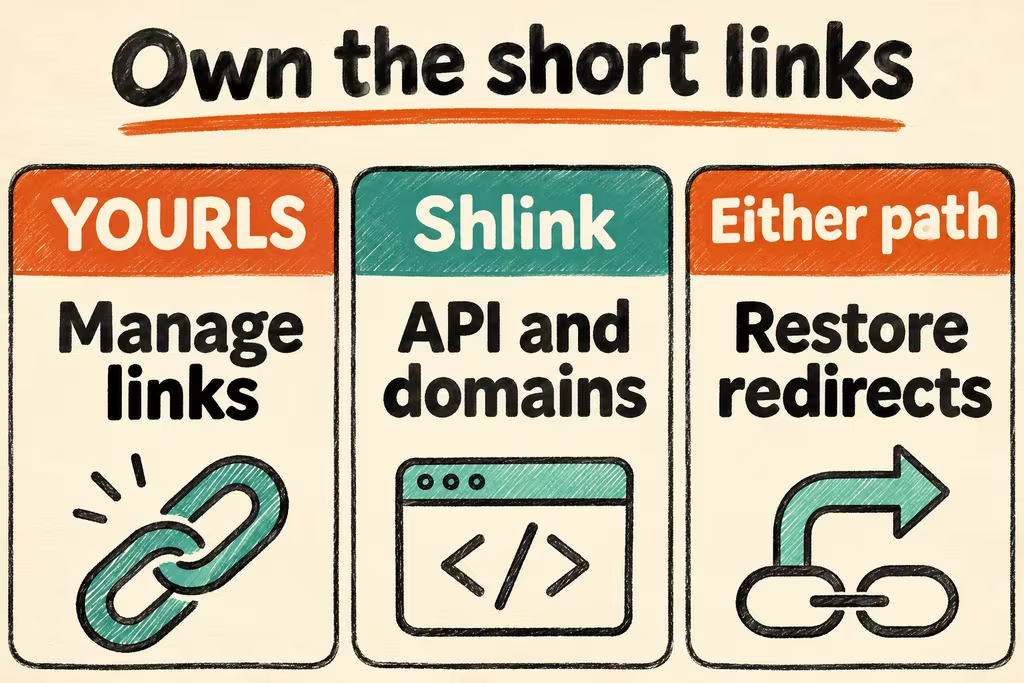
Choose YOURLS for a compact, operator-managed link registry if its admin workflow and database fit your environment. Choose Shlink when a team needs API-led creation or multiple domain management. Use existing redirects or a managed service if you cannot own the hostname, backup and abuse contact long-term.
Treat the redirect hostname as a public dependency
The shortened domains you publish can outlast the management application. Keep domain and certificate ownership documented. Preserve alias-to-destination mappings and decide how link updates, removal and analytics retention will work. Restrict authoring to approved operators. Test access separately for redirect, administration and statistics routes.
YOURLS documents private administration settings and a separate public redirection behavior. Shlink offers CLI and API workflows and documents optional web clients, visit tracking and import. Keep internal destinations on an authenticated private path. A short link is a label for a destination and provides no access control for the content.
| Need | Start with | Evidence to collect |
|---|---|---|
| One small branded domain | YOURLS with restricted administration | Published aliases redirect correctly and unauthenticated visitors cannot edit the registry. |
| Automated creation or multiple domains | Shlink with scoped keys and documented imports | Required alias, hostname and expiration settings survive export and recovery. |
| A handful of stable short URLs | Explicit redirects on a web service your team already operates | Review and roll back a mapping in version control. |
| Privacy constraints around metrics | Disable optional collection where supported or choose minimal retained data | Confirm access, retention and deletion with test visits. |
Two HN threads on running redirects
Omakidx described building a shortener and balancing abuse prevention with redirect latency while operating their own analytics. Benchmark redirects with your expected policy checks on and decide whether you need visit data in the first place.
trapani presented Rediredge with separate redirect and management components and a dashboard for teammates. The example highlights two different availability goals. Test whether published links remain usable during maintenance of your own management interface.
Verify twenty links on a disposable hostname
- Use a test domain you control. Create twenty mappings to benign destinations, including edited, expired and removed fixtures. Document which actions each test account can perform.
- Exercise the fixture URLs as a visitor and compare every status and destination with the expected list. Confirm a visitor cannot create links or view restricted metrics. Review how the service handles an invalid alias.
- Back up mappings and domain settings, restore them on an isolated host and repeat the full redirect check. Confirm an authorized operator can retire a test link and undo an incorrect edit.
- Move real links only if all twenty behave as intended and certificate renewal, restore, privacy and abuse ownership are assigned. Stop if you cannot migrate prior aliases or cannot keep editing restricted.