 Knowledge Library
Decision in brief
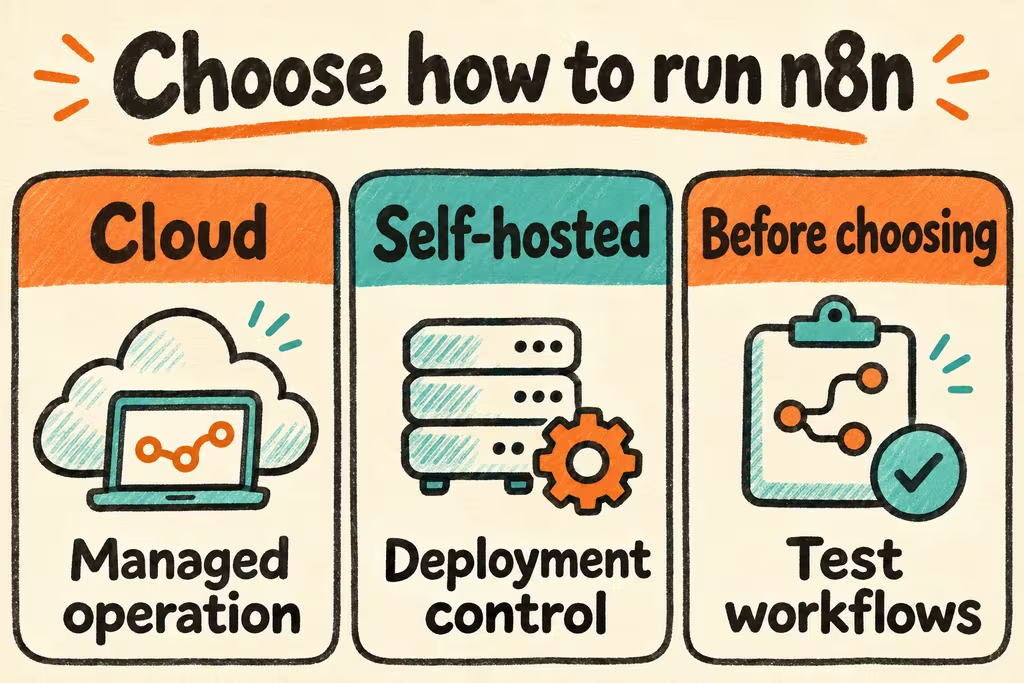
Use n8n Cloud when managed operation is worth the subscription and your workflows fit its limits and integrations. Self-host when you need control of the deployment, its network, or its data and can own upgrades, alerts, and recovery. Trial self-hosted Community first if its licensing and feature set fit. Price the paid self-hosted tier if a required feature depends on it.
n8n self-hosted pricing and edition differences
The official edition guide distinguishes self-hosted Community from paid self-hosted plans. Before choosing, match the current plan to the way your team works. Check requirements for shared administration, the number of concurrent executions, environment promotion, and support. For a client offering or embedded use, read the license and check the intended use directly with n8n if needed.
Estimate monthly cost with hosting, database and backup storage, network traffic, monitoring, paid plan if applicable, and operator hours for maintenance and incidents. Count upstream services such as AI APIs separately. Use a representative week of workflow executions to compare against the current official pricing and the peaks you must be able to handle.
| Requirement | n8n Cloud | Self-hosted n8n |
|---|---|---|
| Minimize time spent on the n8n server | n8n operates the service. Check available plan limits and integrations. | Your team operates the app, ingress, state, and recovery. |
| Reach services on a private network | Validate connectivity for the actual destination and Cloud plan. | Deploy with the intended network paths and explicitly test which destinations are reachable. |
| Recover workflows and credentials after losing the server | Test workflow export and confirm which recovery controls your plan exposes. | Restore application state and the associated credential encryption key on a fresh instance. |
| Handle a peak of webhook and background jobs | Compare planned concurrency and execution volume with current plan limits. | Measure completions, waiting time, and duplicate effects. Evaluate queue mode if the trial shows sustained backlog. |
What HN users ran into with Cloud and self-hosting
In a Show HN post, tgirotto described a small horizontal self-hosted n8n setup using PostgreSQL, Redis, multiple servers, and TLS. Their setup illustrates the dependencies an operator takes on when introducing workers and shared state. Start by measuring where a single instance falls short.
In an Ask HN discussion about n8n, scrivna reported running several client workflows on the hosted service and described it as reliable for their use. They were on grandfathered pricing. Use the case to weigh managed operation and consult the current price sheet for your own estimate.
Self-hosted n8n tutorial for a staging deployment
Pick one representative webhook and use synthetic input and disposable credentials. Set an acceptable completion time and define how much queued work and state your team can afford to lose before the trial.
- Use the official Docker Compose setup to bring up a pinned version with persistent storage. Configure the canonical external webhook URL if a reverse proxy terminates TLS. Record the n8n version, data locations, and how the recovery operator can retrieve the credential encryption key.
- Send the same webhook event twice, then send the expected peak burst. Record failed and delayed executions and confirm that retries do not repeat the downstream side effect.
- Restore the database and needed application state plus the encryption key to a clean staging instance. Validate a saved workflow, credential use, and one externally delivered webhook. Repeat after the planned version upgrade.
- Approve self-hosting if the restore and peak test meet your targets and someone owns maintenance. If measured backlog warrants queue mode, test PostgreSQL, Redis, and a worker with the shared encryption key before expanding that setup.