 Knowledge Library
Decision in brief
Use Docker Compose when one server can handle the load and you can restore the whole service within the business recovery target. Keep a dated record of images, configuration, backup locations, and ownership before putting traffic on the host. Choose a clustered or managed deployment when losing that host must cause less downtime than your best measured rebuild.
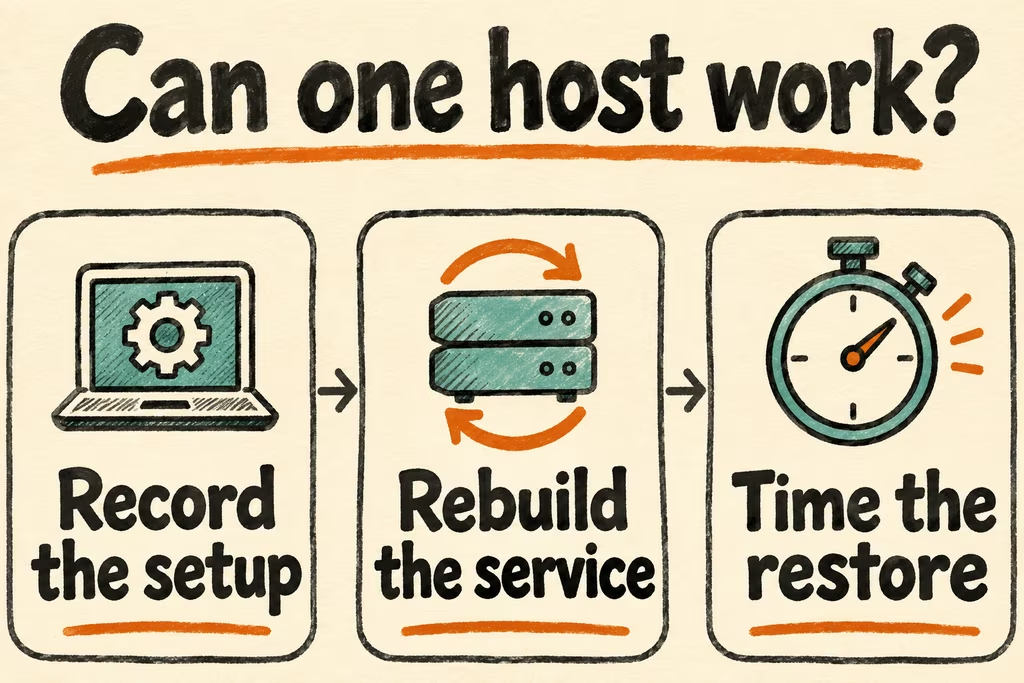
Match the Compose design to the recovery target
Maintain one base Compose file and a production override for approved images, published ports, logging, and runtime configuration. Use immutable image digests for repeatable rollout and rollback. Keep application code in the image, place durable state on dedicated storage, and keep backup copies outside the host failure domain.
Compose can wait for a dependency marked service_healthy during a Compose startup. A daemon restart and a temporary dependency failure are separate cases. Give the client application bounded retries and test a cold host boot. A healthy check should establish readiness for intended traffic, such as the ability to read application data.
| Production need | Compose approach | Evidence to collect |
|---|---|---|
| Low-impact outage on one host | Use one host plus a separate backup destination and documented rebuild | Time the return of traffic on a clean host |
| App and database must start in order | Use a service health check, startup dependency, and client retry rules | Reboot the host and delay database readiness during the test |
| Frequent updates | Deploy an immutable image and retain the prior approved digest | Drill a failed health check and record rollback time and request errors |
| Near-continuous availability despite host loss | Compare a managed or multi-host deployment | Measure traffic interruption under the full host-loss drill |
Turn operator reports into rollout checks
In a discussion about production Compose, predkambrij described handling machine reboot and dependency ordering with a boot procedure. Check the reboot path separately from a normal Compose deploy before relying on any ordering mechanism.
In a separate deployment thread, tallytarik pointed to a rollout tool and its support for connection draining through Traefik. If users keep long requests or streams open, test those connections through update and rollback. A short readiness check can succeed while existing requests get cut off.
Rehearse one release and a full host replacement
- Prepare a disposable VM, a staging hostname, and synthetic records. Render the merged Compose configuration and review image references, intended ports, volume destinations, and the shutdown sequence.
- Deploy the baseline and an update while issuing short and long requests. Boot the VM again with a delayed database and measure time until the service handles reads and writes.
- Deploy a known-bad staging image and revert to the prior digest. Restore the off-host data copy onto a fresh VM and repeat the same functional checks.
- Approve only when rollback and full restoration meet the agreed recovery time and recovery point, such as 30 minutes of downtime and 15 minutes of data loss for the test service. Stop if a schema migration blocks rollback or if the backup needs the original host.