 Knowledge Library
Decision in brief
Choose self-hosted Mattermost when team messaging needs to run under your administration and you can support the server, PostgreSQL, files, notifications, and restore. Evaluate the version and edition using a representative message archive. Use Linux packages for a simple supported production setup or evaluate the Kubernetes path if you need vendor-supported high availability on an eligible plan.
Pick the edition and deployment separately
Start with the vendor's plans and deployment matrix. The general FAQ documents a 10,000-message threshold for displayed channel history and search in Entry. Records remain in the database, and Team Edition restores full channel history with a different feature set. Check required SSO, search, calls, push notifications and support by edition. Verify current limits and pricing on the vendor pages before buying or inviting users.
Mattermost's deployment guide scopes Docker Compose to evaluation, testing, and development. Use it for a disposable trial. Compare Linux packages and the Kubernetes Operator for the actual rollout. An application deployment also needs a supported PostgreSQL version, TLS, file storage and owners for patching and on-call escalation.
A consistent restore needs the database, the instance configuration and the configured file storage. Include the relevant plugin and integration configuration in your rehearsal. Have a second operator prove that users can find historical posts and retrieve attachments after recovery.
| Team requirement | Candidate | Acceptance evidence |
|---|---|---|
| Small team with a long searchable archive | Compare Team Edition and paid plans on the actual required features | Import a representative archive and confirm search can find old and recent fixtures from permitted accounts. |
| Evaluation or import experiment | Disposable Docker Compose deployment | Pin the test version and edition and run sign-in, channel, notification, and attachment checks. |
| Single supported production server | Linux package deployment with PostgreSQL and TLS | Measure clean-host restore and notification delivery and assign an upgrade owner. |
| High availability or compliance controls | Kubernetes Operator and an eligible plan | Verify availability and licensing with the vendor. Test application failover and database and file recovery separately. |
Use HN cases to check history and integrations
nemosaltat reported a v11 upgrade where the database migration succeeded and older posts were still present in PostgreSQL, but parts of the history became hidden in the user interface. Add old-message search checks to your staging upgrade and restore test.
In a separate Show HN, aschuth described piping work output to Mattermost so teammates could watch and give feedback, then adding other interaction workflows. If your users rely on a bot or webhook, test it as a dedicated integration account in a private pilot channel and verify it has only the access it needs.
Rehearse one migration before changing any team URLs
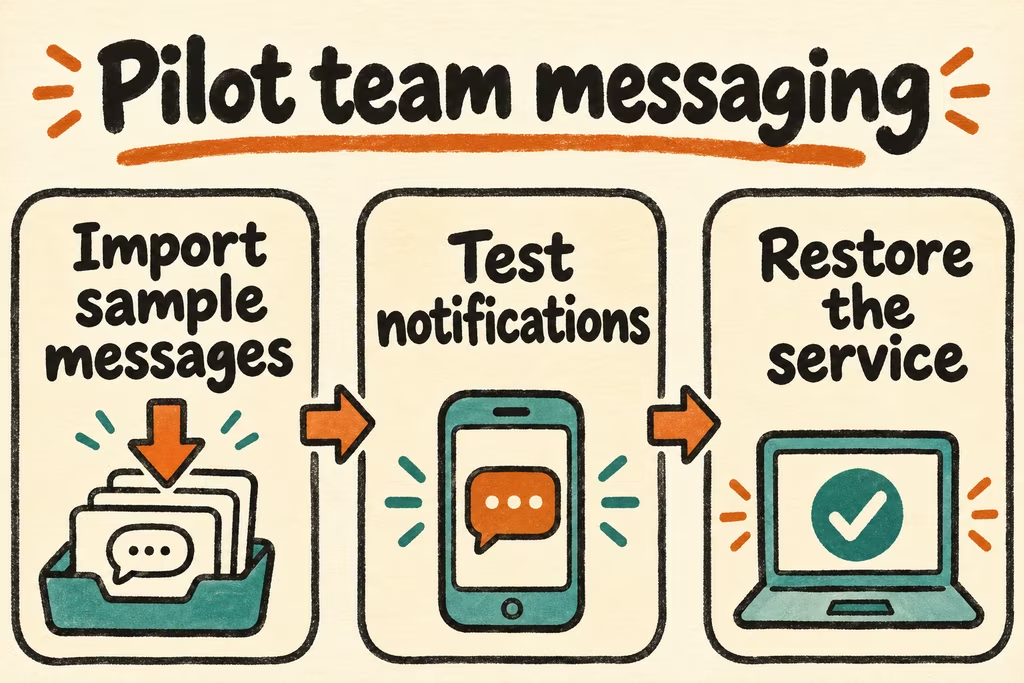
- Use three disposable test accounts with administrator, member, and restricted roles. Import a synthetic channel archive with known messages on both sides of any relevant history threshold and add known files, membership, and thread fixtures.
- Test old and recent search results, which accounts can see private content, push notifications on the intended phone, and required integrations from a scoped test account. Capture results by version and edition.
- Back up the test database, file data, and configuration. Restore them into a separate environment and retry the same history, attachment, and permissions checks. Stage one upgrade with the documented recovery path available.
- Approve the rollout only if all needed fixtures work on clean clients and the restore completes within your target. Keep the source service available if an edition cap hides mandatory history, permissions differ, or attachment or identity recovery fails.