 Knowledge Library
Decision in brief
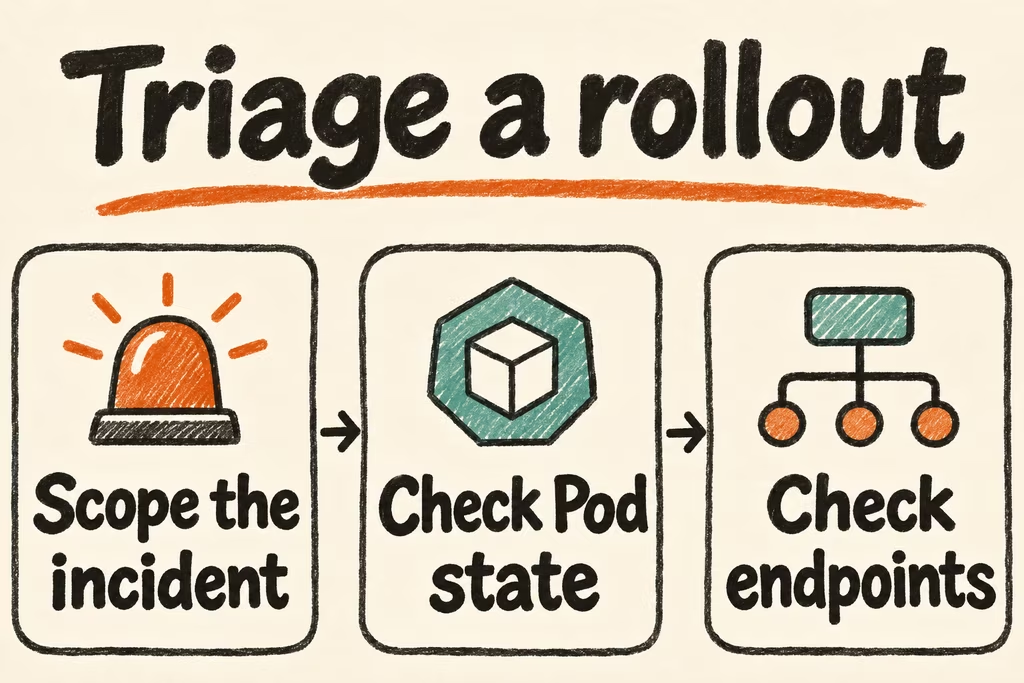
Scope the incident to the affected cluster, namespace, workload, and release before changing anything. Use Pod state to locate scheduling and startup failures, then use ready endpoints and a known-good comparison to locate traffic failures. Revert a recent application change through the agreed rollout procedure when it fits the evidence and the service objective.
Start with the observable symptom
From an authorized context, inspect the relevant deployment, Pods, and recent events with kubectl get and kubectl describe. Collect prior logs with kubectl logs POD -c CONTAINER --previous where available. Correlate timestamps with deployment changes and dependency symptoms before issuing a restart. Keep logs and event exports scoped and scrub sensitive values.
If Pods are ready but requests fail, check Service selector labels, EndpointSlices, target ports, and the client path. Investigate DNS and ingress separately if the internal Service path works. Treat a displayed status such as CrashLoopBackOff as a pointer to earlier termination evidence and probe events.
| Observed symptom | First evidence | Why |
|---|---|---|
| Pending Pod | Scheduler events and volume claims | Distinguishes resource constraints, placement rules, and unbound storage |
| ImagePullBackOff | Event reason, image reference, and approved registry path | Separates missing tags and credentials from network or policy issues |
| CrashLoopBackOff | Previous container log, exit state, and probe events | Keeps first failure evidence separate from backoff behavior |
| Ready Pods but failed requests | EndpointSlices, label selector, and traffic path | Separates missing backends from downstream DNS or ingress problems |
| Progress deadline exceeded | Deployment conditions and new ReplicaSet events | Helps decide whether to pause or revert through the release system |
Make incident evidence available after the failure
In the Radar launch thread, creator nadaverell described deriving a Kubernetes interface from internal debugging tooling. Test whether the responder can reach the relevant Pod, logs, and owner through whatever interface the team actually uses.
In a separate Show HN, simalapo introduced Kube-insight to retain Kubernetes evidence for incident investigations. Keep a sanitized record of the first failing event, the deployed image digest, and the roll-forward or rollback outcome. Verify that the record remains available after a Pod is replaced.
Exercise three failure classes in a test namespace
- Record a known-good deployment, image digest, visible endpoints, and request trace in a disposable namespace. Check that the responder can collect logs and events with the approved role.
- Inject one benign fixture at a time, such as a missing image tag, a wrong readiness path, and a Service selector mismatch. Let the responder classify each while preserving previous logs and relevant events.
- Restore the approved configuration through the normal delivery path and verify rollout completion, ready endpoints, and successful synthetic traffic. Record an explanation that another responder can reproduce from the timeline.
- Pass if all three failures are classified and recovered within the agreed incident target, such as 15 minutes each for this drill. Stop if the proposed fix would require cluster-wide changes before the affected scope is understood.