 Knowledge Library
Decision in brief
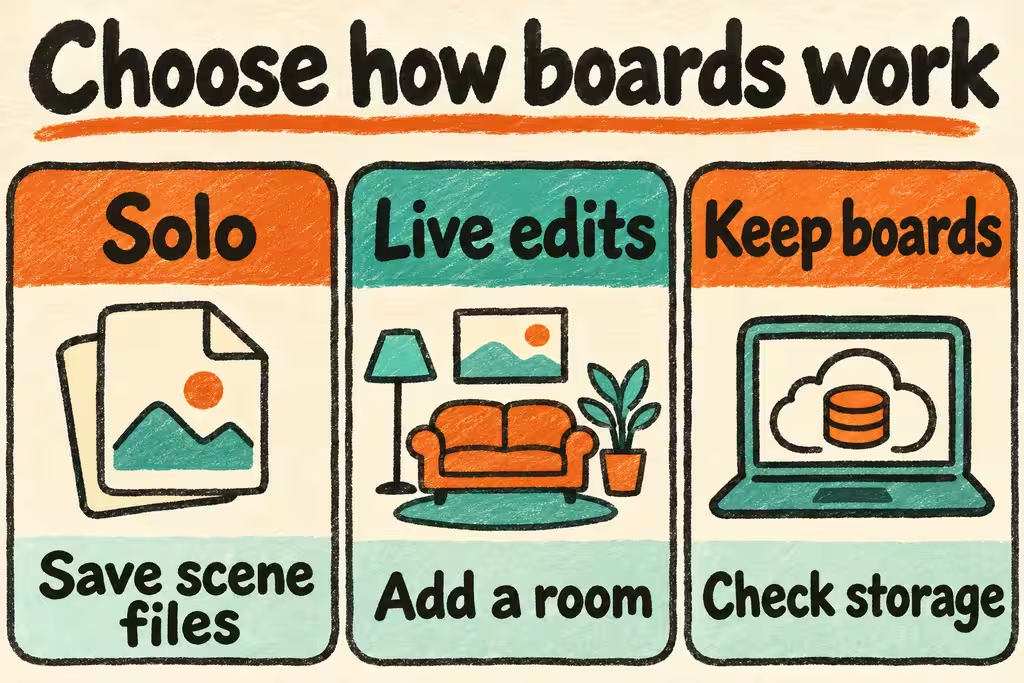
Start with a private Excalidraw editor deployment and saved scene files for occasional personal diagrams. Add a room service only if multiple participants need live cursors and edits. If boards must survive browser and server restarts and belong to named users, choose a deployment that provides persistence and access control as well.
Treat the editor, live transport, and document store as separate components
The Excalidraw project documents editable .excalidraw JSON files alongside image export. The official excalidraw-room repository presents an example collaboration server. A functioning room connection proves that clients can exchange live updates. Verify separately where finished scenes and images survive.
ExcaliDash is a separate project that documents a dashboard, live collaboration and storage. Check which component owns accounts, workspaces and scene files in your chosen deployment. Document how a participant joins and how the owner retrieves the editable scene if the workspace is unavailable.
| What you need | Start here | Check in staging |
|---|---|---|
| Private single-user drawing | Self-hosted editor with explicit scene saves | Open the saved scene in a new profile with text and images still editable. |
| Two people drawing in the same meeting | Editor with a configured collaboration service | Join from two sessions, edit at the same time, and reconnect after a temporary outage. |
| Named users and long-lived shared boards | A deployment with explicit authentication and persistence | Check board listing, membership, revocation and recovery from a separate backup. |
| Documentation kept with project files | Keep the source scene and a rendered image separately | Regenerate the image and reopen the editable source on a second device. |
What HN projects add beyond hosting the editor
zimengx announced ExcaliDash on HN as a self-hosted option with both collaboration and storage. Its scope illustrates a useful capability split. Ask a second user to locate the board after every browser disconnects to verify storage separately from the live meeting.
In a separate discussion about diagrams for a blog, sudhirkhanger said they used the PWA and saved individual scene files to disk. This is a practical baseline if you need neither a shared project dashboard nor account-based editing. Try opening those files in a fresh browser before adding infrastructure.
Use two people, three sessions, and one disposable restart
Use synthetic team diagrams with test images and a private endpoint.
- Create a scene with an embedded image, text and arrows. Save the scene in its editable format and open it in a fresh session, checking the embedded image and editability.
- If you need live rooms, make simultaneous edits in two sessions and interrupt one connection. Check for lost objects or unexpected duplicates after reconnecting.
- If you need persistent workspaces, close all sessions, restart the service and reopen the board in a third session. Verify that a test account without permission cannot join or open it, then repeat from a backup.
- Choose the setup only when the required edit, sharing and restore paths are repeatable with no missing objects. Stop if recovering a shared board depends on the original user’s browser or if access cannot be revoked as required.