 Knowledge Library
Decision in brief
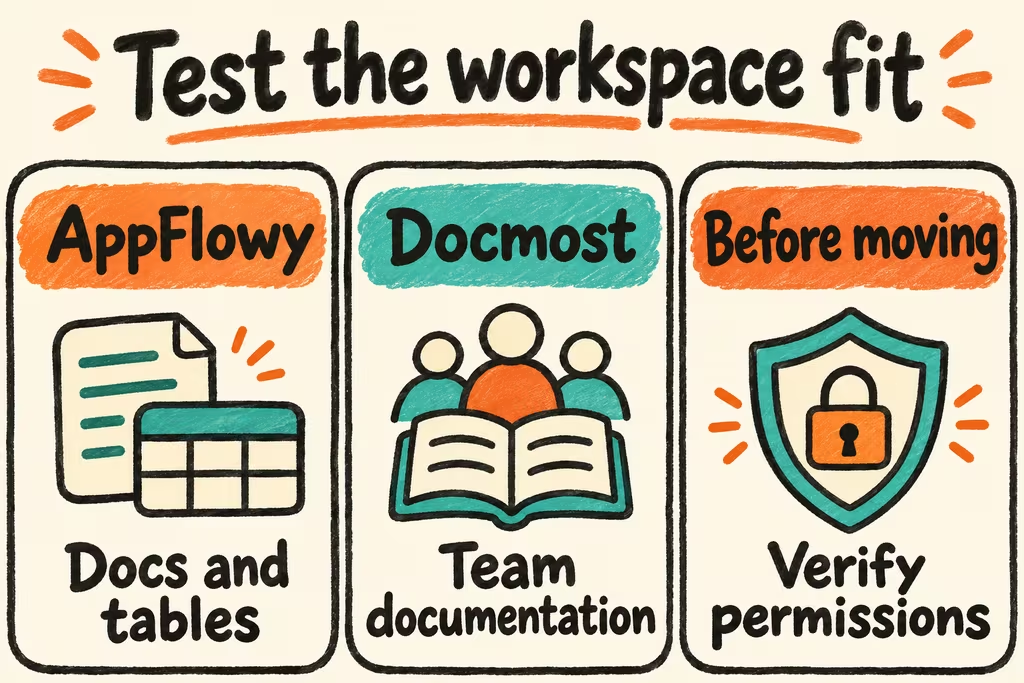
Trial AppFlowy when your team needs to keep editable documents and operational tables in the same workspace. Trial Docmost when spaces and team documentation are the center of work, and verify whether your chosen edition covers Bases and other required controls. Keep the existing workspace until linked records, filtered views, and permissions work in the replacement.
Decide which workspace behavior must survive
AppFlowy documents importing a Notion ZIP into a newly created workspace and offers a self-hosted server deployment. Docmost documents importing Notion ZIP files into a space and exporting pages as Markdown or HTML. Its documentation lists Bases with table and Kanban views among paid edition features. Check those entitlements on the official pricing page for the edition you plan to run.
A row count measures only part of a database migration. Select one representative relation, rollup or formula, filtered view, attachment, and restricted page to test. Inventory automations and integrations and decide which need to be recreated. Preserve the original workspace export and test the destination's own export while you still have the source for comparison.
| Need | Candidate to test | Acceptance check |
|---|---|---|
| Collaborative docs and editable project records | AppFlowy with its server deployment | Two users edit a page while testing a realistic table update from separate accounts. |
| Document-heavy workspace with team boundaries | Docmost with the required edition | Check group access, spaces, imports and exports; confirm Bases if retaining structured tables. |
| Relations, computed values, or workflow automations are essential | Existing workspace or a simpler docs tool paired with your existing tracker | Verify a real relationship, calculation, filtered view, and handoff end to end before replacing the workflow. |
What HN users considered before switching
In the OpenKnowledge launch discussion, devCassius asked explicitly for a migration path from Notion or Obsidian and identified switching costs as a constraint. Add cleanup time to the comparison alongside hosting effort and the cost of operating a second workspace during the trial.
Maintainer grishy described building a packaging layer for Anytype's self-hosted sync stack because assembling the components took effort. Use a fresh second client for the pilot and repeat setup from your runbook. A working admin browser on the host misses much of the deployment and onboarding work.
Test a real workspace round trip
Create a small test space with two nested pages, two related tables, one formula, three attachments and a restricted page. Use invented records and two test users with different roles.
- Export the space in the format recommended by the destination product and preserve a record of expected rows, formulas and attachment names.
- Import into an empty workspace and compare counts, links, permissions and filtered view output. Record unsupported properties and the time to rebuild them.
- Edit and reorder a page and update a related record collaboratively. Export the edited destination content and open it in a clean workspace or a tool that reads the exported format. Check documents and attachments separately from database behavior.
- Proceed only when all required pages and attachments survive, no unauthorized user can read the restricted page, and every required workflow either survives or has a tested replacement. Keep the source workspace active if relationships cannot be recovered or cleanup exceeds the agreed time budget.