 Knowledge Library
Decision in brief
For trusted internal services, start with scoped access to the daemon, non-root application users, minimal privileges and verified image inputs. Test rootless Docker where its host and networking constraints fit. For workloads from different trust domains, decide explicitly whether you need separate hosts or VM-backed isolation.
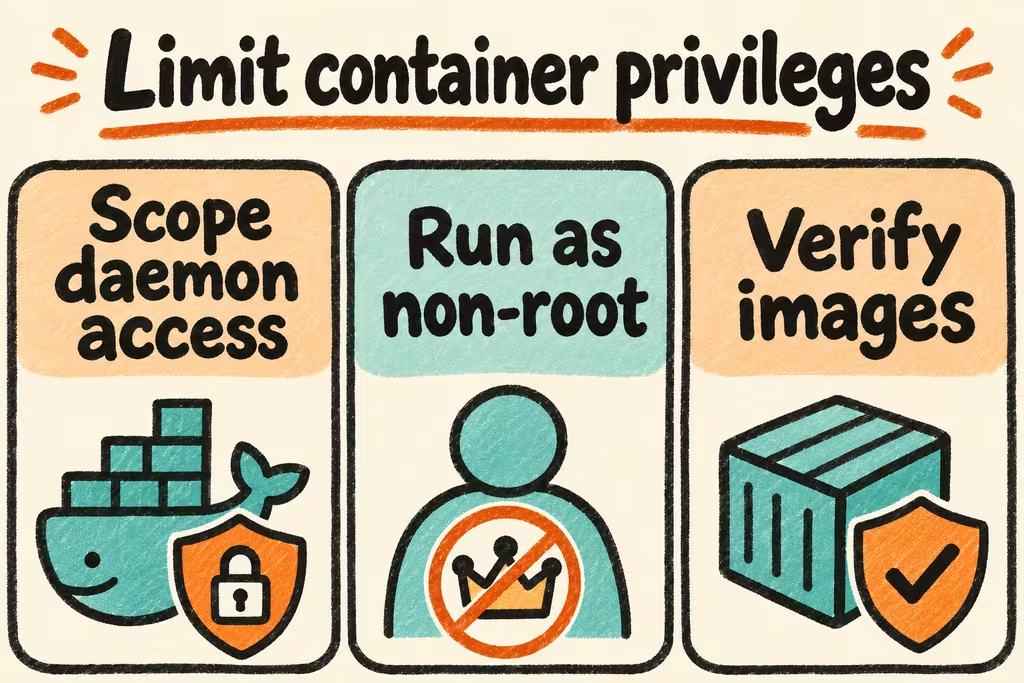
Review the daemon, workload and supply chain separately
Treat permission to control the Engine as privileged access. Remove Docker socket mounts from application containers and scope dedicated build infrastructure to its approved users. Running the application as a non-root container user reduces application privileges. Rootless mode additionally runs the daemon without root, and still requires validating host configuration and compatibility.
Keep the default seccomp profile and grant only capabilities the service demonstrates a need for. Review host bind mounts and published ports before deployment. Supply individual Compose secrets to each service that needs them, and include the underlying secret files and rotation process in the host access review.
| Control | Decision for staging | Pass evidence |
|---|---|---|
| Engine and builder access | Keep the application off the Docker socket and restrict CI builders to approved repos | Review daemon access and application mounts against the declared inventory. |
| Container runtime | Use a non-root app user and the default security profile. Rehearse additional restrictions. | Required endpoints and writes still function within declared paths. |
| Image security | Record the build inputs, approve a pinned base, and scan and rebuild on a schedule | CI identifies the digest under test and the maintainer can update and roll it back. |
| Different trust domains | Evaluate dedicated hosts or VM-backed isolation | Confirm the separation of files, service identities and permitted network paths against the workload threat model. |
What HN discussions reveal about rollout friction
When Docker announced broader access to Hardened Images, jitl looked for PgBouncer and did not find it in the catalog at the time. Check the exact packages, architectures and versions your service needs before budgeting a base-image change.
In a separate Ask HN thread, vsilent compared documentation for ten self-hosted Docker UIs and asked which actually worked with a rootless daemon. Test your real backup, monitoring and deploy clients against a rootless staging host before switching an operator workflow.
Validate the baseline with a disposable service
Use an isolated host with a synthetic Compose service and dummy secrets. Define the service's allowed listeners, volume paths and users in writing.
- Inventory the rendered Compose configuration, actual image digest, service identity, bind mounts, capabilities and published ports. Check each item against the approved inventory.
- Run the health and integration suite under the intended user and runtime profile. Verify the app can read its assigned dummy secret and that a separate service without the grant cannot see it.
- Run the normal backup and deploy paths under the planned daemon setup. Rotate the dummy secret and rebuild to a reviewed base image, then verify the supported rollback path.
- Approve only when every access check matches the declared boundary, required service behavior passes, and restore and rollback finish within the agreed window. Resolve broad privileges before placing a real workload on the host.