 Knowledge Library
Decision in brief
Choose Bitwarden Lite for personal or homelab use where a single container and lightweight database fit the job. Choose a Standard deployment for business use and confirm the license and operating requirements for your features. Keep your current service until a fresh device can access the restored instance using a recovery path independent of that instance.
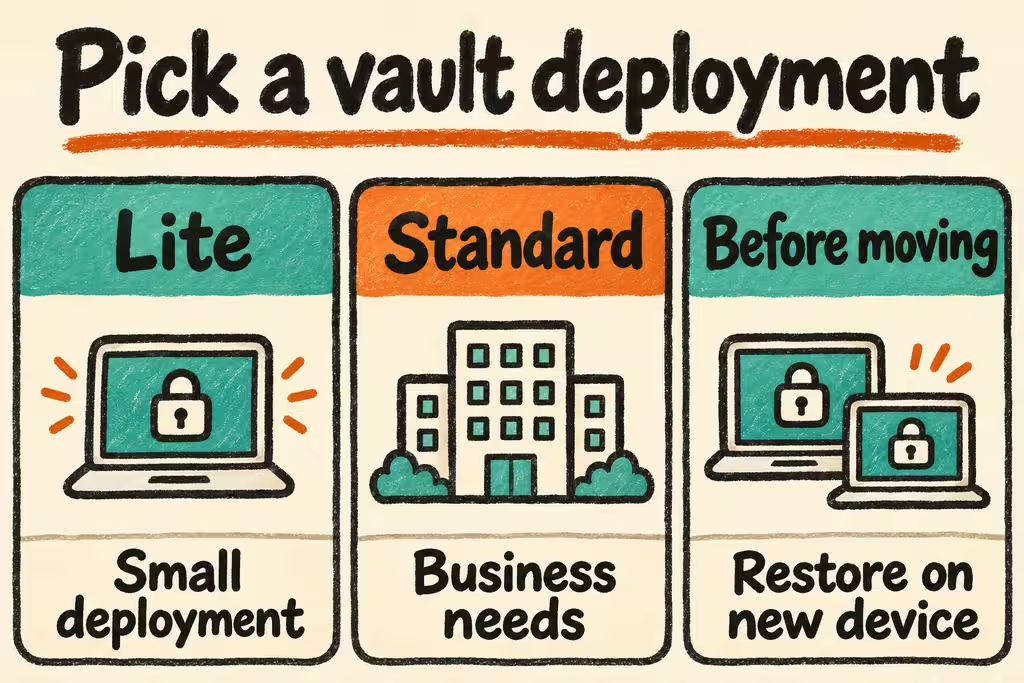
Pick the official Bitwarden deployment and size the backup
The Standard Linux installation uses multiple Compose services and bundles Microsoft SQL Server Express by default. Bitwarden Lite, formerly Unified, ships as a single image and supports multiple database options including SQLite and PostgreSQL. Bitwarden recommends Standard for business contexts. Confirm whether organization or Premium features need an uploaded license and review entitlements before the cutover.
Budget separately for the host, TLS and DNS, SMTP for invitations or verification, off-host backup storage, and an operator to perform updates. The database format changes what you must back up. Follow the documented version-specific procedure and inventory attachments, certificates, configuration, and any separately hosted database.
| Deployment | Good fit | Operational requirement |
|---|---|---|
| Lite with SQLite | Personal vault and a small homelab | A consistent database copy and all persistent files, tested together on a fresh host. |
| Lite with an external database | Homelab with an existing database service | A database-native backup and a known matching application version and configuration. |
| Standard Linux | Business deployment following vendor guidance | A release and license owner, a tested database restore, and a rehearsed recovery route for shared collections. |
| Bitwarden Cloud | Teams without a host or alert owner | Check recovery policies and feature entitlements. Maintain independent administrator access. |
What HN users surfaced about migration and reliance on a device
When Bitwarden Lite was announced, wrxd said their existing Vaultwarden installation worked for them and asked what the launch meant for it. Changing the server is only worthwhile when your clients, required features or support requirements improve enough to cover the migration and restore work.
On a stolen-phone recovery thread, vablings described keeping several hardware security keys, including a spare stored elsewhere, to avoid depending on their normal device to reach Bitwarden. A spare factor needs a tested recovery procedure and access to the credentials required to get it, especially when DNS, the host control panel and the vault share one dependency.
Set up, import a synthetic vault, and restore onto a clean host
A backup you can decrypt but cannot use to recover server access leaves the migration unproven. Do the restore from a second host without its original volumes or a logged-in browser. Pick a target recovery time and acceptable data loss before the test.
- Set a staging hostname and TLS, fetch an installation ID and key from the official service, and follow the Lite or Standard guide on a fresh host. Configure SMTP and verify invitations using test-only accounts.
- Set the self-hosted server URL in a clean browser profile and mobile app. Import ten synthetic credentials, create one shared item and an attachment if your plan needs it, then compare item counts and access by member role.
- Create a timestamped recovery set and keep an encrypted copy away from the instance, with usable recovery credentials stored separately. Recover onto a clean host and check login, second factor, sync and the test attachment.
- For a small vault, try a 60-minute recovery target with zero missing records older than the last backup. Delay migration if a clean device cannot sign in, the database and attachments are inconsistent, or recovery requires opening the unavailable vault first.