 Knowledge Library
Decision in brief
Use a local Actual desktop budget for a single device if you can maintain your own export. Trial the Actual server when you need the same budget on two devices. Start with a synthetic file and manual import. Evaluate any bank import provider as a separate integration with its own data and credential requirements.
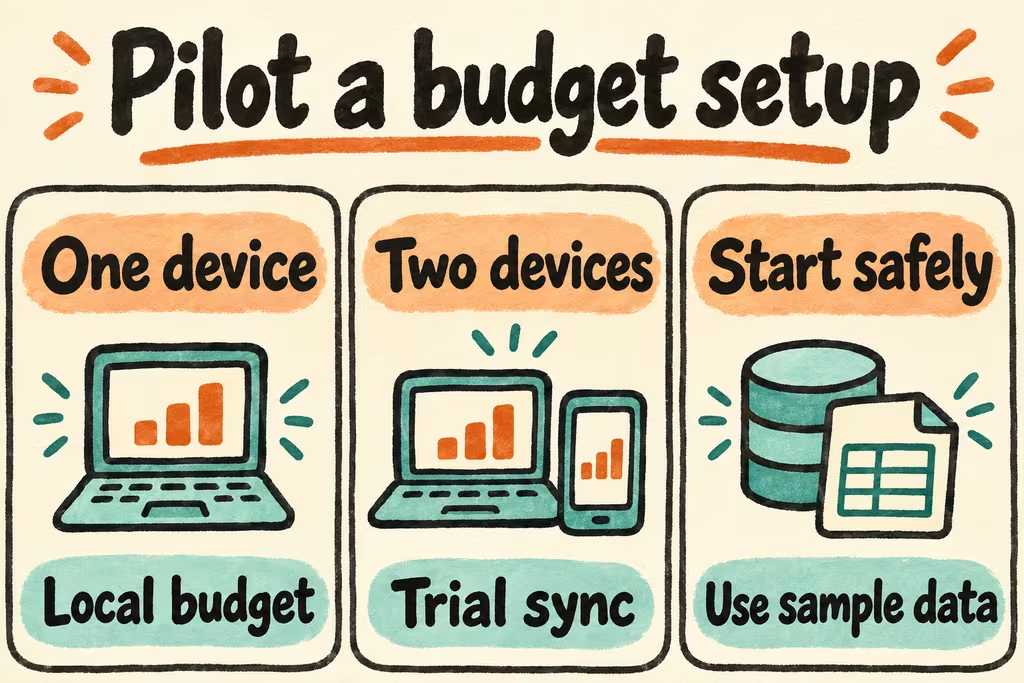
Pick the smallest deployment that fits your workflow
Actual documents installing its server with Docker and keeping server state in a persistent data directory. Use a private test endpoint and trusted HTTPS for normal browser access. Sync makes a budget available on other connected clients, while the backup and restore path gives you a separate copy to recover after damage or a mistaken change.
Actual offers optional end-to-end encryption for synced budget files. The sync documentation says bank access tokens are stored separately on the server and outside the budget encryption boundary. Read the provider and server documentation before enabling a connection, and keep a recoverable encryption password for any encrypted test budget. The first trial can use generated CSVs with fictional identities and amounts.
| What you need | Start here | Check in staging |
|---|---|---|
| One computer and occasional manual import | Actual desktop with periodic budget export | Open an exported budget on a separate local profile. |
| Changes need to appear on two devices | Actual server with persistent storage and private HTTPS | Reconnect an offline client and inspect the final transaction and category state on both. |
| Provider access is necessary for imports | Evaluate the supported provider independently | Check region availability, credential storage, documented consent and the fallback import workflow. |
| A household needs a recoverable ledger | Keep a versioned export separate from sync | Rebuild the app on another machine and compare final balances and categories. |
What HN reports surface about integrations and import effort
Adjadj announced a separately maintained bridge for European banks and self-hosted Actual. This is an example of a specific gap an integration can fill. Check first whether the official provider options cover your scenario, and record which component would have to be maintained if you add one.
In a different local budgeting discussion, terwint said that exporting and importing separate CSVs from multiple institutions could make the workflow too tedious. Time a fictional equivalent across your required input formats before committing to repeated manual import.
Use two private clients and fictional transactions
Keep real files and bank credentials outside this rehearsal.
- Create a synthetic budget with two accounts, two payees, a transfer and one duplicate-looking entry. Import two test CSVs, then record the expected reconciled totals and transaction counts.
- Run the chosen server version with a persistent data directory. Open the same synthetic budget on desktop and a second device. Record how the two clients behave after a temporary network interruption and a later reconnect.
- Create a manual export and recover it in a clean profile or isolated server. Verify totals, dates, categories and that the transfer did not turn into duplicate expenses.
- Keep the self-hosted setup only when the restored ledger matches expected figures exactly, both clients agree after sync, and the import cycle fits your time budget. Stop if any unexpected duplicates or unrecoverable encrypted copy remain.