 Knowledge Library
Decision in brief
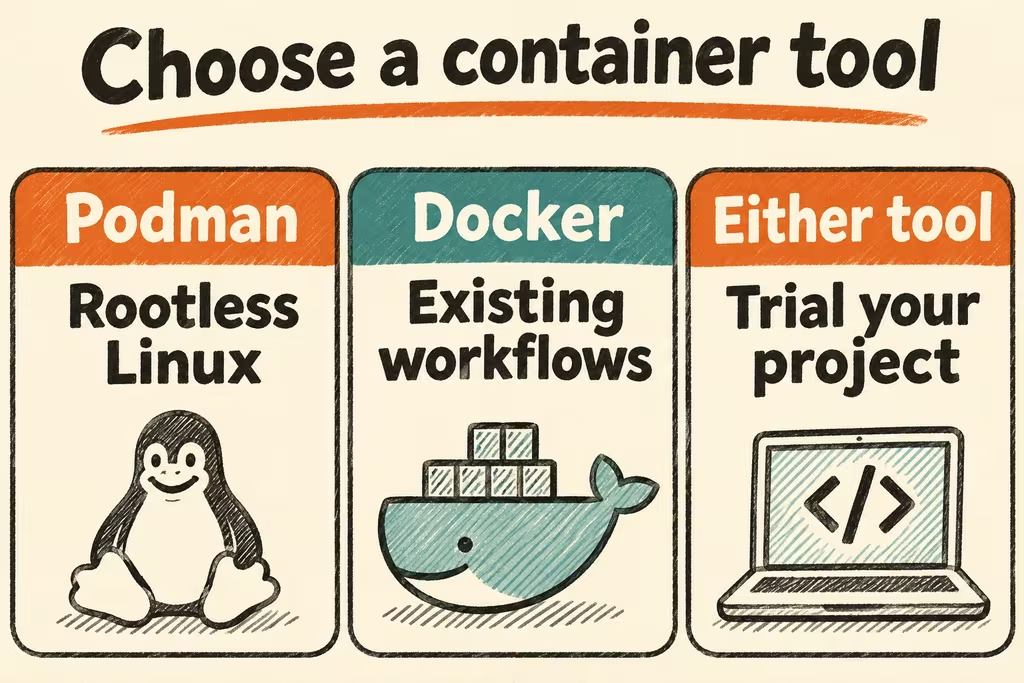
Choose Podman when native Linux and running containers as an ordinary user are central to the team’s workflow and your real project passes a compatibility trial. Keep Docker if its Compose, Buildx, Desktop or integrations save meaningful work. Docker Engine also offers rootless mode, so check that option if removing root privileges is your main driver.
Podman vs Docker differences that affect local work
Podman runs container commands without requiring a central daemon. Tools that use its API can still depend on an API service and socket. Docker Engine normally talks to a daemon. In Docker's rootless mode both the daemon and containers run under a non-root user. For both tools, the effective access of containers depends on the host configuration, mounts and credentials they receive.
Both can run standard container image workflows. CLI similarity is useful for learning and simple commands. Workflows that expect a Docker socket, a specific Buildx builder, a Compose provider, file ownership under bind mounts or host networking need their own compatibility check. On macOS and Windows, Podman uses a Linux virtual machine for Linux containers; compare desktop virtual machines on the same hardware and architecture.
Podman compose delegates Compose operations to an external provider such as docker-compose or podman-compose. Pin the provider and version in the development setup. Validate the features your application uses, especially health-dependent startup, network names, build contexts, profiles and volume ownership.
| Workload | What to compare | Decision condition |
|---|---|---|
| Native Linux with non-root users | Rootless container startup, UID/GID mapping, port mapping and access to project files | Adopt once developers can build, test and write expected files without privilege workarounds |
| Compose application across Linux and macOS | Provider version, startup dependencies, host mounts and named volume behavior | Keep the current default if any supported platform needs ad hoc patches |
| CI or editor depends on a Docker API or Buildx | Socket clients, architecture targets, registries and cache behavior | Keep Docker for that workflow until the replacement passes the same release checks |
What Podman users had to check on Hacker News
bmurphy1976 reported compatibility problems when trying Podman Desktop on macOS and said their later Rancher Desktop trial worked better in their environment. In the same thread, osigurdson preferred the Podman CLI because they could run commands without a central background daemon. Both reports are first-person accounts of different workflows.
In a separate discussion, wallzero described editor-specific Podman Compose and SELinux friction in a devcontainer workflow. Recheck this with your exact editor release, OS and package format. The comment demonstrates why a successful terminal run is only one part of developer compatibility.
A separate HN submission shared a walkthrough for rootless Podman with Docker Compose. Treat it as a starting point for the workflow to test. Podman's manual defines which Compose provider is selected.
When to choose Podman over Docker
Swap engines on one representative repository before changing the team default. Compare clean builds and repeated builds separately. Record the CPU architecture and virtual machine resources so an emulated desktop run does not get compared with a native Linux run.
- Pin engine, Compose provider, target architecture and image digests. Use disposable local fixtures. Confirm the endpoint behind your CLI is the engine you expect.
- Run the project's actual test command after each environment starts. Include a health-dependent service, a bound source directory, a named volume across a restart and access to a local test registry if used by CI.
- Open the same devcontainer in the team's editor and run a build from CI. Check ownership on host-written files and test build cache reuse or multi-architecture output where your release process depends on it.
- Require the current smoke tests and release checks to pass without elevated privileges or per-user overrides. Keep the existing engine available while testing and switch the shared default only once the second supported workstation can reproduce the result.