 Knowledge Library
Decision in brief
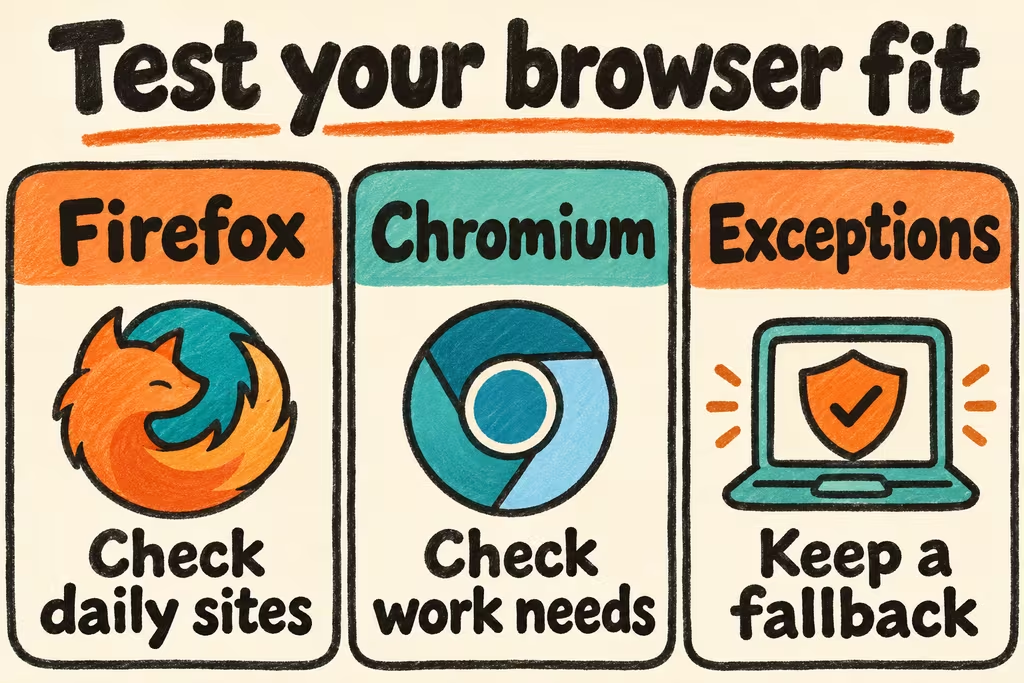
Choose Firefox if its Gecko-based desktop browser meets your required site and extension workflows and you value using a different engine. Choose the specific Chromium-based browser required by a work policy or an application if it delivers functionality you cannot recover in Firefox. Keep a second current browser for documented exceptions when a small number of essential tasks require it.
Chromium vs Firefox starts with two specific browser builds
Firefox for desktop uses Gecko. Chromium is the open-source project behind Google Chrome and uses Blink. Google Chrome is a product built from Chromium. Treat Chromium builds and branded browsers as separate deployment choices with their own features, release channels, policies, and update sources. This comparison is for desktop browsers. Test mobile applications separately.
Inventory extension actions alongside names. Confirm which store and version each browser supports, what permissions each extension needs, and whether it still handles the specific sites you use. Mozilla documents that it may offer Firefox equivalents for supported Chrome extensions. Recheck settings for each equivalent. Review sign-in and data import separately from rendering compatibility.
| Requirement | Start with | Verify before switching |
|---|---|---|
| Daily sites, SSO, and file downloads | Both current managed or stable builds | Complete login, download, and upload with the default profile and approved settings. |
| One extension is essential | The product with a supported build of the extension | Repeat the required actions and check effective permissions, update path, and data recovery. |
| Tracker blocking and site compatibility | Firefox with the intended protection settings, alongside the current browser | Verify necessary embedded content, checkout or sign-in, and any approved site exceptions. |
| Distribution package or enforced work policy | The supported browser on your OS and release channel | Confirm security updates, managed settings, sync policy, and support ownership for that exact build. |
Two Hacker News cases worth reproducing on your stack
Animats reported getting stuck in a verification loop on a particular site in Firefox. gnabgib tried Firefox and Chrome guest profiles on Windows and said Chrome showed the same symptom. Re-run that kind of failure on the same OS and network with fresh profiles before attributing it to the engine. The thread does not establish the cause.
In a separate discussion about version drift, UberFly noted that Vivaldi could be a major version behind while issuing incremental security updates. The example gives you a reason to check the current vendor release notes for the exact build you run. A major version number alone does not summarize the patch status.
Test ten tasks in a fresh profile before changing your default
- List ten tasks you need, such as work sign-in, a video meeting, an editor shortcut, a payment flow in a sandbox, and a password-manager action on a test account. Mark each as required or optional. Record the exact versions, platforms, and managed policies.
- Open clean, approved profiles in both browsers and test once with the same network and account roles. Repeat failed tasks after restarting. Add required extensions one at a time and record whether an extension or setting changes the result.
- Import only an approved sample, then check bookmark counts, critical settings, permitted credentials, and extension functions. Use the vendor's documented path for your operating system. Keep the existing profile available and confirm you can return to it.
- Switch only when every required task succeeds twice and the exact browser build meets your update and management requirements. Pause if a required task fails reproducibly, depends on relaxing a managed control, or loses data on migration. Record any bounded fallback for an occasional site.