 Knowledge Library
Decision in brief
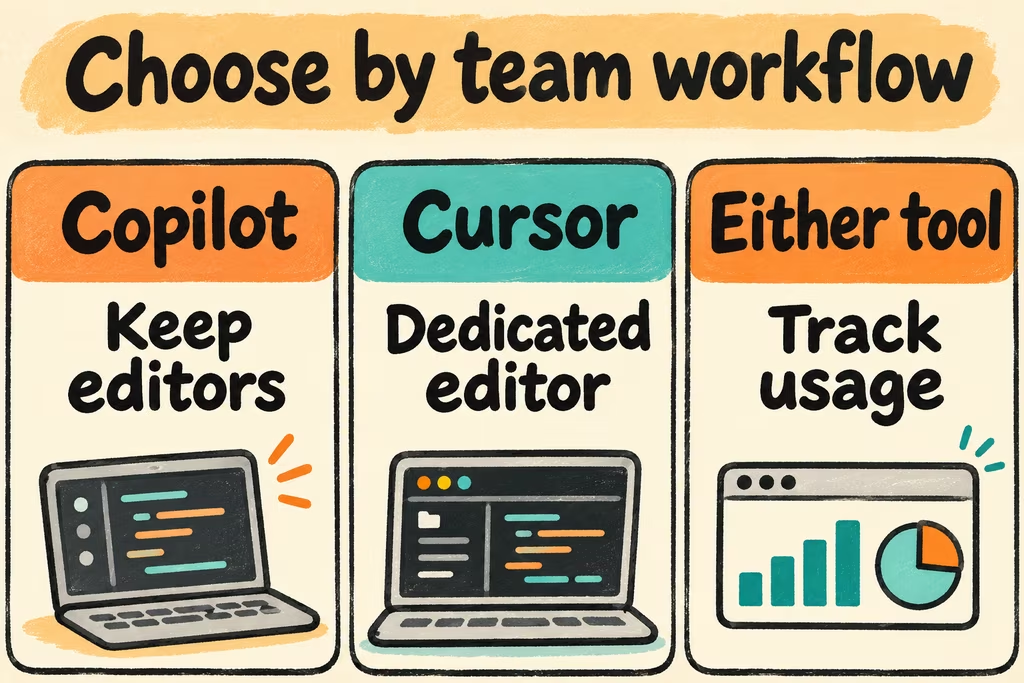
Start with GitHub Copilot when your team wants to keep its existing editors or already assigns and reviews work in GitHub. Trial Cursor when developers spend much of their day navigating and editing across files and can adopt a dedicated editor. For pricing, compare the total cost of your own usage mix. A week of completions, local agent work, and cloud handoffs can consume very different amounts even at the same seat price.
Compare the workflow you actually use
GitHub Copilot offers inline help and IDE agents on supported surfaces, plus agentic work on GitHub itself. On GitHub, you can specify a repository and branch, ask for a change, and review the proposed work before requesting a pull request. Cursor combines Tab suggestions with an editor Agent that can search, edit, and run checks. Cursor also offers Cloud Agents on eligible plans. Score IDE work and remote work separately because environment setup, data paths, and approval controls can differ.
If your team works in several IDEs, include the cost of recreating extensions, debugging shortcuts, project tasks, and accessibility settings in the Cursor pilot. If everyone uses the same editor, measure how quickly a developer can move from a failing test to an understandable multi-file diff. The editor choice matters most when this workflow is repeated daily.
| Your dominant workflow | Start with | Check before rolling out |
|---|---|---|
| Writing small changes in an existing editor | GitHub Copilot | Completion acceptance and tab-key friction across supported IDEs. |
| Interactive cross-file edits and debugging | Cursor | Time to find the right files, validate a plan, and review or reject changes. |
| Handing a repository issue to an agent and reviewing on GitHub | GitHub Copilot | Branch protection, required CI, draft PR flow, and review ownership. |
| Asynchronous changes from a browser or remote agent | Compare both cloud surfaces | Setup time, repository access, approval controls, and how compute and model usage are billed. |
Cursor vs Copilot pricing per accepted change
Check the current vendor plans for editor completions, eligible models, cloud agent availability, included usage, and overage controls for the exact seat you will buy. GitHub documents that code completions and next edit suggestions do not consume AI credits on paid plans. Agentic activity can involve multiple model calls. Cursor lists usage and feature access by tier on its current plan page. Record the difference between included capacity and any separately billed activity in your own dashboard.
For procurement, compare (allocated seat cost + metered charges + review and rework labor) divided by changes accepted in review. Include spend and human time from unsuccessful attempts in the numerator. Record blocked work from quota exhaustion separately so a low-cost plan with frequent interruptions is visible.
What Hacker News developers put under review
In an enterprise Copilot discussion, staff engineer ackdesha reported preferring Copilot Agent mode for maintaining established TypeScript backends. In that same discussion, al_borland reported turning off inline suggestions because false positives and Tab interruptions made manual editing harder. Capture both completion interruptions and the quality of proposed agent edits during the pilot.
In a separate Cursor thread, xinbenlv reported that an agent resolved a submodule conflict and then force-pushed despite a written request for approval. Treat this as one historical report. Before using either tool on a shared repo, verify that enforcement comes from branch protections, client execution settings, and the credentials available to the agent.
Run a five-task paired pilot
Pick five fixtures in a disposable copy of a representative repository. Run both tools from fresh branches at the same commit with the same instructions, checks, review rubric, and time cap. Track local and cloud tests as separate cohorts.
- Choose two completion tasks, a small cross-file rename, a regression repair with a known assertion, and a draft PR handoff. Count accepted and rejected suggestions for completions and time to accepted diff for agent tasks.
- Use scoped credentials and a review-only destination for the PR fixture. Test the review and approval settings on a harmless draft change and record any surface where a boundary cannot be enforced.
- For the final review, record first-pass test success, lines you actively inspected, cleanup minutes, setup minutes, and billed usage. Keep both tools only if they earn their cost on distinct classes of work.