 Knowledge Library
Decision in brief
Try Aider when you can name the likely files, want model-provider control, and review changes as small Git commits. Try Claude Code when finding the source of a bug, planning, and running approved checks are a substantial part of the work. Keep your existing tool for any task class where switching adds review time or weakens the access boundary.
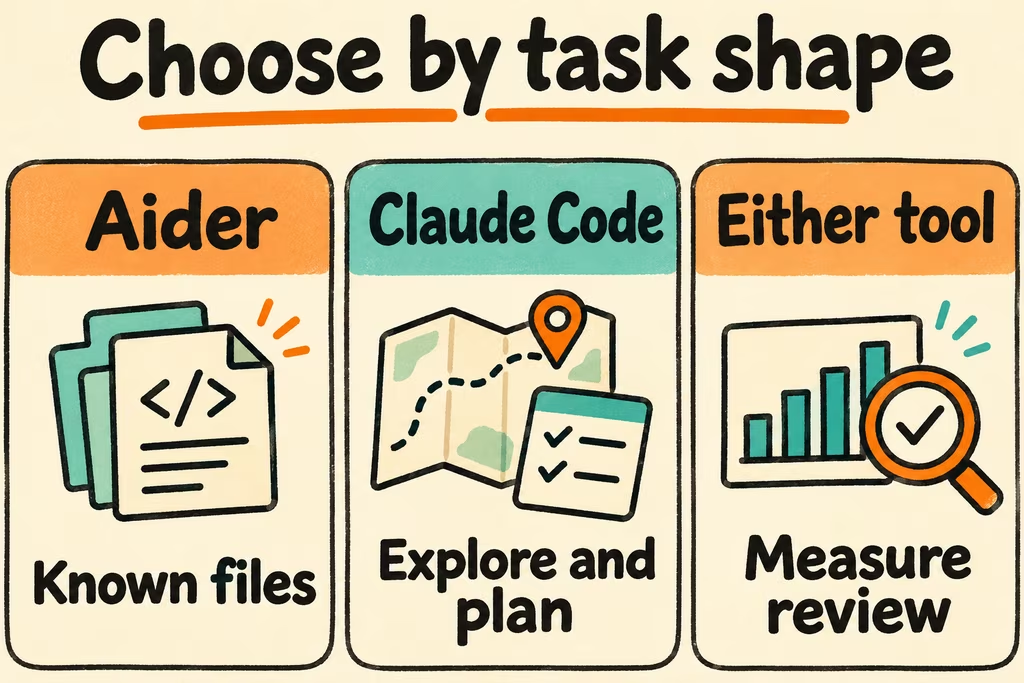
Compare the editing and review loops
Aider lets you add files to the session and gives the model a compact map of the repository. Its standard Git behavior commits edits it makes and offers a command to undo its latest change. It can also run configured tests or lint checks. Start from a clean branch, inspect its resulting commits, and enforce the same required checks in CI.
Claude Code can explore, propose a plan, edit, and invoke tools under the chosen permissions. Use plan mode for a review checkpoint before changes, then approve the smallest implementation and test scope you need. Record the provider, authentication route, and model for both tools. Those choices affect costs and which features are available.
| Your recurring work | First tool to try | Deciding evidence |
|---|---|---|
| Known-file edits with frequent review and reverts | Aider with a clean test branch | Measure time to inspect the commits and recover from a rejected edit. |
| Unfamiliar failure that spans components or tests | Claude Code with a plan and explicit command approvals | Check whether it identifies the right files and reproduces the failure inside the approved scope. |
| A mandated model provider or local inference runtime | Test Aider with the approved endpoint and a supported model | Verify where prompts go, which edits apply cleanly, and what Git and test integration require. |
| Repository instructions or policy approval are central | Try the workflow whose configuration and controls you can audit | Show which paths, commands and external services were used and check the final patch against policy. |
What two HN developers valued in a terminal workflow
In one HN discussion, zmmmmm said Aider's default Git commits made it easy to distinguish tool changes from their own. Reproduce that benefit by having a reviewer identify and reject one deliberately unnecessary edit in a test branch.
In another thread, dpc_01234 reported switching from earlier Aider use to Claude Code because it fit their command-line workflow better. They also described the work of designing and steering tasks, and the role of tests in judging output. Compare the two on tasks you actually do and require an independent review of the outcome.
Compare a known-file edit and a cross-file bug
- Pick two tasks in a sanitized repository and create clean worktrees at the same revision. Set the same time budget, test commands and permitted actions, and record model, provider and tool versions.
- Run both tools on the focused patch and the cross-file task. If you can use the same approved model, keep it fixed. If the two setups require different models, record that the trial compares the full setups.
- Review diffs against the same test and scope checklist. Record accepted patches, command approvals, clean revert time, manual repair minutes, and measured cost for each.
- Switch the relevant workflow only when the candidate meets all checks and improves time to an accepted patch or makes recovery measurably easier. Stop the trial on a permission breach, an unexplained repository change, or a revert that would lose a developer's work.