 Knowledge Library
Decision in brief
Start with Mealie when most recipes come from web links and the household wants to share a meal plan. Trial Tandoor when structured ingredients and the weekly shopping list are central to how you cook. When most recipes already live in an archive, choose whichever importer preserves those recipes with the least manual work.
Compare source files and the weekly cooking workflow
Mealie documents web imports, manual recipes, a meal planner, and shopping lists. Its own structured JSON export can carry details such as ingredients linked to steps. An imported web page can still require corrections. Confirm how quantities, temperatures, and instructions appear before relying on a scaled recipe.
Tandoor documents both recipe import and app-specific data migrations. Its Mealie migration expects a Mealie backup archive, so a file exported from the recipe collection alone may be incomplete for that workflow. Keep a readable copy of the recipes you care about and keep separately restorable application backups with photos and other assets. Confirm supported backup versions before upgrading.
| Your workflow | Candidate or approach | What to compare in the pilot |
|---|---|---|
| Mostly URL capture, shared weekly plan | Mealie | Import speed and success for your actual sources, correction time, and shopping list sharing. |
| Ingredient quantities drive weekly shopping | Tandoor or Mealie using the same recipes | Scale two meals, compare units and ingredient names, then inspect the combined list for accidental duplicates. |
| Legacy HTML or recipe-app exports | Run both importers on the same sample | Count lost steps, photos, servings, and source links. Estimate cleanup time from a timed sample. |
| Handwritten or otherwise irreplaceable recipes | Retain the original images beside readable transcriptions | Open originals and transcriptions on a second device during recovery. |
What two HN cookbook projects teach about migration
The Zest maintainer, martin-mast1974, described spending a day trying to migrate more than 800 legacy HTML recipes into existing self-hosted apps. The original files were unusual enough to justify testing an actual sample before choosing a product.
Recipe Shelf creator rachelle-r had recipes scattered across links, screenshots, apps, and photos of handwritten cards. This account highlights a capture problem independent of hosting. Test each source separately and allow time to transcribe any family recipes whose images cannot be imported cleanly.
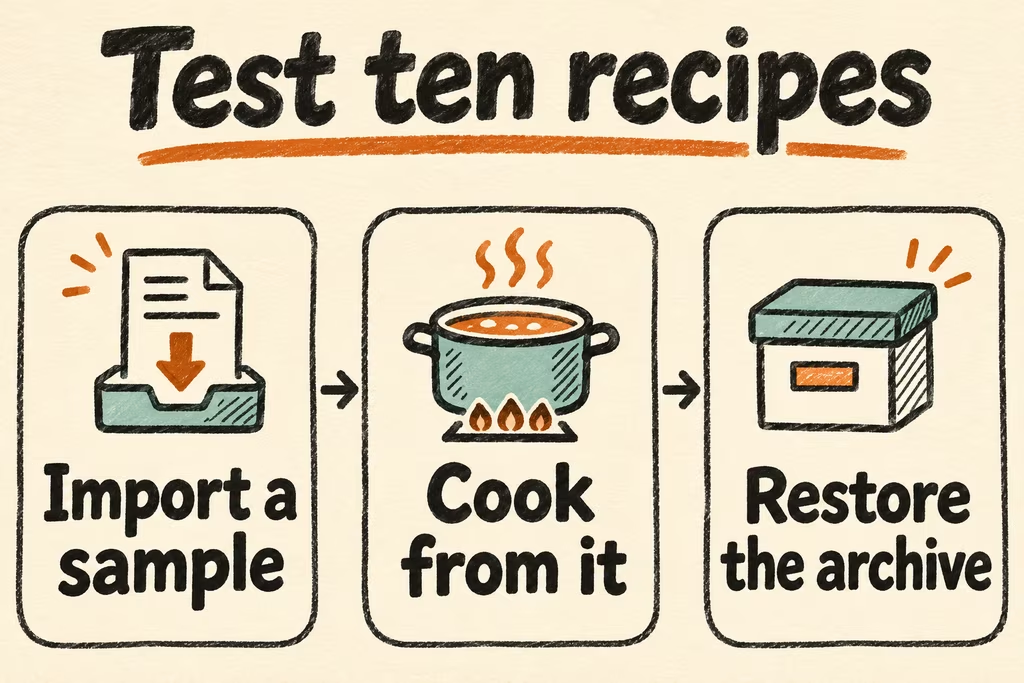
Run a ten-recipe cook-and-restore trial
Pick ten recipes you have permission to copy. Include representative web pages, a tagged recipe with a photo, at least one legacy export, and a manually entered recipe.
- Import the same sample into each candidate. Record time to correct title, ingredients, quantities, units, steps, servings, and photo.
- Build a three-day plan and scale one meal up and another down. On a phone, check that the expected ingredients make it into the grouped shopping list.
- Export the recipes and restore an application backup into an empty test instance. Compare all ten recipes, open the photos, and check the shared list using a second account.
- Proceed when all ten recipes are accounted for, two cooks can use the plan and list, and the restore completes within your agreed window. Pause migration if scaling changes a critical quantity, a source has no repeatable import path within your cleanup budget, or unique photos are missing.