 Knowledge Library
Decision in brief
Try Joplin when you want native offline notebooks with a sync destination you control. Try Memos when the main job is opening a browser to capture and rediscover short notes. Favor the one that recovers the text, attachments and structure you actually use after a lost device or server.
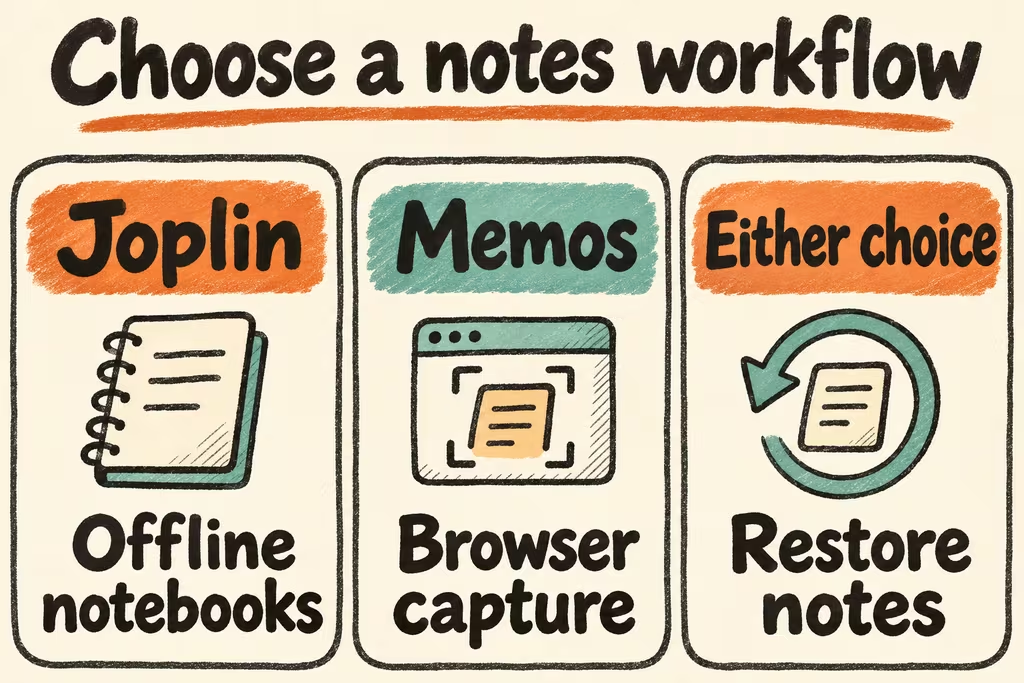
Choose the capture path and the exit format first
Joplin stores notes locally and can synchronize to destinations including WebDAV and Nextcloud. Its end-to-end encryption option applies to synchronized data. Its JEX export is intended to preserve Joplin objects and metadata, while Markdown gives you text that can be opened in other editors. Run both export checks if you rely on both restore and migration.
Memos serves a Markdown-based web interface on your own server. It is a good candidate when quick capture and search matter more than notebook hierarchy. Test server downtime and attachments on your chosen clients. A collaborative knowledge base, database-backed workspace or existing Obsidian vault calls for a separate fit test.
| What you need | Start here | Check in staging |
|---|---|---|
| Native offline writing and attachments | Joplin with a sync target you control | Edit a note offline on a device and inspect conflicts and attachments after sync. |
| Quick browser capture and rediscovery | Memos | Capture and find five short notes across phone and desktop, including a tagged attachment. |
| Ordinary files are required for exit | Compare the exported Markdown and attachments | Open the exported files outside the application and check links and dates. |
| One device is lost | Application backup plus a clean-client recovery | Hydrate a blank profile and verify confidential test notes are viewable only by their intended account. |
What HN users noticed about capture and sync
aavshr described building Set for a single-person writing workflow after using a collaborative editor. They explained that the notes were Markdown and the browser version and desktop app had different capabilities. Test each device on the actual client you intend to keep.
davnicwil brought a self-hosted version of Docket to HN after users asked for a version they could operate themselves. The product was designed around recurring meeting notes. Capture a week of fictional repeated meetings in your own trial to see whether tags or notebooks make it clear which note belongs where.
Compare four days of notes and a simulated device loss
Use test accounts and fabricated notes. Keep an export from the incumbent app.
- Build a 30-note fixture with an attachment, a tag, a checklist, a linked note, a private note and a repeated meeting title. Record the expected search result for five normal queries.
- Capture the same test notes from phone and desktop. Take one device offline, update two notes, then inspect the end state and any conflict copies after reconnecting.
- Restore onto a clean server or client profile. Use application backup for the full-fidelity test and open a portable export with a generic editor to verify the exit path.
- Keep the app only when every seeded note and critical attachment is present and intended private notes stay private. Stop if offline edits silently disappear, export links break in the required workflow, or recovery misses the team’s agreed window.