 Knowledge Library
Decision in brief
Use the Calibre Content server if your catalog is already in Calibre and browser reading meets the household’s needs. Try Calibre-Web if you need authenticated browsing and an OPDS feed backed by that same library. Keep the reading device and its offline workflow in the decision. A server that displays a title correctly still needs to deliver a usable file to the actual reader.
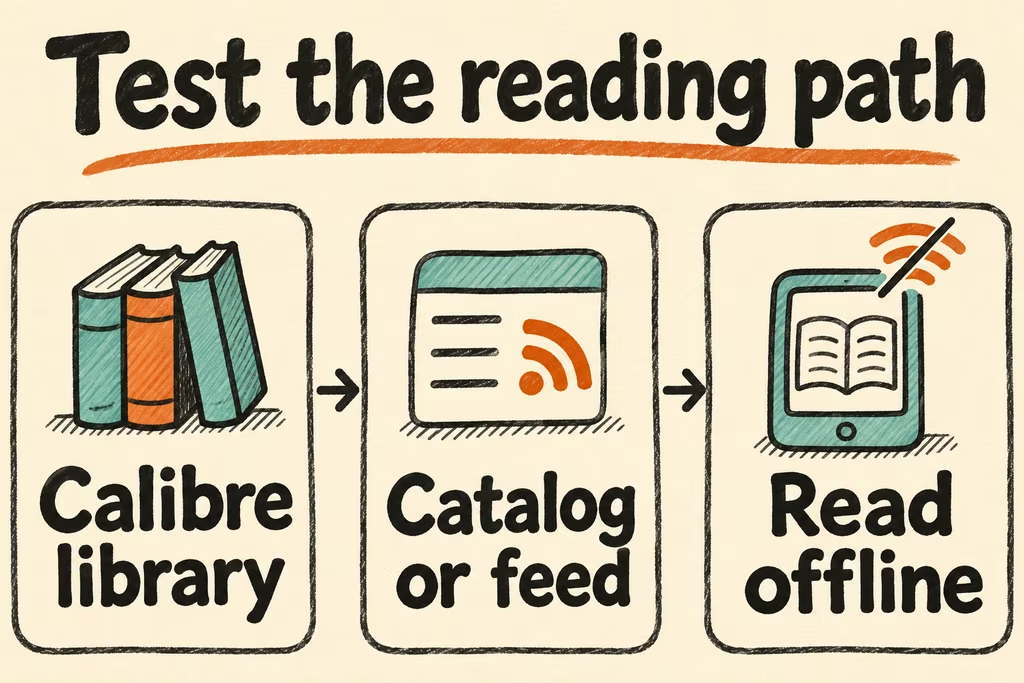
Separate the library, catalog, and reading client
The Calibre Content server can serve existing Calibre libraries and open books in a browser. Its browser reader can cache the current book for offline reading. Calibre-Web is a separate application that browses and serves books from an existing Calibre database and documents OPDS support.
OPDS is a catalog and acquisition interface. Reading positions, highlights and device-specific sync need separate compatibility tests. Identify a single catalog owner when two tools point to the same collection. Keep originals, catalog metadata and the reader application’s private state in the recovery inventory.
| What you need | Start here | Check in staging |
|---|---|---|
| Existing Calibre library and browser reading | Calibre Content server | Open representative books on the phone or tablet and test offline reading in its browser. |
| Calibre metadata and an OPDS client | Calibre-Web backed by a copy of the library | Sign in, browse the feed, and acquire EPUBs from the intended reader app. |
| An e-ink device with a limited network workflow | Use its supported private transfer path first | Confirm that the exact model can transfer, open and retain a book offline. |
| Critical annotations and reading positions | Choose the reading client and backup path first | Verify highlights and progress after reinstalling or moving to a new client profile. |
What two HN readers chose to own themselves
In the Bookshelf discussion, philips described keeping flat files in a copyparty server and using OPDS for different reading clients. This separates the catalog from the reader. Testing each reader with its own authentication and download path can prevent a household-wide migration from hinging on one device.
The BeePub author, sheldon7337, kept their Calibre library as the source of truth and connected a read-only reader to it. They highlighted vertical Traditional Chinese text and manga EPUBs as important examples. Add a format or language that strains your current setup to the test collection.
Run a checkout, reading, and recovery trial
Operate on a duplicate of the library with legal, already possessed files, such as DRM-free EPUBs and PDFs.
- Select 20 files with mixed series metadata, covers, PDF pages, and EPUB layouts. Record which formats and language features matter on each real device.
- Use two reader profiles to browse or acquire the same titles. Disconnect from the network, then read a previously downloaded title and confirm whether position and annotations survive reconnecting.
- Restore the book directory, Calibre database and any separate application or reading state to a clean private instance. Compare book counts, series order and cover art, then open three restored originals.
- Adopt only when every required device can retrieve and read the sample and all essential metadata and reading state are recoverable. Keep the original library authoritative if you find lost annotations, incompatible formats, or undocumented catalog writes.