 Knowledge Library
Decision in brief
Start with Moodle for an instructor-led course workflow with enrollments, assessments and a gradebook. Evaluate Open edX through Tutor if your priority is publishing structured online courses through Studio and your team can support its services. Use a managed deployment when your team cannot safely cover the required updates, monitoring and recovery schedule.
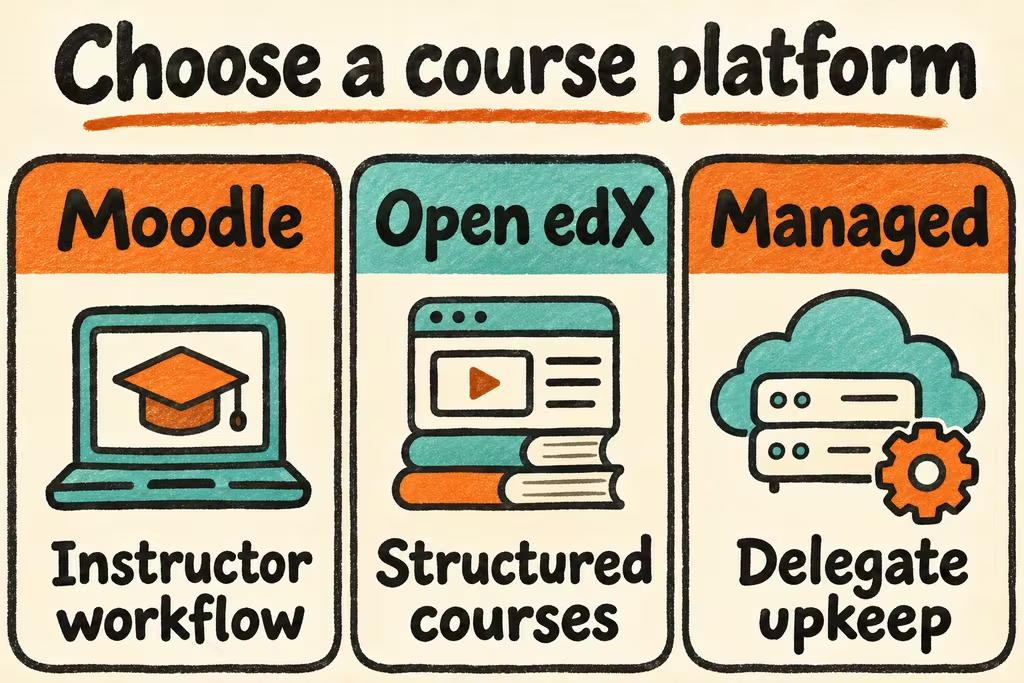
Decide who authors, operates, and recovers a course
Moodle supports course-level backups for copying or restoring individual courses. Moodle documents a separate site backup that includes the database, uploaded files and the code needed to reconstruct the instance. Rehearse both when an instructor needs to restore a course while an operator also needs to recover the entire site.
Tutor is the Docker-based Open edX distribution for local development and production. Open edX uses Studio for course authoring. Determine which plugins and external services your course needs, then run an upgrade on a copy with the same release line and configuration before moving a live cohort.
| What you need | Start here | Check in staging |
|---|---|---|
| Instructor-led courses with graded assignments | Moodle | Verify enrollments, assignment feedback, accommodations and gradebook CSV export. |
| Structured self-paced courses with an authoring team | Open edX with Tutor | Publish one Studio course, assess learner progress and rerun a repeatable deployment. |
| A small team without a recovery owner | Managed service or supervised pilot | Obtain the exact restore and upgrade responsibilities before collecting learner records. |
| Existing courses need to move | Trial the existing platform’s supported export | Check rubrics, question banks, captions and enrollment or progress records individually. |
What two HN discussions bring to a staged rollout
eetcheverry shared an Open edX migration case that separated a short upgrade window from two months of preparation. Use that distinction when estimating staff time for content validation, plugin checks and rehearsals. The reported durations describe one migration.
pigon1002 described adding text similarity checks to an LMS they were building and asking what would improve the approach. A custom feature can add a search dependency and a review workflow. If automated flagging is essential, test with synthetic answers and require an instructor review and a correction path.
Rehearse a course, an upgrade, and a full recovery
Use fictional students, grades and contact details. Budget a recovery window before the trial.
- Build a small course with one instructor, two students, a captioned lesson, a quiz and an assignment. Run each role on a desktop and one mobile device.
- Export the gradebook and inspect rubric scores, student identifiers, timestamps and comments. Confirm that students see only their own work and grades across the tested screens.
- Restore the course or the platform onto a clean staging instance. Rehearse a supported update and verify enrollment rules, submissions, assessment settings and exported grades against the fixture.
- Open registration only when all test records and permissions match and the restoration meets your time and data-loss objectives. Stop if a required assessment changes meaning, accessibility regresses, or nobody owns recovery.