 Knowledge Library
Decision in brief
Install WordPress from WordPress.org on infrastructure you control when you need a particular plugin, theme, or data-hosting arrangement and can maintain the stack. A managed WordPress host is a better fit if you need the same editor and plugin workflow but want a provider to own selected infrastructure tasks. Consider a static publishing workflow if your site mainly serves pages and editing needs are simple.
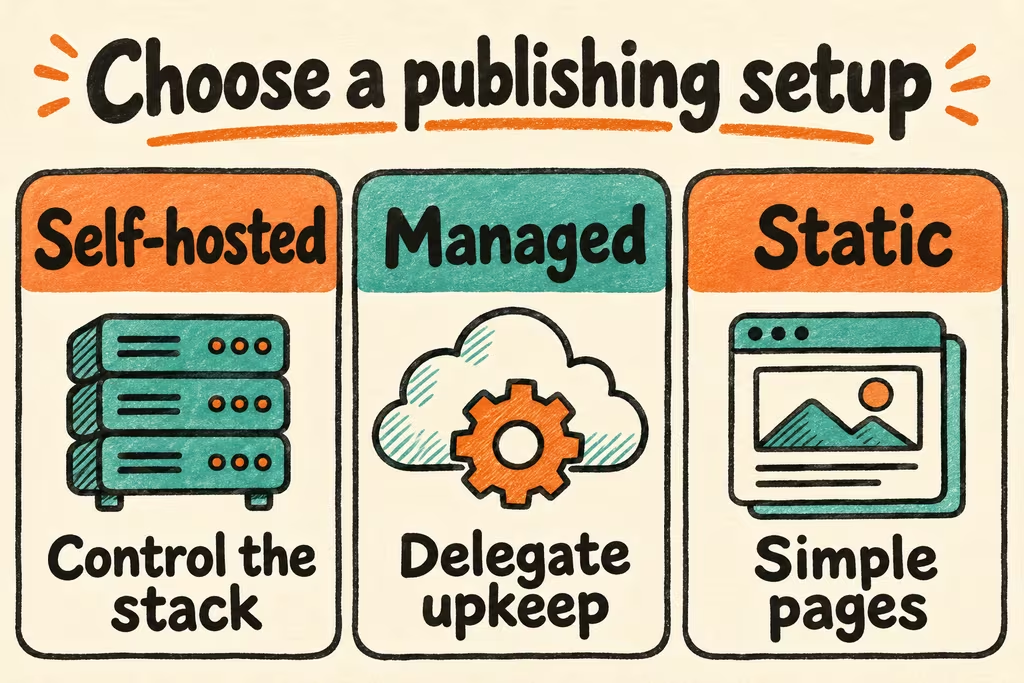
Choose the operating model for your WordPress site
WordPress.org distributes the software and documentation. On a VPS you supply the PHP runtime, MySQL or MariaDB, HTTPS, and update process. With a managed provider or WordPress.com, verify plan access to plugins and backups and identify which updates the provider handles. Check WordPress.org for current runtime recommendations rather than copying older installation tutorials.
Inventory all dynamic functions before choosing where to host. For a basic blog that means drafts, revision history, scheduled publishing, images, feeds and redirects. For a membership site, checkout or support forms, test state changes and notifications on staging. Recording plugin ownership and removing unused plugins lowers upgrade dependencies.
| Starting point | Practical fit | Acceptance test |
|---|---|---|
| Managed WordPress host | Small site using existing plugins with limited operator availability | Restore to a fresh location and confirm which updates, activity and exports are available to you. |
| Self-managed WordPress.org | A required plugin or PHP workflow with an assigned operator | Prove updates work with your plugin set and that the database and uploads restore together. |
| Static publishing | Primarily read-only content with a simple edit-and-publish workflow | Preserve old URLs and confirm editors can make an ordinary change without developer help. |
What HN publishers check beyond the installation screen
klausbreyer described running a travel blog on WordPress and finding a poor fit for simultaneous editing and managing photos and videos from two phones. Rehearse your actual mobile publishing workflow with editors before picking a stack or adding an extension.
RebelMonk described monitoring WordPress and plugin version changes and security issues for client installations. The useful signal is a maintained inventory with a response owner. For each plugin, write down the capability it provides, the backup data it touches, and how you know an update preserved its behavior.
Validate a staging restore and one plugin update
Use an isolated staging hostname with authentication and separate mail or payment test endpoints. Use fixtures instead of customer data. Keep a paired backup of files and database from a consistent point in time and store it off the web host.
- Install the project’s supported PHP and database versions, enable HTTPS, and create a test editor. Create ten representative URLs, five media items, a scheduled draft, and a form submission or other central workflow.
- Record HTTP status, media availability and editor behavior. Take a paired snapshot and exercise one plugin or theme update. Repeat the tests from both a phone and a clean browser session.
- Restore onto a fresh host, check the canonical URLs and redirects, open all five media items and verify the editor and scheduled job. Time the restore from backup discovery through the final checks.
- Proceed only if all ten URLs behave as specified, there is no missing media, and you meet the agreed restore target, for example one hour for a small blog. For a migration, freeze writes during the final copy and record which system takes new edits before switching DNS.