 Knowledge Library
Decision in brief
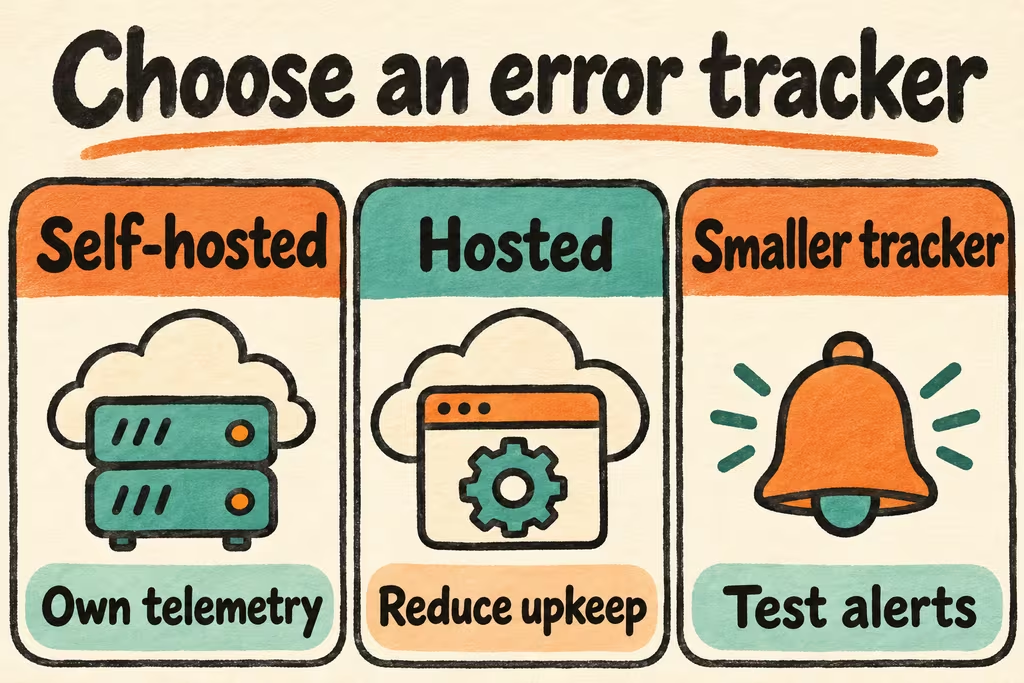
Run Sentry Self-Hosted if you need control over telemetry storage and will use enough of the platform to justify maintaining an ingestion and storage stack. For grouped exceptions alone, test a smaller tracker against your SDK and alerting needs. Prefer hosted Sentry when operating the monitoring stack would draw staff away from responding to app incidents.
Size the Sentry deployment from features and event volume
The official Sentry self-hosted distribution uses Docker Compose. On 16 November 2026, Sentry’s guide lists four CPU cores, 16 GB of RAM plus 16 GB of swap, and 20 GB of free disk as its base requirements. Some ClickHouse images also require x86-64-v3 on x86-64 hosts. Size above the base using event rate, payload size, retention and bursts. Keep Compose release pins and measure the critical path from SDK submission to an actionable issue. Before enabling replay or tracing, verify the privacy policy and model their extra ingestion and storage separately.
The official self-hosted guide identifies differences from SaaS, including hosted billing and quota-related features. The JSON backup preserves low-volume account and configuration data such as users and projects. It excludes historical events and issues. If you need event history, use the appropriate full backup procedure for your deployment and prove it on a clean host. Review the required release stops before an upgrade.
| Option | Choose it for | Passing evidence |
|---|---|---|
| Sentry Self-Hosted | Grouping and richer telemetry with internal storage requirements and a named operator | A representative burst drains on time and a clean restore meets the agreed recovery scope. |
| Hosted Sentry | Sentry capabilities with limited infrastructure staffing | Check region, plan features, project access, usage controls and the cost of observed traffic. |
| Smaller exception tracker | Basic stack traces, grouping and release alerts on a narrow workload | Verify SDK compatibility, grouping, symbolication where needed, mail alerts and usable exports. |
What self-hosted Sentry operators surfaced on HN
nonmaskable described wanting grouped exceptions and usable stacks while keeping the Sentry SDK, and finding the standard self-hosted footprint larger than that use case justified. Verify whether a smaller service passes the minimum feature test before sizing a full observability platform.
KronisLV reported concurrent-write problems with the object storage used by their on-prem Sentry and the improvement they observed after changing it. They left open a possible configuration cause. Include simultaneous writes and attachment reads at your peak load in the trial instead of selecting a storage backend from one account.
Replay a measured workload, then test retention and disaster recovery
Create a standalone project with SDK configuration kept separate from production. Use synthetic values and your existing traffic statistics to build a workload without capturing real user requests.
- Send one known stack trace with a release name and two distinct error signatures. Confirm grouping, alert delivery and any source map or symbol workflows you need.
- Send a steady baseline and a short burst at twice the expected peak, with synthetic markers to test redaction. Record accepted and processed events, handling lag, backlog age, disk use and the time to receive the alert.
- Confirm that settings give your required retention behavior. Restore configuration and any required historical events to an isolated stack, verify a known issue and alert, and rehearse one supported upgrade using the pinned versions.
- Set an initial threshold such as p95 event-to-issue delay under 60 seconds, no omitted expected events in the baseline, and alerting within two minutes. Stop if sensitive markers survive, backlog grows through normal traffic, or restored event history fails your stated scope.