 Knowledge Library
Decision in brief
Start Ollama on one approved host with a local model that fits your usable memory at the context length your application needs. Adopt it if your real workload passes a quality and latency test. For shared internal use, keep the runtime on a private endpoint behind your existing access controls and measure concurrent load before offering a service.
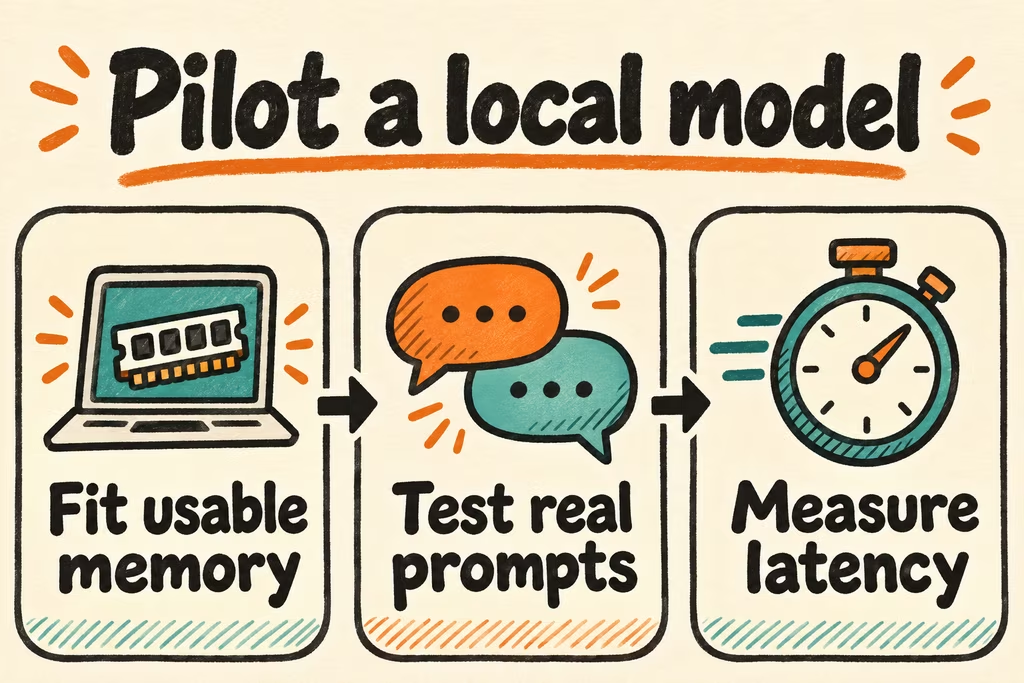
Size a specific local model and context
Install with Ollama’s instructions for the host OS. Choose a local model tag from its library, use ollama pull with that tag and confirm it with a short ollama run request. For an application, the local API base is http://localhost:11434/api by default. Start with the smallest candidate that supports the required language, task and features. Review the model weights’ license separately for your use.
Downloading weights that fit on disk does not mean the live workload fits in memory. A longer context window raises memory use. Record the configured context and placement from ollama ps and watch for offload. Compare models and quantization under the same real input lengths. If every fit forces a quality or latency compromise, a different runtime, approved hosted inference or more memory may be a better decision.
| Your workload | Try first | Check before adoption |
|---|---|---|
| Single-user short text classification or extraction | A compact local model with a short, representative context | Field-level error rate, memory headroom and cold-start time. |
| Long document questions or an agent with tool output | A model and configured context that hold the real request | Information retrieval near the end of the prompt, slower prefill and offload. |
| Internal shared inference endpoint | One model with a small approved concurrency limit | Queue delay, p95 latency, memory spikes and access control. |
Keep local inference on a private path
Ollama’s local FAQ documents binding to loopback by default and a way to disable cloud features. For a local-only deployment use approved local model weights, disable optional cloud access where required and verify where the client sends prompts. For multiple users, require authentication and transport protections at the internal service boundary and restrict which clients can reach the runtime. Do not expose port 11434 directly to the Internet.
Self-hosting cost includes host memory, energy, downtime and support. Score output quality on real samples before buying a GPU. A monthly cloud subscription table by itself is a poor comparison with a model hosting budget.
What Ollama operators discussed on Hacker News
In the discussion about moving large prompts to a self-hosted Ollama setup, SyneRyder emphasized context budget differences. Treat the example as a warning about porting prompt shapes. Record the actual tokenized input and check whether details near its end survive.
In a separate thread about using OpenCode and Ollama on a Mac, darthcircuit preferred a different runtime’s setup and model sizing on a 48 GB machine. That report is about one workflow. Use the same model family and comparable settings if setup or throughput leads you to try another runtime.
Run a go or no-go test on your host
Use approved representative inputs with expected outputs. Define required accuracy, maximum latency and maximum concurrency before changing models. Keep your result logged with exact tag and Ollama version.
- Test two candidate models on a loopback-only installation. Pin the tested tag or digest in your setup record and retain the license and configured context. Reserve headroom for the OS and client.
- Time both a cold request and repeated warm requests. For the generate API, use load, prompt evaluation and generation durations to distinguish loading, prefill and output time. Score the output against the same expected results.
- Repeat at one user and expected peak concurrency. Check memory, offload, p95 and dropped or delayed requests. For a shared deployment confirm the endpoint is unreachable outside the approved access path.
- Keep the smallest configuration that clears the accuracy, latency and access thresholds. Stop a rollout if required context truncates, memory pressure destabilizes the host, or the client routes traffic outside the approved scope.