 Knowledge Library
Decision in brief
Buy the smallest configuration that passes your busiest repeatable workflow with acceptable memory pressure and interaction delay. Choose more memory for a measured limit from simultaneous apps, virtual machines, media, or local models. Read chip and display specs separately so you can name which constraint each upgrade solves.
Compare memory, chips and displays as separate choices
Apple lists 16 GB standard on the 14-inch MacBook Pro with M6, with configurations up to 32 GB. Apple also sells models with M5 Pro or M5 Max, including versions with PROLED XDR Display and touch. Consult the current specification for each size and configuration. The base M6 laptop uses Liquid Retina XDR. The optional PROLED XDR configurations use tandem OLED, and carry different display and chip choices.
Apple silicon's unified memory is a shared resource for the system and its graphics workload. Choose the capacity at purchase. Extra unified memory can help when an app repeatedly swaps under load, but it does not guarantee faster rendering or model inference. Compare memory pressure, throughput and latency separately.
| Workload | What to reproduce | Decision signal |
|---|---|---|
| Web, office and light coding | A representative call with normal tabs and an editor open | Compare the lowest capacity with the next tier only if normal interaction degrades. |
| Development with containers or virtual machines | One full build with the actual services and VM allocations running | Raise capacity when sustained pressure and swap growth coincide with measured delays. |
| Local inference or media creation | Real checkpoint, data, context and background apps | First fit the working set. Then check throughput and export time before choosing the chip tier. |
| Color work or a multi-monitor desk | Your actual brightness, color preset, adapter, monitor resolution and refresh rate | Confirm the exact chip's display support and compare panels for the required job. |
What owners discuss across memory and screen choices
In the M6 announcement discussion, bigwheels asked whether the difference in bandwidth could affect local language model performance. Treat this as a question to test. A checkpoint that fits on two machines can still run at different speeds.
In the separate PROLED XDR launch discussion, chrisfosterelli said touch adds little to their keyboard and mouse workflow. Preview the exact display and interface tools you rely on. Two machines that both meet the memory requirement can support different physical setups.
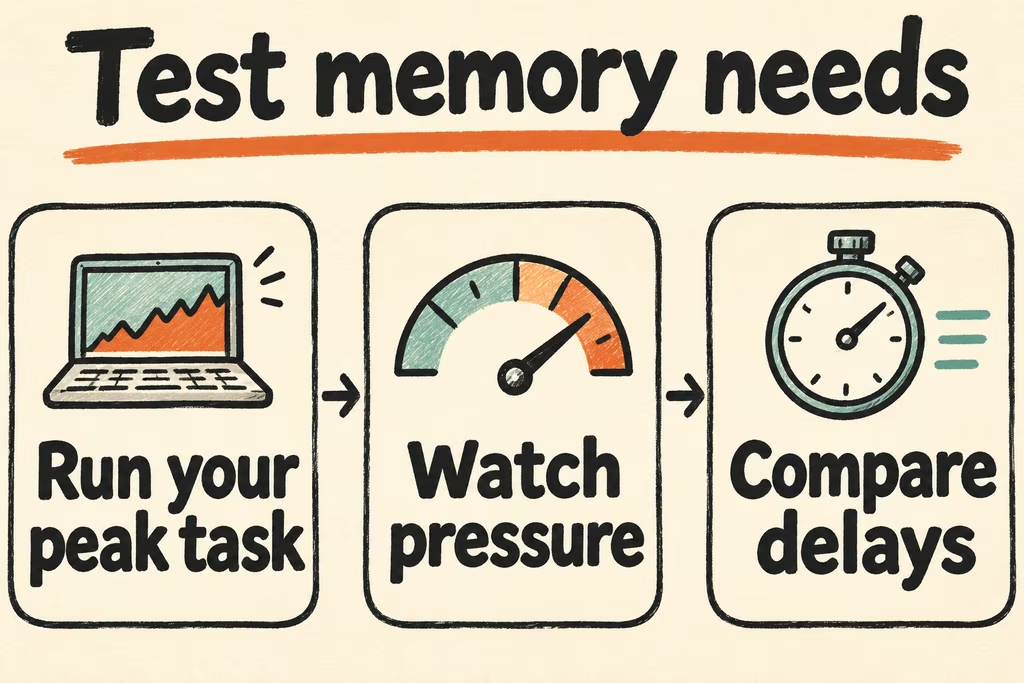
Measure your worst everyday task before ordering
- Write down your simultaneous apps, typical project and slowest acceptable completion time. Include any VM limits, model context or external monitors you normally use.
- Run the task on an existing Mac or an authorized test unit. Log memory pressure and swap change over time. Record actual responsiveness or job time during the busiest period.
- Repeat with the next candidate configuration and the same input, background tasks and display setup. If the working set already fits, compare candidate chips on duration, fan noise or transactions per second rather than buying memory by default.
- Accept the least costly configuration that meets every mandatory workflow and supports the required monitors at their intended settings. Stop if your biggest real task, monitor arrangement or expected support policy remains untested.