 Knowledge Library
Decision in brief
Start with Fizzy when the team wants a straightforward shared board for ideas and issues. Trial Vikunja when the same task needs a board plus list or Gantt views and project sharing. Keep the existing board until you can account for attachments, assignment history and access permissions after migration.
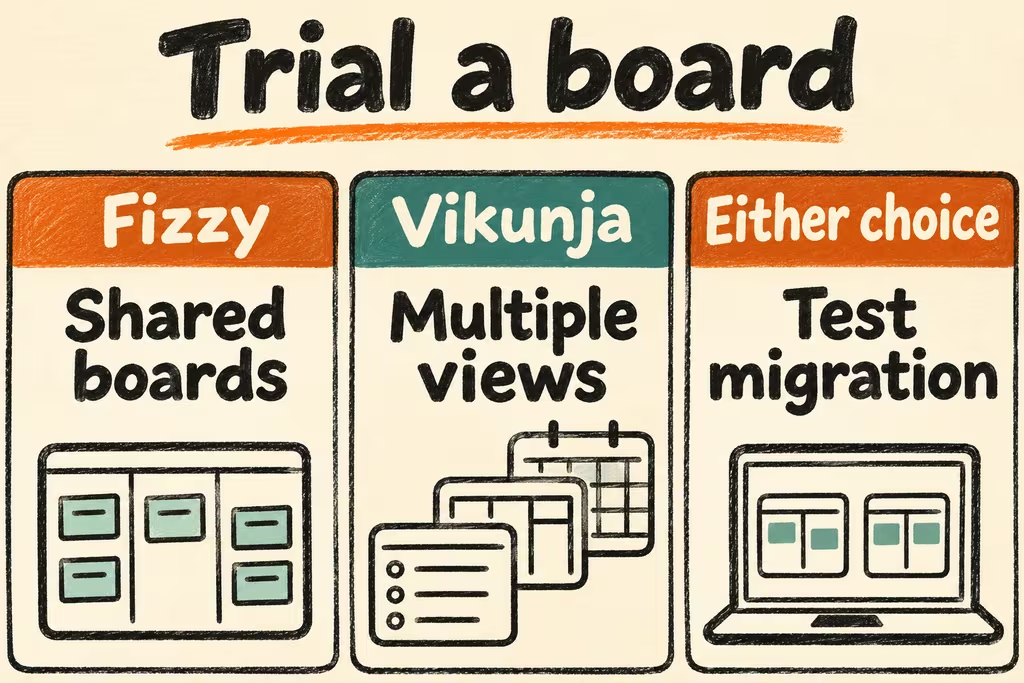
Test the work on the board and the work of maintaining it
Fizzy is 37signals’ Kanban app. Its maintainers document a prebuilt Docker image and persistent storage. Check the terms for the deployment you have in mind and how you will bring a board and its files back after an unsuccessful update.
Vikunja documents project sharing, task assignment and Kanban, list, Gantt and table views. Its administrative CLI can create and restore a dump including its database and files. Test the exact import path, especially if project labels, custom fields or comments are important and come from another product.
| What you need | Start here | Check in staging |
|---|---|---|
| A small team with a straightforward board | Fizzy with a pilot project | Time creating, assigning and moving a card with an attachment and a comment. |
| The same tasks need other planning views | Vikunja | Confirm assignments and dates remain intelligible in both the board and a second view. |
| External participants only need limited access | Compare account and share permissions on both | Invite two roles and confirm each can see and edit only the intended board. |
| Existing automation and history must migrate | Pilot a disposable board before changing tools | Check alerts, identifiers, links, old comments, attachments and a fresh recovery. |
What HN threads reveal about choosing a board
In the Fizzy discussion, TiredOfLife pointed readers to the self-hosting source repository. That option changes who owns upgrades and recovery. Add a timed restore to your product comparison before treating the hosted and self-hosted experiences as interchangeable.
markrai distinguished Scrumboy’s anonymous boards from a proposed multi-project edition with roles and permissions. The post describes a release plan at the time. For any Kanban app, practice each required role in the actual version and edition you would run.
Rehearse a week of handoffs with a copied board
Work on an isolated copy with test users and unimportant attachments.
- Seed 25 cards with the team’s existing statuses, duplicate-looking titles, labels, due dates, comments and links. Measure one import and manually reconcile the highest-priority fields.
- Ask three people with different roles to create, assign, move and locate cards. Confirm the expected notification for a handoff and verify that a role without editing access cannot move a card.
- Back up the board, then restore to a clean instance. Recheck card counts and unique keys, recover two attachments, and compare memberships and permissions.
- Choose the product that meets the team’s agreed handoff time and restores every required field and attachment. Keep the incumbent read-only for the trial and stop if permissions, history or integrations fail the migration checks.