 Knowledge Library
Decision in brief
Start with Radicale when you need personal or shared CalDAV calendars and already have suitable clients. Start with Nextcloud Calendar when you also need a browser interface or already operate Nextcloud. Where external invitations are essential, keep the incumbent calendar until invitations, replies, and updates work with people outside the instance.
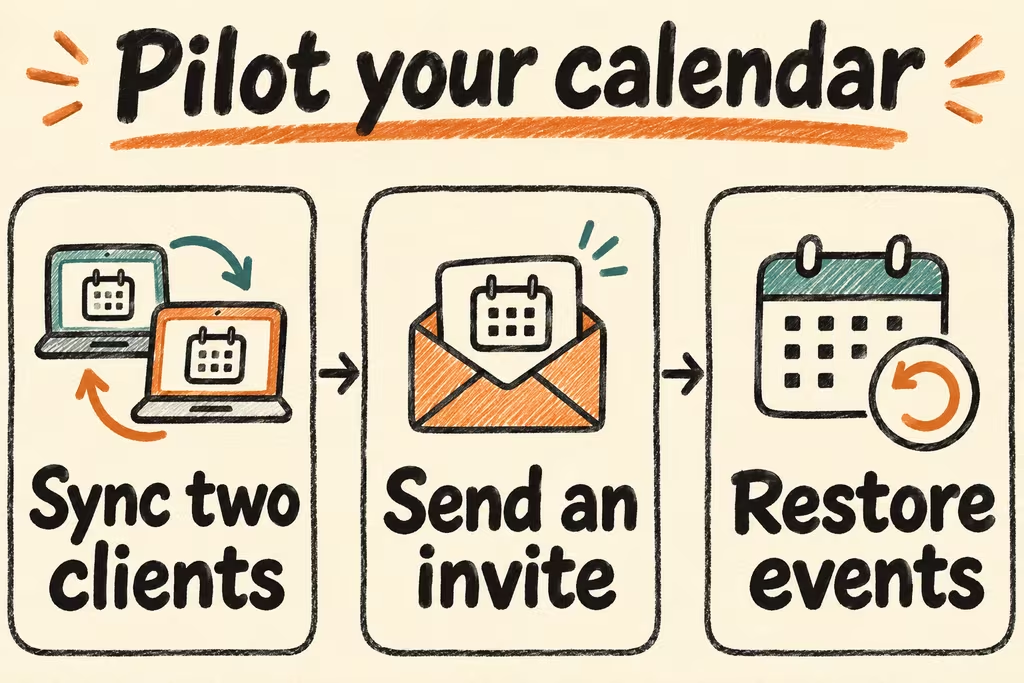
Separate calendar access, scheduling, and recovery
CalDAV syncs a calendar with compatible clients. iPhone can connect through a CalDAV account, and DAVx⁵ is a common Android sync adapter that makes calendars available to compatible calendar apps. Client discovery, app passwords, and the chosen calendar app affect whether the expected calendars actually show up.
Radicale is a focused CalDAV and CardDAV service. Nextcloud Calendar adds a browser UI and can be configured to send invitations and reminders, which introduces mail configuration and delivery checks. Test external RSVP behavior as a separate workflow from event sync. For a restore, save each application's documented persistent data and config; an ICS export is also useful for checking recoverable calendar contents.
| Need | Candidate | Test before cutover |
|---|---|---|
| Personal calendars and contacts with established phone clients | Radicale | Create one calendar, sync in both directions, and confirm access by calendar. |
| Shared calendar with browser editing | Nextcloud Calendar or your existing compatible server | Confirm sharing roles and edits in the browser plus both phone platforms. |
| Invitations across organizations | Compare a managed calendar with a configured Nextcloud pilot | Check invitation delivery, RSVP processing, updates and cancellations with an external account you control. |
| Read-only public feed | Subscribe to it as an ICS feed in a supported client | Measure refresh time and verify it appears as read-only. |
What HN discussions reveal about device fit
In the DAVx⁵ thread, atoav described the role of DAVx⁵ in syncing a Nextcloud calendar and contacts to Android. During your test, check the host account, Android sync adapter, and actual calendar app as three separate pieces.
Kalkee author jafoers wanted keyboard control for selecting a particular hour or day and built a client around that workflow. A compatible sync protocol cannot tell you how easy it will be to edit events. Ask a second user to carry out their usual scheduling tasks on their normal client.
Pilot two clients and a restored calendar
Use an isolated instance, two test accounts, and test-only recipients. Prepare single events, a weekly series crossing a daylight-saving boundary, one edited occurrence, and one cancelled event.
- Import the sample calendar, connect your Android and iPhone or desktop clients, and verify default calendar selection before creating any events.
- Create, edit and delete events from each client. Record whether event times, recurrence exceptions, and read-only and write permissions match on every client.
- If scheduling matters, send a test invitation to a separate external account you control. Accept it, move the meeting, and cancel it. Check both calendars and inboxes after each action.
- Restore into a clean instance and compare the number of events and their recurrence details. Go live only if both clients converge within your agreed delay, permissions are correct, and external updates and cancellations work if needed. Keep the incumbent calendar if events shift time, disappear, or duplicate.