 Knowledge Library
Decision in brief
Use linkding as your first trial when you want a searchable URL collection with browser import and export. Evaluate Karakeep when richer page capture and search justify additional services. Keep your browser export and test a full backup restore if a saved page has value after its URL stops working.
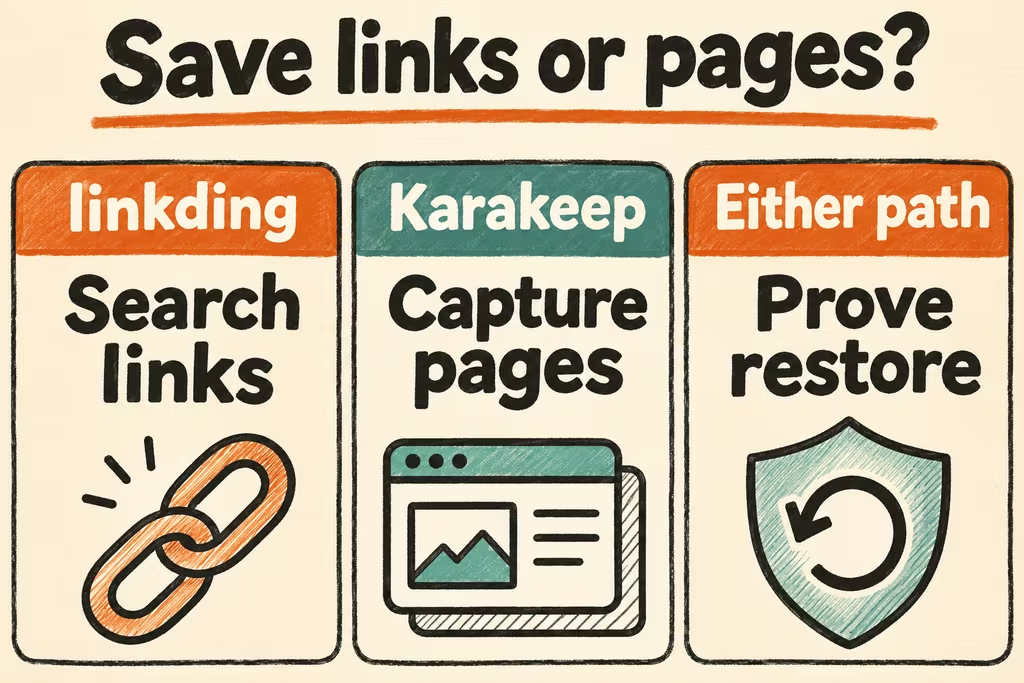
Choose the kind of record you want to keep
Linkding documents Netscape HTML bookmark import and export and supports browser extensions and local HTML snapshots. Its HTML bookmark backup format does not carry every item of application state. For disaster recovery, use the documented deployment backup and verify that your archive files are present on the restored host.
Karakeep documents a container deployment with search and browser capture components and optional AI configuration. Compare search and capture on representative public pages with optional AI disabled first. If you later enable a model or an external archive provider, decide what saved content may leave your instance.
| Need | Starting point | Decision test |
|---|---|---|
| Quick tagging and retrieval across browsers | Linkding | Save from two browsers and find old entries by title and tag without navigating folders. |
| Fuller capture and search of saved reading | Karakeep | Check whether the text you search for becomes searchable and whether an available snapshot stays readable when the source is offline. |
| A list usable outside one app | Browser-compatible HTML export plus a native backup | Verify URLs and titles in a clean browser. Separately restore archived files and any app-only data you depend on. |
| Sensitive or authenticated material | Keep these items outside automatic page capture by default | Inspect settings and run the pilot with public pages and synthetic private data. |
What HN users wanted from old bookmarks
In a linkding discussion, ynac described turning personal bookmarks into a manually maintained collection of categories and reading lists. That suggests a useful evaluation criterion: check whether your tags and categories survive alongside the URLs.
In a Karakeep release thread, KetoManx64 reported moving about 1,000 Firefox bookmarks and finding old items easier to discover in Karakeep. Treat this as a retrieval-test idea. Set aside a few buried bookmarks and measure whether you can find them with the words you actually remember.
Evaluate capture, search, and restore with 30 bookmarks
Choose 30 public URLs and add a few duplicates, nested folders and pages with obscure titles. Include three public test pages you control and can take offline.
- Import a browser HTML export into the test application. Compare distinct URL and title counts. Note how each candidate treats folders, duplicates, and existing tags.
- Capture five new pages from the desktop and phone. Search for ten known saved pages by title, tag, or text as applicable. Record the successful searches and backup size after archiving.
- Turn off access to your own test source and confirm the three archive copies can still be read. Restore the application backup on a fresh instance and repeat the searches.
- Keep the new system if the imported URLs reconcile, at least nine of ten searches succeed, and each required archive opens after restore. Leave critical lists in the browser while you resolve missing entries or inaccessible snapshots.