 Knowledge Library
Decision in brief
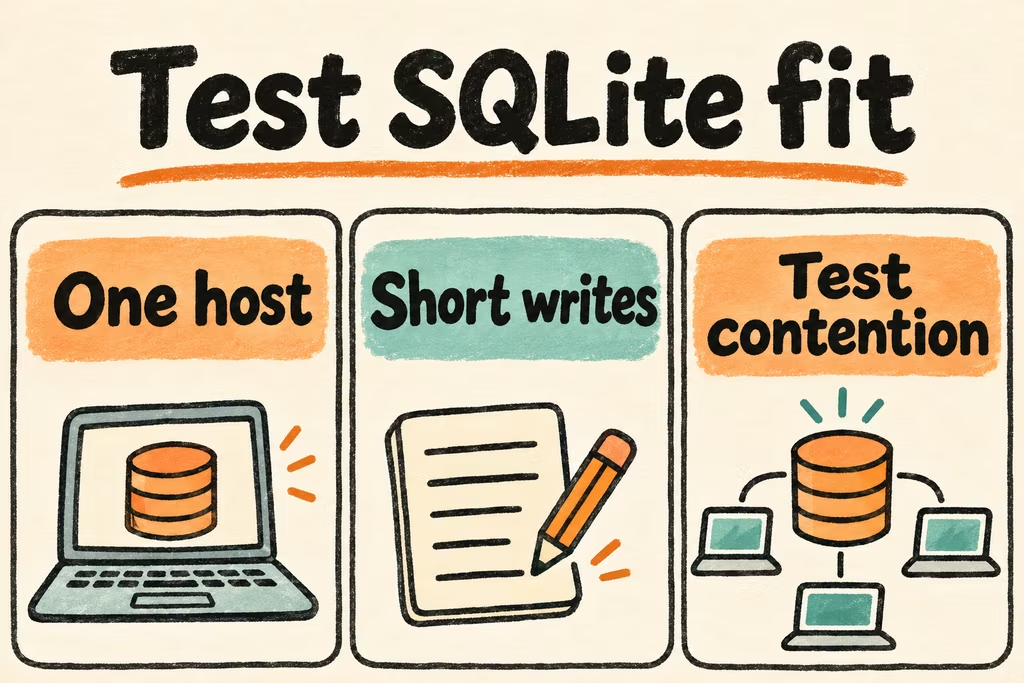
Choose SQLite when the application can own a database file on the same host and can keep writes short enough for the tested concurrency. It is a strong fit for local-first apps, small same-host services and portable application data. Use a server database when multiple hosts need to write shared data directly or contention already violates the application’s latency budget.
A database library embedded in your process
SQLite stores tables and indexes in a file and runs queries in the application process. A SQLite browser or studio is a GUI for inspecting the schema and data. Give it a disposable copy or open read-only where supported. When write-ahead logging is active, use the SQLite backup API or compatible tooling to take a consistent snapshot rather than copying a live database file alone.
WAL lets readers and one writer operate concurrently in many cases. Writes still serialize, and WAL requires the participating processes to be on the same host. Design transactions around application invariants and measure hold times.
| Workload | Use SQLite when | Revisit if |
|---|---|---|
| Desktop, mobile or offline-first application | Each device owns its own file and any sync is implemented explicitly | File copying is being used to reconcile independent writers |
| Small internal web app | Most transactions are short and the service owns local storage | Peak writes cause unacceptable lock waits or the service needs multiple writable hosts |
| Portable report or analysis artifact | The database is a convenient read-mostly format | Bulk analytics require a different scan or storage profile |
| Admin inspection of live data | Use a backup or authorized read-only snapshot | The GUI can write or a live file is being copied without its WAL state |
A portable file and a stressed writer
bashtian introduced Capsule on HN to package web app code and its SQLite-backed data into one file. That is a concrete local-ownership pattern. An offline trial should still establish how the data is recovered if the vendor application cannot open the file.
In the discussion of an unusually high SQLite throughput result, rich_sasha described diagnosing lock contention despite using WAL. That experience is a reason to test the slowest write transaction together with ordinary reads instead of sizing from a headline throughput number.
Run a backup and concurrency drill on a copy
Pin the SQLite library version the app will ship, and choose a fixture with representative data and a realistic burst of writers. Specify a p95 target and an acceptable busy or retry rate.
- Build a fixture on the intended filesystem. Open a snapshot using your GUI and test exports without granting it write access to the staging database.
- Replay reads and writes during a burst and hold one typical transaction open for longer than usual. Record busy errors, retry latency and WAL growth.
- Take a backup through a database-aware interface, restore it to a clean location, and check the schema, counts and important application queries.
- Keep SQLite if contention and recoverability meet the agreed limits. Stop if normal peak traffic repeatedly times out or operations require copying a live database across hosts.