 Knowledge Library
Decision in brief
Use the SQLite Online Backup API or the shell’s .backup command for a scheduled snapshot of a live database. Use VACUUM INTO when a compact copy is useful and its runtime fits. When your data-loss target is shorter than the snapshot interval, evaluate continuous replication and test recovery after losing the original database and disk.
Pick the backup method by how much data you can lose
In write-ahead logging (WAL) mode, committed changes can be in the WAL file while the main file stays unchanged. Copying the main file from an active database can omit those commits. Use a SQLite-aware snapshot mechanism. If relying on a cold filesystem copy, stop every writer, close SQLite connections cleanly, and verify that the files represent a complete recoverable database. Never discard a WAL file to make a backup smaller.
The Online Backup API creates a consistent snapshot and supports an incremental copy. Use VACUUM INTO to create a compact consistent copy in a fresh destination, then verify completion before marking the artifact ready. Establish a successful-backup age alert. Encrypt and retain verified backups off-host, and keep the keys and runtime dependencies needed to open them.
| Need | Method to try | Measure |
|---|---|---|
| Recurring online snapshot | Online Backup API or sqlite3 .backup | Snapshot duration, write impact and age of the latest verified copy |
| Compact snapshot | VACUUM INTO to a fresh file | Free disk space, runtime and validated destination |
| Recovery close to the last write | Continuous WAL-based replication with a tested restore path | Latest restorable commit and restore time after source host loss |
| Migration or rollback with downtime | Quiesced backup plus versioned application artifacts | The old application can open and use the restored database |
What HN users learned about historical reads and restarts
On the Litestream VFS thread, bencornia highlighted querying an older replica view without a full database restore. Historical reads can help investigate a mistake. Also rehearse booting a fresh application from a materialized restore if losing the host is in scope.
In a separate OpenRun discussion, ajayvk explained that deploying without persistent local storage can make an object-store restore part of each application startup, and a large database can lengthen that startup. Measure normal restart and disaster recovery separately.
Restore a backup to a clean application instance
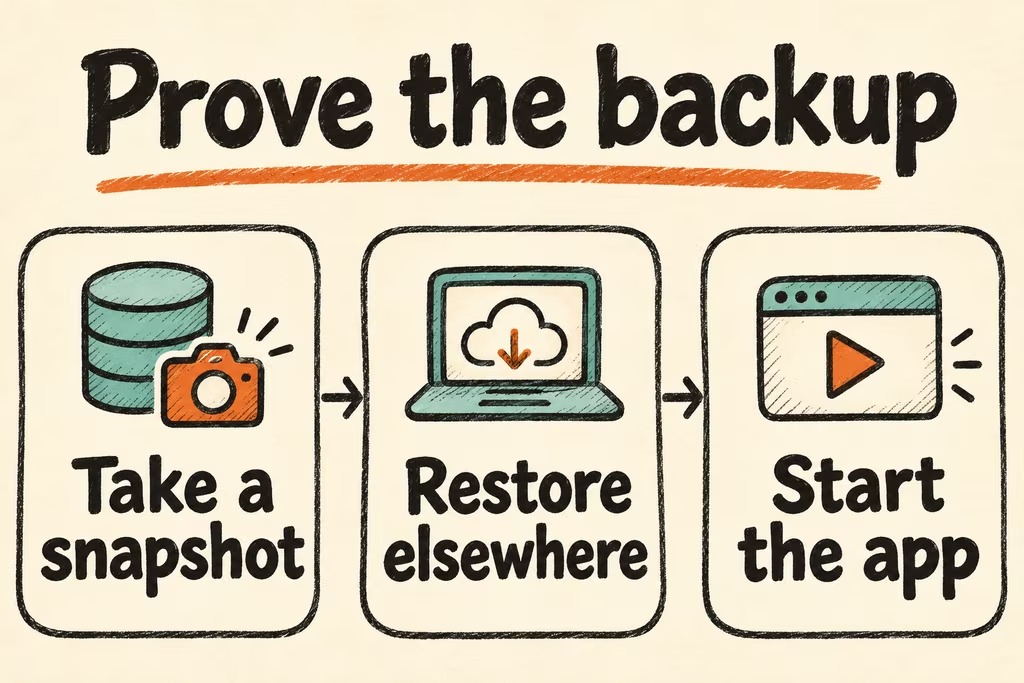
Run the drill against a disposable copy and a scoped backup destination. Set a recovery-point objective for acceptable loss and a recovery-time objective for downtime.
- Seed timestamped rows before and during representative writes, then capture a snapshot with .backup or the application’s backup API. Record completion time, artifact checksum, size and application write latency.
- Retrieve the backup on a clean host. Open it using the intended application runtime and SQLite version. Run PRAGMA integrity_check and PRAGMA foreign_key_check. Expect ok from the former and no violations from the latter.
- Check the exact known committed rows expected at the recovery point and exercise application reads and a disposable write. Record the latest restored commit and time from restore start to healthy service.
- Accept only if application checks, data-loss and downtime targets pass. Stop a rollout if the newest viable artifact is too old or opening it requires local files or credentials absent during the drill.