 Knowledge Library
Decision in brief
Shortlist Valkey when you depend mostly on Redis OSS 7.2-era commands, require BSD-licensed server code, or want a particular managed Valkey deployment. Keep Redis when your application depends on tested Redis-specific modules, commands or provider features. A Redis client connecting to Valkey proves basic protocol compatibility. It leaves on-disk migration, application behavior, operations and rollback to be tested.
Edition, license and migration paths
Valkey is based on Redis OSS 7.2.4 and uses the BSD 3-Clause license. Redis publishes separate license terms by version. Review the license text applicable to the artifact and hosting arrangement you plan to use.
| Server and version | Published license choices | Migration implication |
|---|---|---|
| Valkey | BSD 3-Clause | Use the target version's compatibility and migration guide. Verify module, backup and provider support separately. |
| Redis OSS through 7.2 | BSD 3-Clause | Valkey documents compatible protocol, configuration and data formats for this source family. Rehearse snapshot or supported replication with exact versions. |
| Redis Community Edition 7.4 through 7.8 | RSALv2 or SSPLv1 | Valkey documents that data files from Redis CE 7.4 or later are incompatible. Use a supported logical/key-level transfer or rebuild a disposable cache. |
| Redis Open Source 8 and later | RSALv2, SSPLv1 or AGPLv3 | Inventory any Redis-specific features and modules. Test logical transfer on a staging fixture before starting a production move. |
Valkey vs Redis in Python applications
Valkey supports RESP2 and RESP3 and documents connectivity with existing Redis client libraries. For Python, pin the exact version of your current client or Valkey client and run the same integration suite twice with different configured endpoints. Check the full feature surface the application relies on, including pipelines, Lua, transaction retries, TLS, ACLs, cluster handling and result decoding.
Start with a disposable fixture containing a string with a TTL, a hash, an ordered set and a stream with a pending consumer entry if the app uses Streams. Compare the values and expiration windows after transfer. Validate reconnect and failure behavior before moving durable session data. A working PING confirms connectivity and leaves these behaviors untested.
Valkey vs Redis performance: design a useful benchmark
HN submitter md3911027514 shared a benchmark reporting higher write throughput for one Valkey configuration. The title advertises a 37% gain, and the post was a link submission without an accompanying HN discussion in this snapshot. Scope any claim to the benchmark's hardware, release, settings and command mix. Treat Dragonfly as a distinct third engine if you want a Valkey vs Redis vs Dragonfly comparison, and run the same application and recovery tests on it.
- Pin each engine version and run in an isolated environment with the same CPU limit, memory limit, network path, TLS policy, key distribution, payload sizes and persistence requirements.
- Warm the cache and measure an application mix of reads, writes, pipelining and expiration. Run enough repetitions to compare p50, p95, p99, errors, throughput and memory, then repeat the load while a restart or failover is rehearsed.
- Add the worst burst you see in production. If one candidate only wins on synthetic SET throughput and fails on latency, data survival or eviction, keep the incumbent for that workload.
What the HN operational cases add
In a Show HN post, BetterDB creator kaliades said transient slow logs could lose context before an operator investigated an overnight incident, so their tool retained slow-command history and client context for Valkey and Redis. Treat this as a tool-builder's report. It suggests an observability checklist for a pilot, including whether slow-command history, alerts and latency baselines survive a switch.
In a second post, the same author described a three-stage transfer workflow with compatibility analysis, execution and validation. Those posts come from one builder, not two independent deployments. The version split is corroborated directly by the Valkey migration guide. Use a staged rehearsal and verify transferred state with application checks as well as key counts.
A safe Redis-to-Valkey cutover and rollback
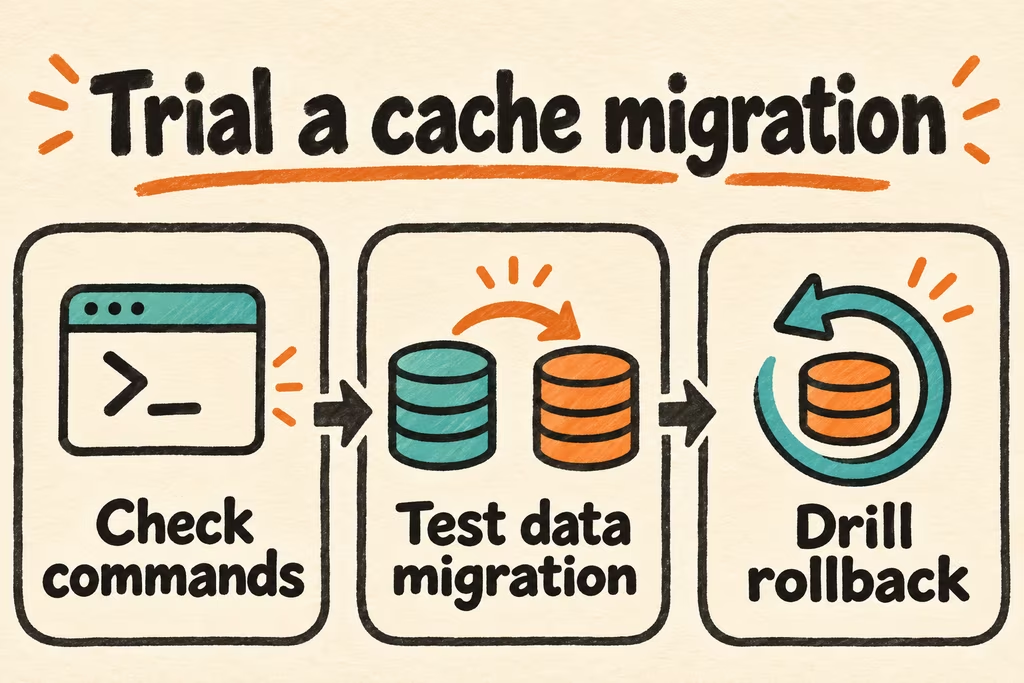
Classify the data first. A disposable cache can often be warmed on the target after an endpoint canary. Queues, session state, locks and agreed idempotency keys need a state inventory, a cutover watermark and a rollback method that accounts for newly accepted writes.
- Inventory the source version, commands, modules, persistence mode, authentication, cluster topology and managed service features. Choose the official migration path for that version and run it against a sanitized staging fixture.
- Check representative values and types, TTL drift, keyspace counts by namespace, stream progress and replication or transfer lag. Run cold-cache and normal load with the application client before switching a small cohort.
- Write down the go/no-go conditions for errors, tail latency and correctness. Preserve the source snapshot and keep the source service available until the rollback window ends. Before directing traffic back, reconcile writes accepted by the target since cutover using a tested reverse path or a deliberate write freeze.
- Treat the migration as failed if any required command, protected namespace or failover step lacks a verified counterpart. A license or provider preference still needs a workable deployment.