 Knowledge Library
Decision in brief
Decide how far back you may need to recover and how long the application may stay unavailable. Use a verified logical dump when portability and object-level restoration are more important than continuous recovery. Pair a compatible base backup with the engine's change logs for finer-grained point-in-time recovery. Keep at least one recoverable copy outside the original host's failure domain and test it using a separate recovery identity.
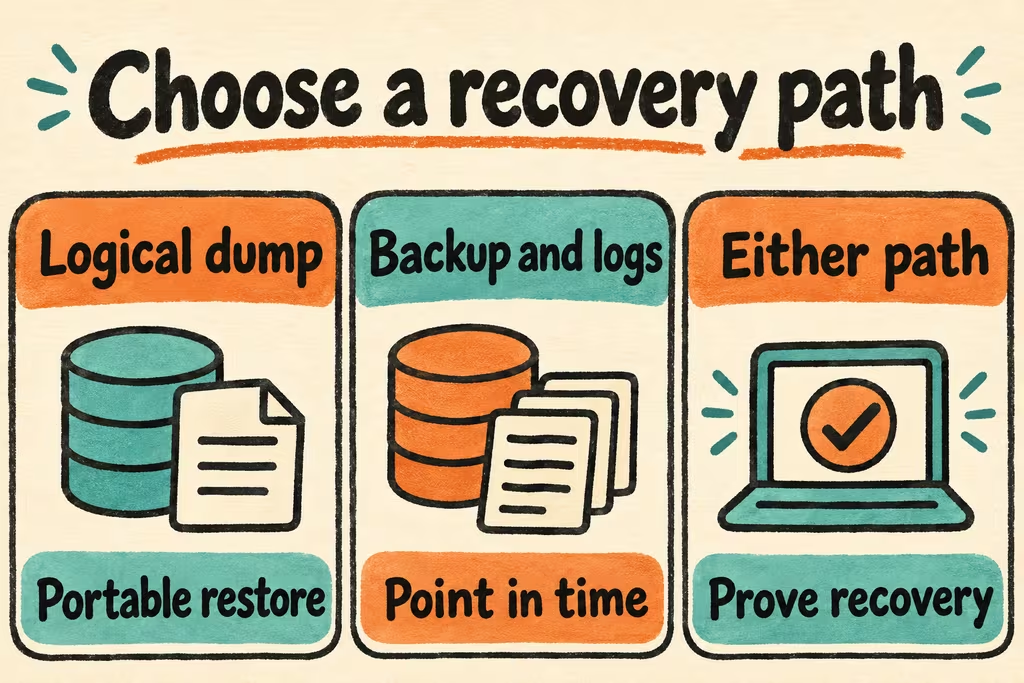
Choose the artifact by recovery goal
A logical export can be useful for a small database or for selected objects. Include the roles, extensions, configuration, and application secrets needed for recovery through separate approved mechanisms. Test compatibility with the version on the recovery host.
PostgreSQL point-in-time recovery uses a physical base backup and the required sequence of write-ahead logs. MySQL can use binary logs to replay changes after a full backup. For a live SQLite database, use a consistent copy mechanism such as the online backup API. Track archive completeness, encryption keys, and measured restore time.
| Recovery goal | Artifact to test | Proof before relying on it |
|---|---|---|
| Move a small database or restore selected objects | Logical export and a manifest of dependent roles and extensions | Restore into a clean target and run application reads and writes. |
| Recover to just before an erroneous batch | A compatible base backup plus continuous WAL or binary logs | Recover to a recorded timestamp and confirm which synthetic changes exist. |
| Replace an application-owned SQLite file after disk loss | Consistent backup stored outside the original disk | Reopen the restored file with the deployed app and verify rows and expected data age. |
| Recover after losing an environment or its main credentials | An independently accessible encrypted copy and a documented recovery identity | Have another operator obtain the artifact and keys without the failed host or its secrets. |
Two HN examples that inform a restore checklist
In the Restoredrill launch, ahmadpiran flagged the possibility that an automated drill could keep succeeding against the same stale file. Require a timestamp or fixture written after the previous backup and check its expected presence during each drill.
In the EterDB discussion, hasyimibhar pointed out that reversing a dropped table cannot bring back application writes that failed during the outage. After any simulated data-loss event, reconcile client requests, retry outcomes, and the records visible after restoration.
Restore twice from a clean environment
- Set recovery time and data-loss targets. Use synthetic staging data and record sequence markers before each planned backup. Inventory what the app needs beyond the database, including network routes, schema versions, roles, and encryption keys.
- Pretend the source host is gone. Have a second operator locate the latest eligible copy, verify its expected freshness, restore it onto a clean host, and time the first successful application transaction.
- Run a second drill with a deliberately bad staging write and a requested earlier recovery point. Check which markers exist, inspect missing client IDs, and rehearse replaying or resolving work received after the recovery point.
- Approve when the runbook meets downtime and data-loss limits and another operator can complete it unaided. Stop if recovery requires the failed host, current credentials from that host, missing logs, or data that the tested artifact does not contain.